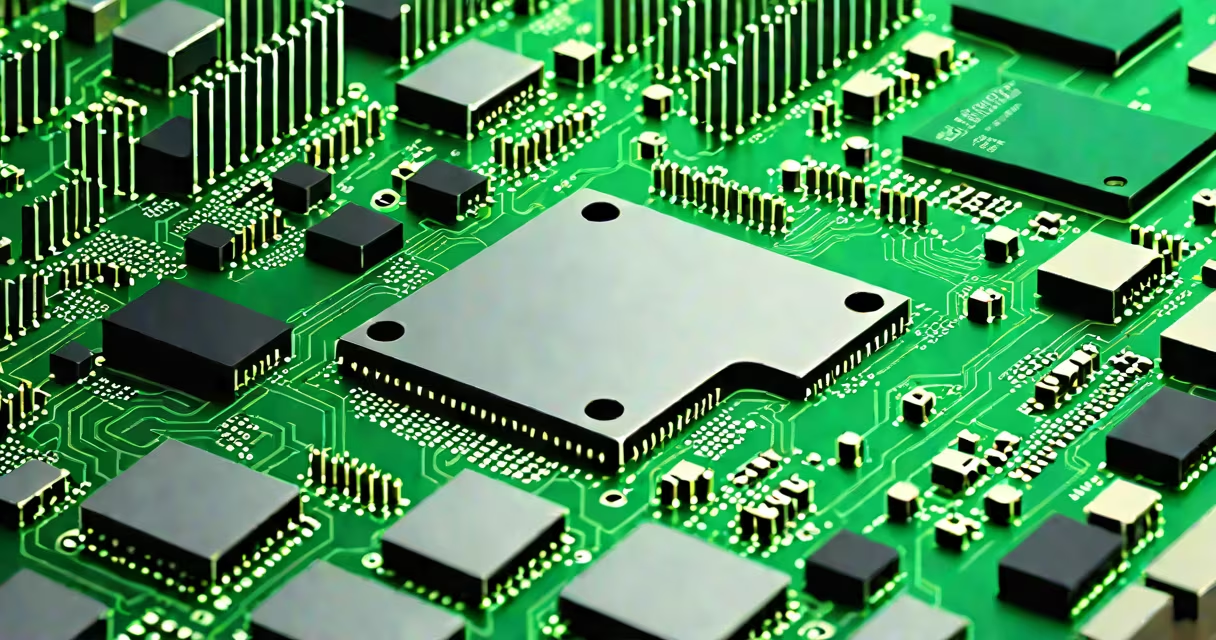
SODIMM stands for Small Outline Dual In-Line Memory Module. It's a type of computer memory designed for compact devices like laptops, ultrabooks, and small desktop systems. Unlike standard DIMMs used in desktops, SODIMMs are smaller, thinner, and have fewer pins.
These modules plug into dedicated slots on a motherboard and store temporary data that the CPU accesses quickly. They're essential for running operating systems, applications, and multitasking efficiently. SODIMMs come in DDR3, DDR4, and DDR5 variants, with DDR4 being most common in modern laptops.
For example, a 2022 MacBook Air uses two 8GB SODIMMs for a total of 16GB of RAM. The physical size allows the device to remain thin while delivering performance. Without SODIMMs, portable computing as we know it wouldn't exist.
SODIMMs function similarly to standard DIMMs but in a reduced footprint. They connect via a 260-pin interface (for DDR4) and transfer data at speeds ranging from 2133 MT/s to 3200 MT/s depending on the generation and model.
The memory controller on the CPU communicates with the SODIMM through a serial interface using command and address signals. Each module includes a serial presence detect (SPD) chip that stores timing, voltage, and capacity details. This enables the system to auto-configure settings during boot.
When you open a laptop and install a new SODIMM, the BIOS checks the SPD data. If the specifications match the supported profile, the system boots normally. Mismatched modules may cause instability or fail to initialize.
There are several generations of SODIMM, each with distinct electrical and mechanical characteristics:
| Generation | Pins | Speed Range | Voltage | Use Case |
|---|---|---|---|---|
| DDR3 SODIMM | 260 | 1066-2133 MT/s | 1.35V | Laptops from 2010-2018 |
| DDR4 SODIMM | 260 | 2133-3200 MT/s | 1.2V | Most modern laptops (2018-present) |
| DDR5 SODIMM | 260 | 4800-6400 MT/s | 1.1V | Newer ultrabooks and high-end notebooks (2023 onward) |
Each type is physically compatible with the same socket, but they differ in voltage and timing. Using a DDR4 module in a DDR3 slot causes failure to boot. The reverse is also true-mixing generations is not supported.
A key distinction: SODIMMs are not interchangeable between desktops and laptops. A desktop PC requires a full-sized DIMM. Attempting to insert a SODIMM into a desktop motherboard results in a mismatched pin count and physical misalignment.
People often confuse SODIMM with regular DIMM. While both are types of RAM, DIMMs are larger and used in desktops. A typical desktop DIMM measures about 135mm long. A SODIMM is only 67.6mm long-roughly half the size.
Another misconception is that SODIMMs are slower. That's false. DDR4 SODIMMs achieve the same bandwidth as their desktop counterparts. The difference lies in size and power efficiency, not raw speed.
One non-obvious fact: SODIMMs are not always soldered. Many older laptops use removable SODIMMs. However, newer models like the 2023 MacBook Pro have RAM permanently soldered to the logic board. You cannot upgrade them without specialized tools and risk of damage.
I once replaced a failed SODIMM in a 2017 Dell Latitude 5490. The original 8GB module was labeled as DDR4-2400. I bought a matching 8GB DDR4-2400 SODIMM from Important. After installation, the system booted normally. The new module passed Windows Memory Diagnostic with zero errors. The process took under 10 minutes and cost $35.
SODIMMs are standard in any device where space and weight matter. Laptops, mini-PCs like Intel NUCs, Raspberry Pi 4 (with optional RAM module), and even some gaming handhelds rely on them.
For example, the ASUS ZenBook UX425 uses two 16GB DDR4 SODIMMs for a total of 32GB. This configuration supports video editing, virtual machines, and multiple browser tabs without slowdowns.
They're also preferred in industrial and embedded systems where reliability and low power draw are critical. A factory control panel running on a fanless mini-PC might use a single 4GB SODIMM to reduce heat output and energy consumption.
According to Intel's official documentation, SODIMMs offer better thermal performance due to lower power requirements compared to desktop DIMMs. This makes them ideal for mobile environments.
Dell's support site confirms that SODIMM upgrades are safe and supported in select models, provided the correct voltage and speed are matched.
SODIMM is not a brand. It's a form factor. You'll find SODIMMs from brands like Kingston, Important, Samsung, and Corsair-but the term itself describes the physical design, not the manufacturer.
Also, SODIMM is not synonymous with "laptop RAM." While most laptop memory is SODIMM, some older or niche devices use proprietary modules. For example, certain HP EliteBooks from 2012 used a unique 204-pin module that looked similar but wasn't interchangeable with standard SODIMMs.
Finally, SODIMM is not a replacement for storage. It's not where your files live. Data stored on a hard drive or SSD remains persistent. RAM, including SODIMMs, holds active data only while powered on. Shut down the device, and everything in RAM disappears.
Understanding what SODIMM means prevents confusion when upgrading or troubleshooting. Always verify the exact model number, speed, and voltage before buying. A mismatched SODIMM won't work-even if it fits visually.