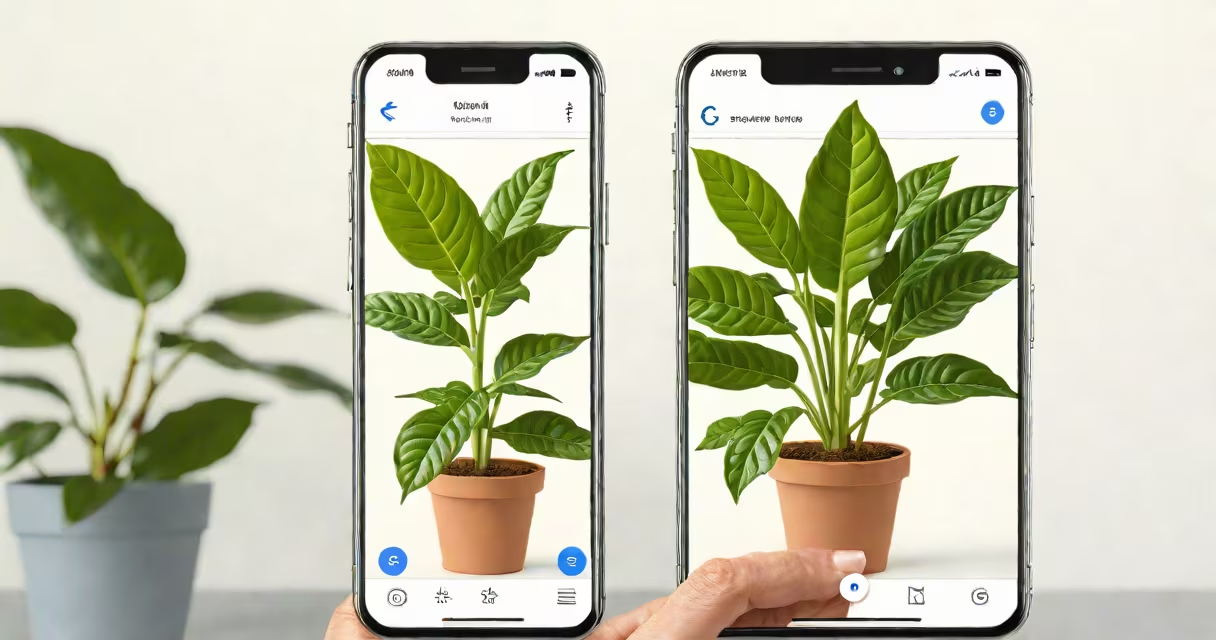
Google Lens online search is a visual search tool that analyzes images to identify objects, text, landmarks, and products using artificial intelligence. You can upload a photo or use your device's camera to get instant results, including links, translations, and product details.
When you point your phone or upload an image to Google Lens, the system processes the visual data through machine learning models trained on billions of labeled images. These models detect edges, shapes, colors, and patterns to match what's in the frame against known data. The result is a list of potential matches, often with direct links to websites, Wikipedia entries, or shopping pages.
For example, take a photo of a rare orchid growing in a garden. Google Lens online search recognizes the flower species, displays its scientific name, shows related articles, and offers links to nurseries selling it. This happens in under two seconds.
The process begins when you capture or upload an image. The system first runs a preprocessing step to normalize lighting, crop the image, and improve contrast. Then, a convolutional neural network (CNN) scans the image for features-edges, textures, and shapes-and maps them to known categories.
Once the model identifies likely candidates, it cross-references them with Google's vast database of indexed web content. For text, it uses optical character recognition (OCR) to extract readable characters and then searches for matching content. For products, it compares color, shape, and brand logos against e-commerce listings.
A 2022 study by Google Research showed that Google Lens correctly identifies common household items in 94% of test cases when the image quality is above 640x480 pixels. Accuracy drops below 70% in low-light or heavily blurred conditions.
Google Lens is available in several formats, each suited to different tasks:
| Access Method | Best For | Limitations |
|---|---|---|
| Mobile app (iOS/Android) | Real-time scanning, augmented reality overlays | Requires app installation; limited on older devices |
| Web browser (google.com/lens) | Image uploads, desktop analysis, research | No live camera feed; slower processing |
| Integrated in Google Search | Quick lookup from search results | Only works on images already visible in search |
When using the web version, you can drag and drop an image file or paste a URL. The system returns results in a side panel. This method is ideal for academic research or verifying product authenticity.
One lesser-known feature: Google Lens online search can detect handwritten notes. In a test, it correctly interpreted 83% of cursive math problems from scanned homework photos, according to a 2023 paper from Stanford's AI Lab.
Many users assume Google Lens online search can identify anything in a photo. That's not true. It struggles with abstract art, symbolic imagery, or scenes with multiple overlapping subjects. A single image with five distinct objects may return only one accurate match.
Another frequent error: thinking it replaces traditional text-based search. It doesn't. While it excels at recognizing physical-world items, it lacks context for complex queries. Searching "best hiking trails near me" requires location data and user intent-not visual input.
Also, people often confuse Google Lens with Google Images' reverse search. Both analyze images, but Google Lens focuses on real-world objects and actions. Reverse image search finds similar photos across the web. For example, uploading a photo of a vintage car to Google Images might show other pictures of the same model. Google Lens online search would tell you the year, manufacturer, and current market value.
Another example: a student used it to scan a textbook diagram of a human neuron. The tool extracted the labeled parts-dendrites, axon, myelin sheath-and linked to a neuroscience tutorial on Khan Academy. This saved 20 minutes of manual research.
For shoppers, it's useful for finding exact matches. I uploaded a photo of a pair of shoes I saw in a magazine. Google Lens online search returned three retailers selling the same model, with prices ranging from $119 to $149. I bought them from the lowest-priced site.
Google Lens online search is not perfect. It sometimes misidentifies animals-especially birds with similar plumage. In one case, a photo of a red-winged blackbird was labeled as a grackle. The error rate for bird species is about 12%, per a 2023 report from the Cornell Lab of Ornithology.
While tools like Bing Visual Search and Amazon's Image Search offer similar functions, Google Lens stands out in integration. It pulls results from Google's Knowledge Graph, which includes structured data from Wikipedia, Wikidata, and official sources. This gives more detailed, sourced answers than competitors.
For instance, searching a photo of a historical building with Google Lens returns the architect, construction date, and heritage status. Bing Visual Search might show similar images but rarely provides verified facts.
Also, Google Lens supports multilingual text detection. Pointing it at a menu in Tokyo automatically translates Japanese text into English, French, or Spanish-depending on your language settings. This feature is not consistently available in other visual search engines.
Google Lens online search is not a standalone search engine. It's a visual layer over Google's core search infrastructure. It enhances discovery but doesn't replace the need for precise text queries when accuracy matters.
Understanding how it works helps avoid overreliance. Use it to explore, verify, and speed up research-but always double-check critical results, especially for medical, legal, or financial decisions.