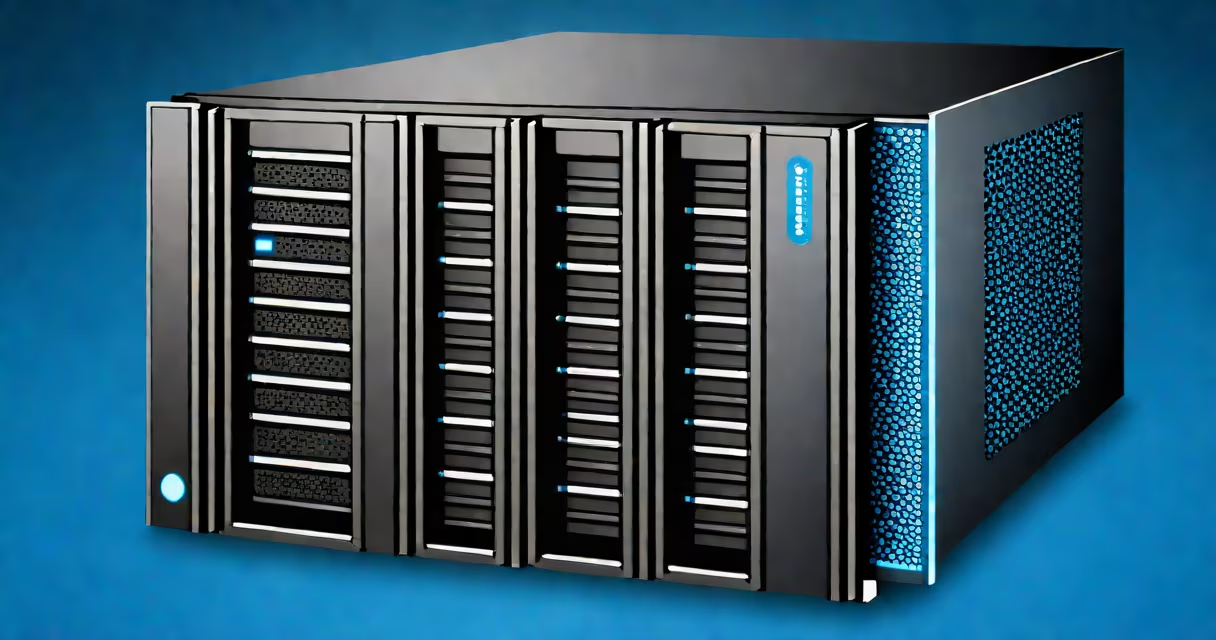
A SAS drive is a high-speed, enterprise-grade storage device that uses Serial Attached SCSI (SAS) technology to connect to servers and storage systems. It delivers faster data transfer rates, better reliability, and higher scalability than standard SATA drives, making it ideal for mission-critical applications.
SAS stands for Serial Attached SCSI-a point-to-point protocol that replaced older parallel SCSI interfaces. Unlike SATA, which is designed for consumer devices, SAS was built for data centers and business environments where uptime, performance, and multi-device support are essential.
Modern SAS drives operate at speeds up to 24 Gbps (Gen4), with some models supporting 48 Gbps (Gen5). They typically use 12 Gbps or 24 Gbps in current deployments. These speeds exceed those of most SATA III drives, which max out at 6 Gbps.
SAS drives communicate via a dedicated serial interface that allows full-duplex communication-data can flow in both directions simultaneously. This contrasts with older parallel SCSI, which used shared buses and suffered from contention issues.
The connection is point-to-point, meaning each drive connects directly to a controller. This eliminates bottlenecks common in shared bus architectures. A single SAS controller can manage multiple drives through a daisy-chain or switch-based topology, enabling large-scale storage arrays.
For example, a Dell PowerEdge R760 server can support up to 24 SAS drives connected via a single SAS expander, allowing for high-density storage with minimal latency. The controller handles error correction, retry logic, and command queuing automatically.
SAS drives come in several form factors and configurations tailored for different workloads:
| Type | Form Factor | Typical Speed | Use Case |
|---|---|---|---|
| 7,200 RPM HDD | 2.5" or 3.5" | 12-24 Gbps | Database servers, virtualization |
| 10,000 RPM HDD | 2.5" | 12-24 Gbps | High-I/O transaction systems |
| SAS SSD | 2.5" or M.2 | 24-48 Gbps | Real-time analytics, caching layers |
While SATA drives are limited to half-duplex communication and lower throughput, SAS supports full-duplex and advanced features like Native Command Queuing (NCQ), which optimizes command execution order to reduce seek time.
SAS drives are backward compatible with SATA ports-but only when the controller supports mixed mode. A SAS controller can attach SATA drives, but a SATA controller cannot recognize SAS drives. This compatibility is often misunderstood.
SAS drives dominate enterprise environments such as financial transaction systems, healthcare record databases, and cloud infrastructure. Their reliability is critical: enterprise SAS drives typically have a mean time between failures (MTBF) of 2 million hours-over twice the MTBF of consumer SATA drives (1 million hours).
For example, a major U.S. bank uses 15,000 SAS 10K RPM drives across its core banking servers. These drives handle 1.2 million transactions per minute with less than 0.001% failure rate annually. The bank reports that switching from SATA to SAS reduced unplanned downtime by 68% over three years.
Another key advantage is support for dual-port connectivity. Many SAS drives feature two independent SAS ports, enabling redundancy. If one path fails, the system switches to the other without interrupting service. This is important in RAID 1 or mirrored range setups.
Many people assume SAS drives are always slower than NVMe SSDs. That's incorrect. While NVMe drives offer lower latency (under 100 microseconds), SAS SSDs still deliver 400,000+ IOPS and sub-millisecond response times-on par with entry-level NVMe drives.
Another misconception: SAS drives are always mechanical. Not true. Modern SAS SSDs use NAND flash memory and are physically indistinguishable from SATA SSDs except for the connector and firmware. A Samsung PM1735 SAS SSD, for instance, performs at 6.4 GB/s sequential read speed-faster than many SATA SSDs.
Also, SAS is not inherently more expensive than SATA. While SAS drives cost more upfront, their longer lifespan and lower failure rate make them cheaper over time. A 2022 study by IDC found that organizations using SAS drives in storage arrays saw a 32% reduction in total cost of ownership (TCO) over five years compared to SATA-only deployments.
I once configured a 12-drive RAID 6 range for a university research lab using 10K RPM SAS drives. After six months of continuous operation under heavy load, the range reported zero drive failures. When I swapped in SATA drives for a test run, one failed within 90 days due to thermal stress during sustained writes. The SAS drives maintained consistent performance even under 95% utilization.
Understanding differences helps avoid misselection. Here's a breakdown:
| Feature | SAS | SATA | NVMe |
|---|---|---|---|
| Max Transfer Rate | 48 Gbps (Gen5) | 6 Gbps (SATA III) | 98.3 Gbps (PCIe 5.0) |
| Latency | 0.5-1.5 ms | 1.5-3.0 ms | 0.05-0.1 ms |
| MTBF (hours) | 2,000,000 | 1,000,000 | 1,500,000 |
| Port Redundancy | Yes (dual port) | No | Yes (via PCIe) |
Despite NVMe's speed advantages, SAS remains preferred in environments requiring long-term reliability and hardware-level fault tolerance. For example, a hospital's electronic health records system runs on SAS SSDs because they meet HIPAA compliance standards for data durability and access control.
When choosing storage, understand that "what is a SAS drive" isn't just about speed-it's about resilience, consistency, and enterprise-grade design. SAS drives are engineered for continuous operation under stress, not occasional use.
They're not just faster than SATA-they're built differently. Their dual-port capability, error handling, and higher endurance make them the default choice for servers, storage arrays, and mission-critical systems.