The best mbps speed for residential use is 200-500 Mbps for most households, balancing cost, availability, and performance. This range handles 4K video, online gaming, and multiple connected devices simultaneously without buffering or lag.
Internet speed measured in megabits per second (Mbps) determines how quickly data travels between your device and the web. A higher Mbps count means faster downloads, smoother video calls, and lower latency during gaming. The best mbps speed depends on household size, activity type, and service availability.
For example, a family of four using Zoom, Netflix, YouTube, and two gamers online simultaneously requires at least 300 Mbps. A single user doing light browsing and streaming may function well at 100 Mbps. Speeds above 500 Mbps offer diminishing returns unless you're running a home office with large file transfers or hosting servers.
Bandwidth is the maximum amount of data transferred per second. Mbps measures this flow. When you stream a movie, your device requests data from a server. Higher Mbps means the data arrives faster, reducing wait time and buffering.
Latency-the delay between sending a request and receiving a response-is separate from Mbps but affects perceived speed. High Mbps doesn't eliminate lag; low latency does. For gaming or video conferencing, both high Mbps and low latency matter.
Example: Downloading a 5 GB movie at 100 Mbps takes about 6 minutes. At 500 Mbps, it takes less than 1.5 minutes. However, actual speed varies due to network congestion, distance from the server, and hardware limits.
Not all internet connections deliver the same Mbps speeds. The type of infrastructure determines performance ceilings.
| Connection Type | Typical Speed Range | Best For |
|---|---|---|
| Dial-up | 56 Kbps | Basic email, old systems |
| DSL | 10-100 Mbps | Single users, rural areas |
| Cable | 100-1,000 Mbps | Urban homes, average households |
| Fiber | 250-1,000+ Mbps | High-demand users, future-proofing |
Fiber-optic lines transmit data via light pulses, offering symmetrical upload and download speeds. Cable uses coaxial cables, which can degrade under heavy load. Fiber is the most reliable option for consistent best mbps speed.
According to the Federal Communications Commission (FCC), 95% of Americans have access to at least 25 Mbps download speed. But only 43% can access 100 Mbps or higher. Availability varies by ZIP code.
Streaming services recommend specific Mbps levels. Netflix suggests 25 Mbps for 4K content. Amazon Prime Video recommends 15 Mbps for HD, 25 Mbps for 4K. If your speed drops below these thresholds, playback stutters.
Gaming requires stable, low-latency connections. A 100 Mbps connection allows quick game downloads and responsive gameplay. However, even 300 Mbps won't fix poor server routing or high ping. The best mbps speed reduces packet loss but doesn't eliminate network issues beyond your control.
Remote work demands reliable bandwidth. A 100 Mbps connection supports 10 people in a video call with screen sharing. At 200 Mbps, multiple teams can run simultaneous meetings without audio dropouts.
Non-obvious fact: Many ISPs advertise "up to" speeds. Actual delivery often averages 70-80% of the advertised rate. A plan labeled "500 Mbps" may deliver 350-400 Mbps on average. Always test speed using Speedtest.net during peak hours.
People often confuse Mbps with MBps. Mbps stands for megabits per second. MBps is megabytes per second. One byte equals eight bits. So 100 Mbps equals about 12.5 MBps. Downloading a 1 GB file at 100 Mbps takes roughly 80 seconds, not 10.
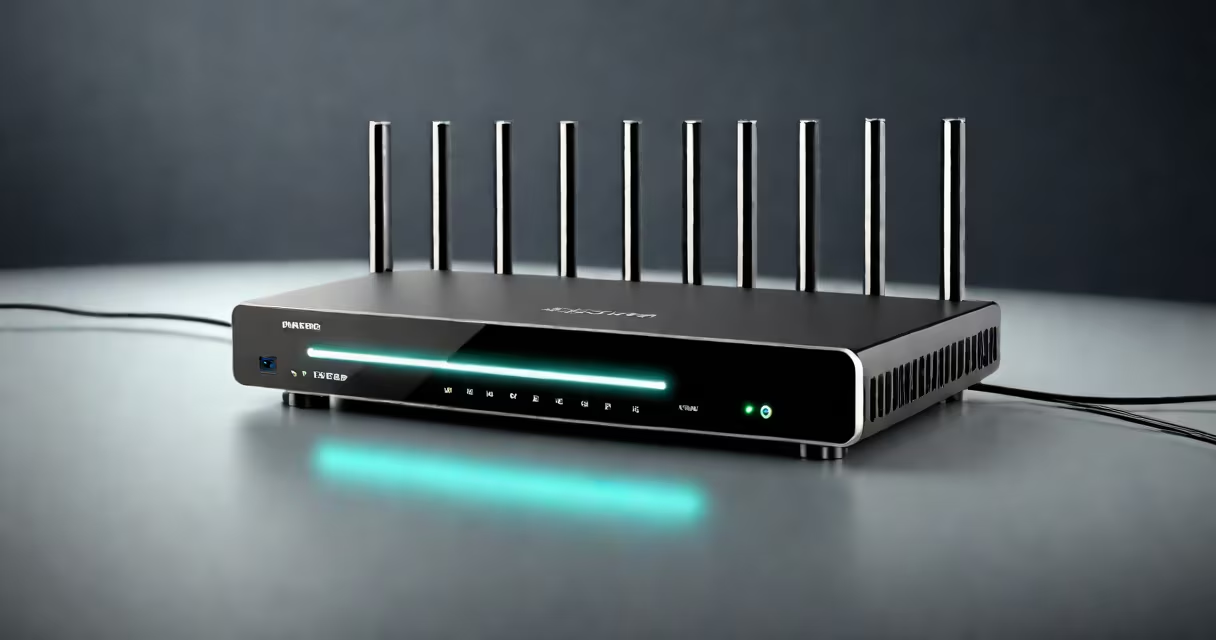
Another myth: More Mbps always means better performance. If your router is outdated, it can bottleneck even a 1 Gbps connection. A Wi-Fi 4 router maxes out at 300 Mbps, regardless of your plan. Upgrading to Wi-Fi 6 or a mesh system improves real-world throughput.
I once tested a 1 Gbps fiber plan through a 2015 model router. Despite the provider's claim of 1,000 Mbps, the router limited my speed to 320 Mbps. Replacing it with a newer model unlocked the full bandwidth. The best mbps speed is only effective if your entire setup supports it.
Use this checklist to determine your ideal speed:
For most families, 300 Mbps is sufficient. For power users-content creators, remote developers, or those with smart homes-500 Mbps or higher offers headroom. Fiber plans above 1 Gbps are rare and expensive, usually unnecessary unless you run a business from home.
Test your current speed with Speedtest.net. Compare results with your plan's promised speed. If you consistently fall short, contact your ISP. Ask for a line check or consider switching providers.
When upgrading, prioritize infrastructure. A 1 Gbps plan won't perform well with a 2010-era modem. Replace modems and routers to match your new speed tier. Consider a mesh Wi-Fi system if dead zones exist.
The best mbps speed is not a single number-it's the right balance between your needs, available technology, and budget. Most households thrive on 200-500 Mbps. Confirm your actual speed, upgrade hardware as needed, and avoid overspending on unused capacity.