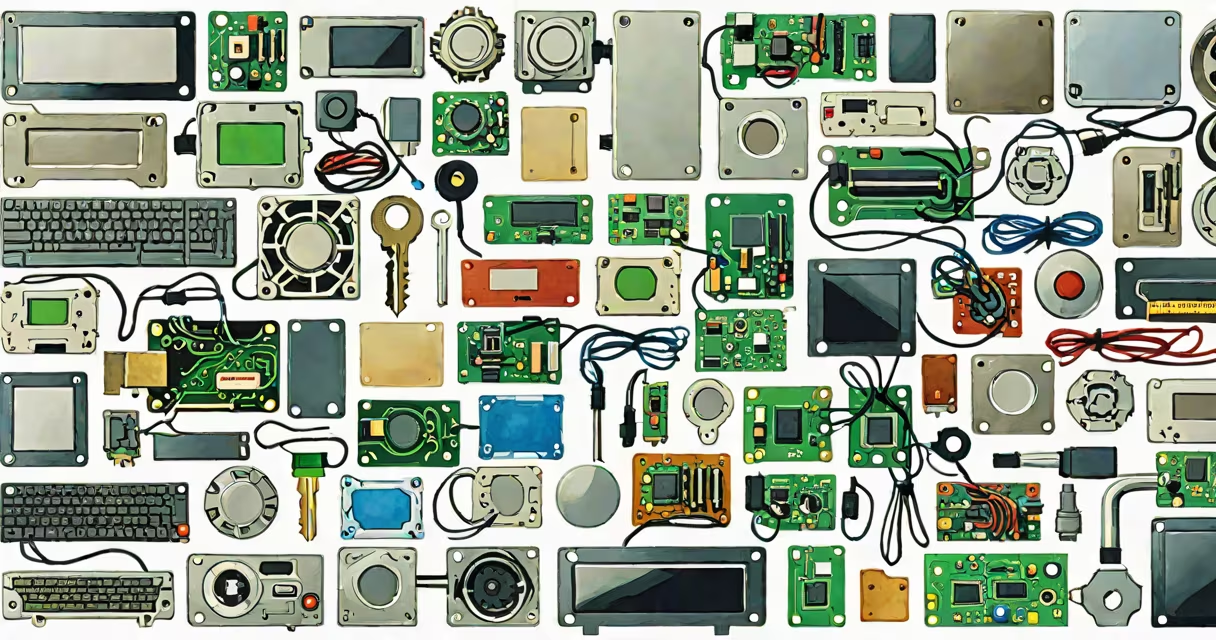
A computer hardware components list identifies the physical parts inside a desktop or laptop that perform computing tasks. These components include the central processing unit (CPU), memory (RAM), storage drives, motherboard, graphics card (GPU), power supply, and cooling systems. Each part handles specific functions essential to system operation.
The CPU executes instructions from software. It processes data at high speed and manages input/output operations. Modern CPUs have multiple cores-typically 4 to 16-to handle parallel tasks efficiently. For example, Intel's Core i7-13700K has 20 cores (8 performance + 12 efficiency) and runs at up to 5.4 GHz boost frequency. This chip powers many high-end desktops and workstations.
RAM stores temporary data for active programs. It enables quick access to information the CPU needs. A typical modern system uses 16 GB of DDR5 RAM, which transfers data at speeds up to 5,600 MT/s. Without sufficient RAM, applications slow down or crash. A 32 GB configuration supports video editing, virtual machines, and large datasets.
| Component | Function | Common Specifications |
|---|---|---|
| CPU | Executes program instructions | Intel Core i7/i9, AMD Ryzen 7/9, 4-16 cores |
| RAM | Stores active data | 16-64 GB, DDR4/DDR5, 3200-5600 MHz |
| Storage | Holds operating system and files | SSD: 500 GB-4 TB NVMe PCIe 4.0; HDD: 1-4 TB SATA |
| Motherboard | Connects all components | ATX, micro-ATX; supports CPU socket, RAM slots, PCIe |
| GPU | Processes graphics and compute tasks | NVIDIA RTX 4070, AMD Radeon RX 7800 XT; 8-16 GB VRAM |
| Power Supply | Delivers stable electricity | 650-1000 W, 80 Plus Gold certified |
The motherboard acts as the central hub. It connects the CPU, RAM, storage, GPU, and peripherals via expansion slots and ports. It uses a chipset-like Intel's Z790 or AMD's B650-that determines supported features such as PCIe lanes, USB versions, and overclocking capability. Motherboards come in sizes: ATX (full-size), micro-ATX (compact), and mini-ITX (small form factor).
Storage devices hold the operating system, applications, and user data. Solid-state drives (SSDs) use flash memory and deliver faster boot times and file access than traditional hard disk drives (HDDs). An NVMe SSD connected via PCIe 4.0 can read data at over 7,000 MB/s. A 1 TB NVMe drive costs around $80-$120. HDDs still serve for bulk storage due to lower cost per gigabyte-around $0.02/GB versus $0.10-$0.20 for SSDs.
The GPU renders images, videos, and animations. Integrated GPUs (iGPUs) are built into the CPU and handle basic display output. Discrete GPUs like NVIDIA's GeForce RTX 4090 feature dedicated VRAM (24 GB GDDR6X), ray tracing cores, and AI acceleration. They're essential for gaming, 3D rendering, and machine learning workloads. A single high-end GPU can consume 450 watts under load.
Power supplies convert AC wall current into stable DC voltages for internal components. They're rated by wattage (e.g., 750W) and efficiency tier (80 Plus Bronze, Silver, Gold, Platinum). A 750W 80 Plus Gold unit maintains over 90% efficiency under typical loads. Poor-quality PSUs can cause instability or damage. Reputable brands include Corsair, Seasonic, and EVGA.
Cooling systems manage heat generated by the CPU and GPU. Air coolers use metal fins and fans. Liquid cooling systems circulate coolant through blocks attached to hot components. A 240mm radiator with dual 120mm fans can dissipate 200 watts of thermal output. High-performance systems often use closed-loop liquid coolers with pre-filled tubes and integrated pumps.
These components interact through standardized interfaces. The CPU connects to the motherboard via a socket (e.g., LGA 1700 for Intel, AM5 for AMD). RAM plugs into DIMM slots. Storage devices connect via SATA or M.2 NVMe slots. Graphics cards insert into PCIe x16 slots. All must match in voltage, pin count, and protocol.
Common confusion arises between RAM and storage. RAM is volatile-data disappears when power cuts. Storage persists even when off. Another mix-up is thinking the GPU only handles games. While important for gaming, GPUs accelerate scientific simulations, cryptocurrency mining, and AI training. A single NVIDIA A100 GPU delivers 312 teraflops of FP16 performance.
One overlooked detail: compatibility. Not all motherboards support every CPU. For example, AMD's Ryzen 7000 series requires AM5 sockets and DDR5 RAM. Mixing older DDR4 RAM with a new AM5 board causes failure to boot. Always verify compatibility using tools like CPU Benchmark or Tom's Hardware.
When upgrading, always check power delivery. A 300-watt GPU may require a 750W PSU with adequate PCIe power cables. Some systems need extra 8-pin connectors for the GPU. Overloading a PSU leads to crashes or component burnout.
Understanding the computer hardware components list allows accurate system building, troubleshooting, and upgrades. Knowing how each part contributes to performance helps avoid mismatched configurations. Whether assembling a budget machine or a high-end rig, clarity on core components prevents wasted time and money.