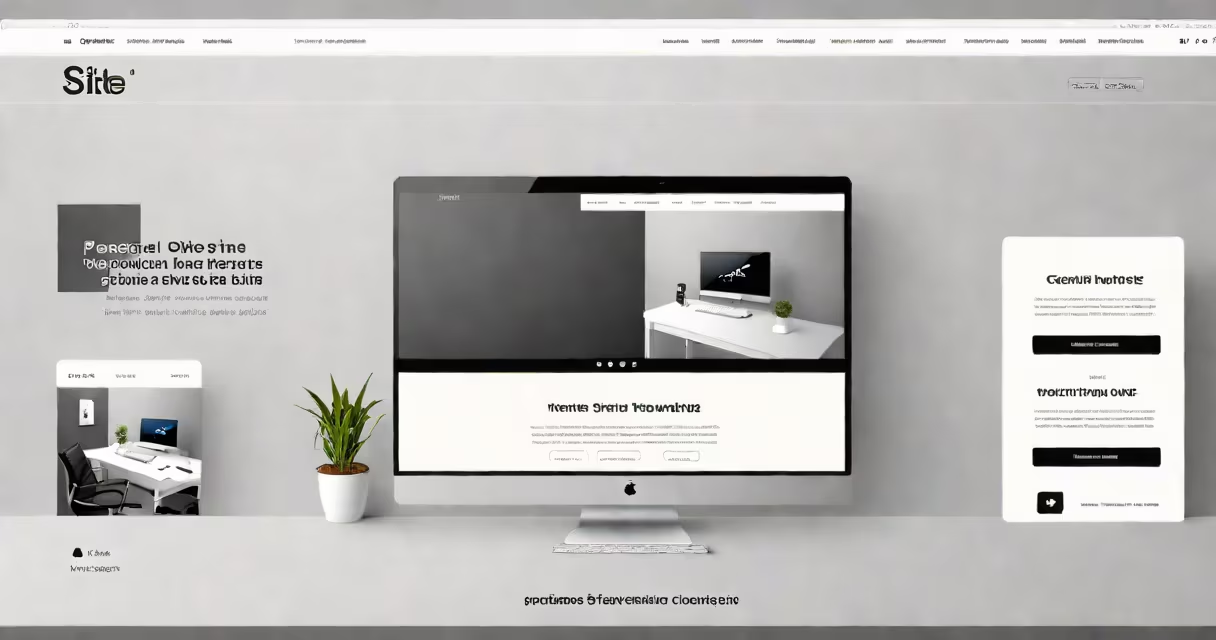
A personal site html template is a ready-to-use collection of HTML, CSS, and optionally JavaScript files designed to create a standalone website without requiring a content management system or web development structure. It provides structure, styling, and basic functionality for a single person's online presence-such as a portfolio, blog, or resume-without relying on complex tools.
These templates are typically structured around a few core files: index.html (the homepage), styles.css (for visual design), and possibly script.js (for interactive elements). They're meant to be opened in a browser, edited locally with a text editor, and uploaded to a hosting service like Netlify, GitHub Pages, or Vercel.
Unlike changing websites powered by platforms like WordPress or React, a personal site html template runs entirely client-side. No databases, no backend servers, no dependencies beyond a modern browser. This makes them lightweight, fast, and easy to maintain.
When you open a personal site html template in a browser, the HTML file defines the page's structure-headings, paragraphs, images, links. The CSS file controls appearance: colors, fonts, spacing, responsive layout. JavaScript, if included, adds behavior like mobile menu toggles or form validation.
Editing is straightforward. Open the.html file in a text editor like VS Code or Sublime Text. Replace placeholder content-like "Your Name" or "Welcome to my site"-with your own text, photos, and links. Save the file, then refresh the browser to see changes.
Once updated, upload the entire folder to a static site host. For example, pushing to GitHub and enabling GitHub Pages lets anyone access your site via a public URL like https://yourusername.github.io/personal-site.
Personal site html templates vary in complexity. Here are common categories:
| Type | Best for | Key features |
|---|---|---|
| Minimalist | Portfolios, resumes, simple blogs | Single-page layout, no JavaScript, accessible design |
| Multi-page | Content-heavy sites, personal journals | Navigation menu, separate pages (about, projects, contact) |
| Responsive | Mobile-first audiences | Flexible grids, media queries, touch-friendly buttons |
| Dark mode | Visual appeal, reduced eye strain | Toggle switch, CSS variables for theme switching |
Most templates include a favicon.ico file for the browser tab icon, a robots.txt file to control search engine indexing, and a CNAME file for custom domains on GitHub Pages.
One non-obvious detail: many templates use relative paths for assets. Instead of src="/images/photo.jpg", they use src="https://wezorajewels.com/images/photo.jpg". This ensures files load correctly whether hosted locally or on a server.
Individuals use personal site html templates to showcase work, share ideas, or build a digital identity. A freelance designer might use a multi-page template to display a portfolio with project galleries, testimonials, and a contact form.
Another example: a student building a personal blog about climate science. They choose a minimalist template with a clean font stack, dark mode toggle, and embedded RSS feed support. After adding posts in Markdown and converting them to HTML using a simple script, the site becomes a functional blog with no backend.
Personal site html templates are not the same as website builders like Wix or Squarespace. Those tools generate HTML behind the scenes and lock users into proprietary systems. Templates give direct access to the source code-no vendor lock-in.
They're also not the same as CMS themes. A WordPress theme requires a server running PHP and MySQL. A personal site html template doesn't need any server software-it runs on static files.
Some assume these templates require advanced coding. But most are designed for beginners. You don't need to know JavaScript to update text or swap images. You only need to understand basic HTML tags like <img src="..." alt="> and <a href="...">>.
I built my first personal site using a free template from GitHub. I replaced the placeholder text with my resume details, added a photo, and changed the color scheme using CSS variables. Within two hours, it was live on GitHub Pages. No setup, no configuration, no fees.
Static sites built from personal site html templates are faster, cheaper, and more secure than changing alternatives. They load instantly because they don't wait for server processing. They're immune to SQL injection and other backend exploits.
According to Google's Core Web Vitals, static sites score higher on performance metrics like Largest Contentful Paint (LCP) and Cumulative Layout Shift (CLS). A 2023 report from HTTP Archive found that 85% of the top 100,000 websites use static assets, with many relying on HTML-only structures for key pages.
For individuals who want full control over their digital footprint, a personal site html template offers a direct path to publishing online. It's not just a tool-it's a foundation for ownership, privacy, and long-term sustainability.
Start with a simple personal site html template. Customize it. Host it. Share it. Your online identity begins with a single file.