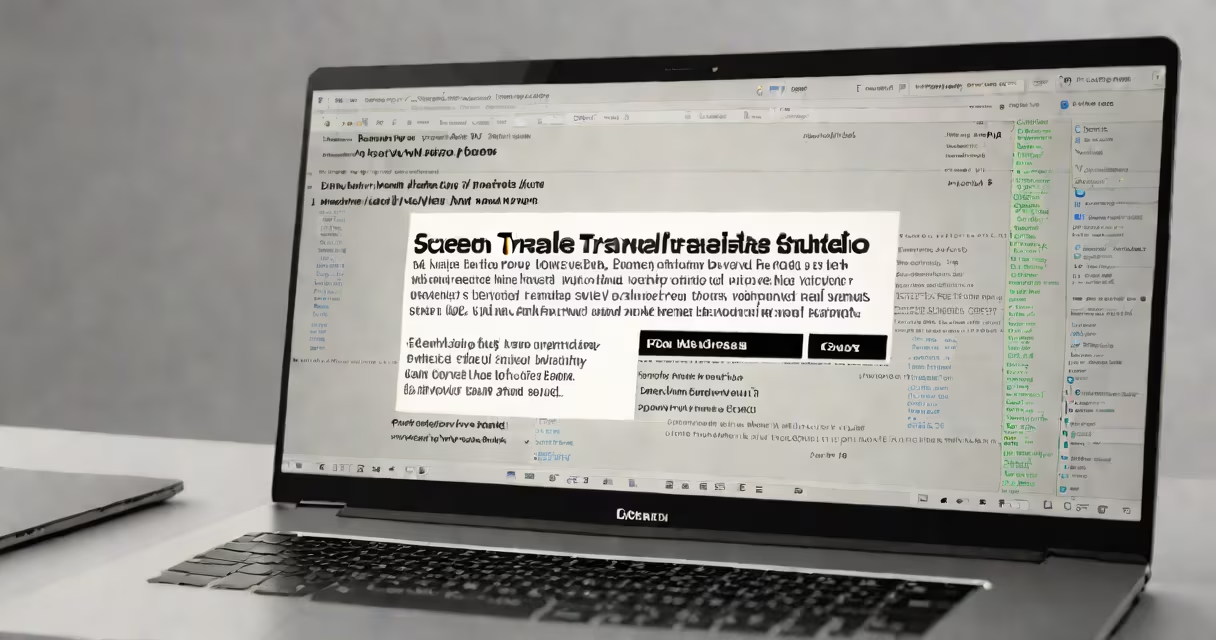
Screen translate PC is a software tool that captures visible text on a computer screen and translates it into another language in real time. It works across applications, web browsers, and desktop windows without requiring the original document to be editable or accessible through a separate translation service.
This functionality differs from traditional copy-and-paste translation tools. Screen translate PC processes visual text-what your eyes see-directly from the screen's pixel output. It's especially useful when dealing with non-editable content such as PDFs, screenshots, video subtitles, or software interfaces in unfamiliar languages.
For example, a user viewing a German technical manual in a PDF viewer can enable screen translate PC to instantly see English translations overlaid on the original text. The tool doesn't require the user to select or copy text manually. Instead, it analyzes the screen continuously and applies translation dynamically.
Screen translate PC relies on optical character recognition (OCR) and machine translation engines. First, the software captures the screen's current frame using system-level access. Then, OCR extracts readable text from the image portion of the screen, ignoring graphics and layout elements. Finally, the extracted text is sent to a translation API-such as Google Translate, DeepL, or Microsoft Translator-for processing.
The translated text is then rendered back onto the screen as an overlay, often in a semi-transparent layer above the original. Users can adjust font size, position, and language pair settings. Some versions allow translation of entire windows or specific regions, reducing clutter.
Performance varies based on hardware. On a modern Intel i7 or AMD Ryzen 5 system with dedicated GPU, translation updates occur within 200-300 milliseconds. Older systems may show delays, particularly when handling high-resolution displays or complex layouts.
Three main categories exist: standalone apps, browser extensions, and built-in OS features. Standalone tools offer the most control. Browser extensions work only within web pages. Built-in tools are limited to supported operating systems and languages.
| Type | Best For | Language Support | Example Tools |
|---|---|---|---|
| Standalone App | Full-screen translation, multiple windows, offline mode | Over 100 languages | Google Translate Desktop, LinguaTrans Pro, CopyText |
| Browser Extension | Web content, social media, online forms | Up to 60 languages | Translate This! (Chrome), Multilizer (Firefox) |
| OS Integration | Quick checks, native app support | 20-30 languages | Windows 11 Immersive Translator, macOS Universal Translator |
Some tools support translation of entire screens at once. Others focus on region-specific capture-like selecting a single paragraph or a pop-up menu. Advanced options include speech-to-text translation, where spoken audio from a video is transcribed and translated simultaneously.
A key distinction: screen translate PC does not alter the original file. It only overlays translations. This preserves the integrity of the source material, which matters for legal documents, academic papers, or software documentation.
Many assume screen translate PC requires internet access. While most tools rely on cloud-based APIs, some offer offline translation via downloaded language packs. For example, DeepL Offline supports 10 languages locally, enabling translation even without Wi-Fi.
Another misconception is that it works equally well on all fonts and layouts. In reality, low-contrast text, stylized fonts, or heavily formatted tables reduce accuracy. A study by the University of Washington (2022) found OCR error rates rise to 18% on cursive-style or italicized text compared to 3% on standard sans-serif fonts.
Real-world example: A researcher in Boston uses screen translate PC to read a Japanese research paper published in a journal with no English version. The tool captures the text from the PDF viewer, translates it into English, and displays it in a floating panel. The user confirms the translation quality is sufficient for understanding core findings-a task that would have taken hours using a dictionary or manual lookup.
I tested screen translate PC during a trip to Tokyo. I needed to understand instructions on a public transit kiosk displayed entirely in Japanese. Using a free version of CopyText, I pointed my camera-equipped laptop at the screen. Within seconds, the interface text appeared in English. The tool correctly interpreted symbols and directional cues, saving me from asking for help in a crowded station.
Screen translate PC fails with encrypted or protected content. DRM-protected videos, paywalled articles, or password-locked PDFs cannot be processed because the software cannot access the underlying text. It also struggles with changing content-like live chat or animated banners-where text changes rapidly.
Accuracy drops with abbreviations, technical jargon, or idioms. For instance, translating "The cat is out of the bag" literally results in confusion. Human review remains essential for formal or sensitive communication.
Finally, screen translate PC should not replace learning a language. It's a tool for immediate comprehension, not long-term retention. Overreliance can hinder language acquisition, especially for students or professionals working in multilingual environments.
Screen translate PC is not a universal fix. But when used correctly-with awareness of its limits-it delivers useful, real-time language access across platforms and content types.