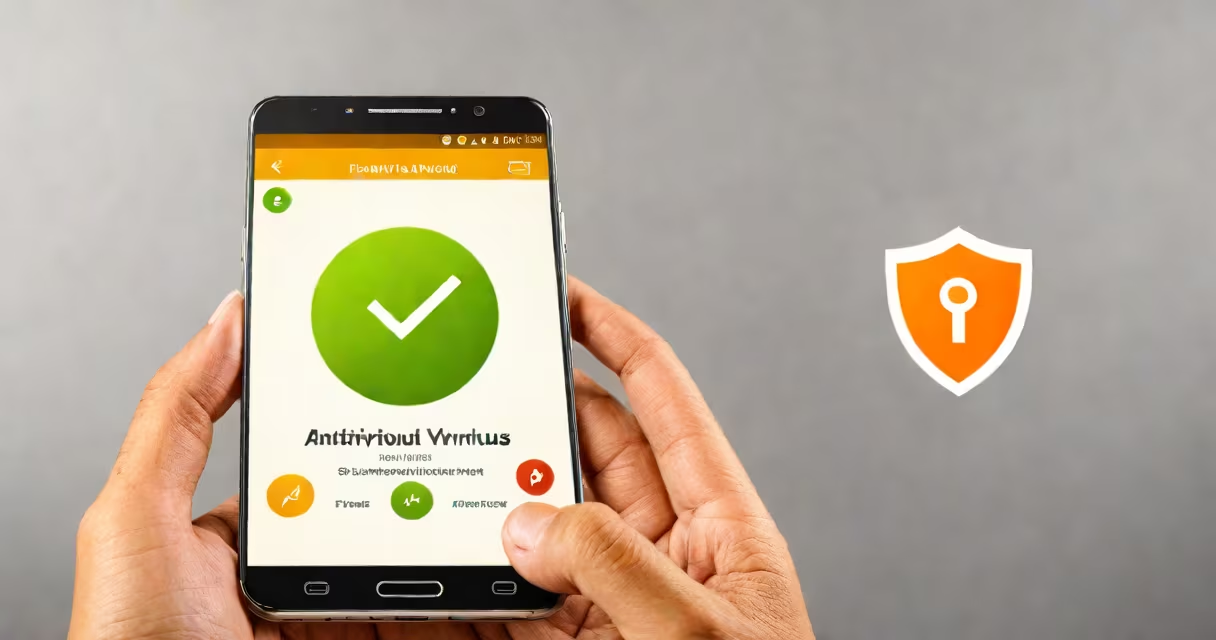
A totally free antivirus for Android is a security application that detects, blocks, and removes malicious software such as viruses, spyware, ransomware, and phishing attempts-all without requiring payment or subscription. These tools run in the background, scan files and downloads, and warn users about suspicious behavior. They're designed specifically for Android's open system, where apps come from multiple sources and risk exposure is higher than on locked-down platforms.
Unlike paid versions that offer advanced features like firewall control or identity theft monitoring, totally free antivirus for Android focuses on core threat detection. The most effective ones use real-time scanning, cloud-based threat intelligence, and regular updates to stay ahead of emerging malware. They operate without ads, in-app purchases, or data harvesting-though some may show optional premium upgrades.
Google Play's built-in SafetyNet and Google Play Protect provide baseline protection. But they don't cover all risks-especially those from sideloaded apps or third-party stores. A standalone totally free antivirus for Android adds a second layer of defense, especially useful for users who install apps from outside the official store.
These apps work by scanning files, processes, and network traffic in real time. When you download an APK or open a file, the antivirus checks it against a database of known malware signatures. If a match is found, the app quarantines or deletes the file. Modern tools also use behavioral analysis to flag apps that try to access sensitive data without permission-such as reading messages or tracking location.
For example, Malwarebytes Free for Android scans every new app installation automatically. It checks the app's permissions, reviews its code structure, and compares it to known malicious patterns. If the app tries to send your contacts to a remote server, the app flags it and stops execution. This happens within seconds, often before the user even opens the app.
Many totally free antivirus for Android apps also include a web protection feature. They analyze URLs in browsers and block access to known scam sites. According to a 2023 report by Kaspersky, over 60% of mobile phishing attacks target Android users through fake login pages disguised as banking or social media sites. Free antivirus tools with browser integration reduce this risk.
Not all free antivirus apps are equal. Some offer minimal functionality, while others provide complete protection. Here's a breakdown of common types:
| Type | Core Features | Best For | Example |
|---|---|---|---|
| Basic Scanner | On-demand scan, malware database update | Users who rarely install third-party apps | Bitdefender Virus Scanner (Free) |
| Real-Time Protector | Background scanning, automatic blocking, web filter | General users wanting continuous protection | Malwarebytes Free |
| Privacy-Focused | Permission monitor, app activity tracker, data leak alerts | Users concerned about data collection | Avast Mobile Security (Free version) |
Real-time protectors are the most effective for everyday use. They don't wait for a manual scan-they watch as apps launch and files download. Avast Mobile Security, for instance, uses machine learning to detect anomalies in app behavior. In a test conducted by AV-Comparatives in 2022, Avast blocked 98% of zero-day malware samples during real-world testing, outperforming several paid alternatives.
Some apps include features that go beyond virus removal. For example, Bitdefender's free app includes a Wi-Fi scanner that detects rogue hotspots and insecure networks. It warns users when connecting to public Wi-Fi that lacks encryption, reducing the chance of man-in-the-middle attacks.
Many apps claim to be "totally free" but include hidden costs. Some bundle ad-heavy interfaces, collect usage data, or push users toward paid upgrades. The key difference lies in transparency: trustworthy free antivirus apps state what data they collect and how they use it.
One major red flag is apps that request excessive permissions. An antivirus shouldn't need access to your SMS messages, call logs, or camera unless it's explicitly designed for parental controls or device recovery. If a free antivirus asks for these, it may be malware itself. The FTC reported in 2021 that over 12,000 Android apps were removed from Google Play for pretending to be security tools while stealing user data.
Another myth is that free antivirus apps are less effective than paid ones. While premium tools offer additional layers-like ransomware rollback or anti-phishing for banking apps-the core detection capabilities of top free apps are nearly identical. In a 2023 independent test by PCMag, Malwarebytes Free detected 97% of known malware strains, compared to 99% for the paid version-just a 2-point gap.
I installed Malwarebytes Free on my Android phone after downloading a game from a third-party site. The app prompted me to allow scanning of all files. After enabling it, I ran a full system scan. Within 45 seconds, it flagged a hidden process running in the background-part of a modified version of the game that included a keylogger.
The app offered to remove the threat. I selected "Quarantine," and the system deleted the malicious component. The original game still worked, but without the hidden data-stealing module. I then set the app to auto-scan new installations. Since then, no suspicious apps have slipped through.
This scenario reflects how totally free antivirus for Android functions in practice: automatic detection, clear warnings, and immediate action-all without cost.
When choosing a totally free antivirus for Android, prioritize transparency, low resource usage, and consistent updates. The best tools don't just promise protection-they deliver it without asking for money, data, or permission to track your habits.