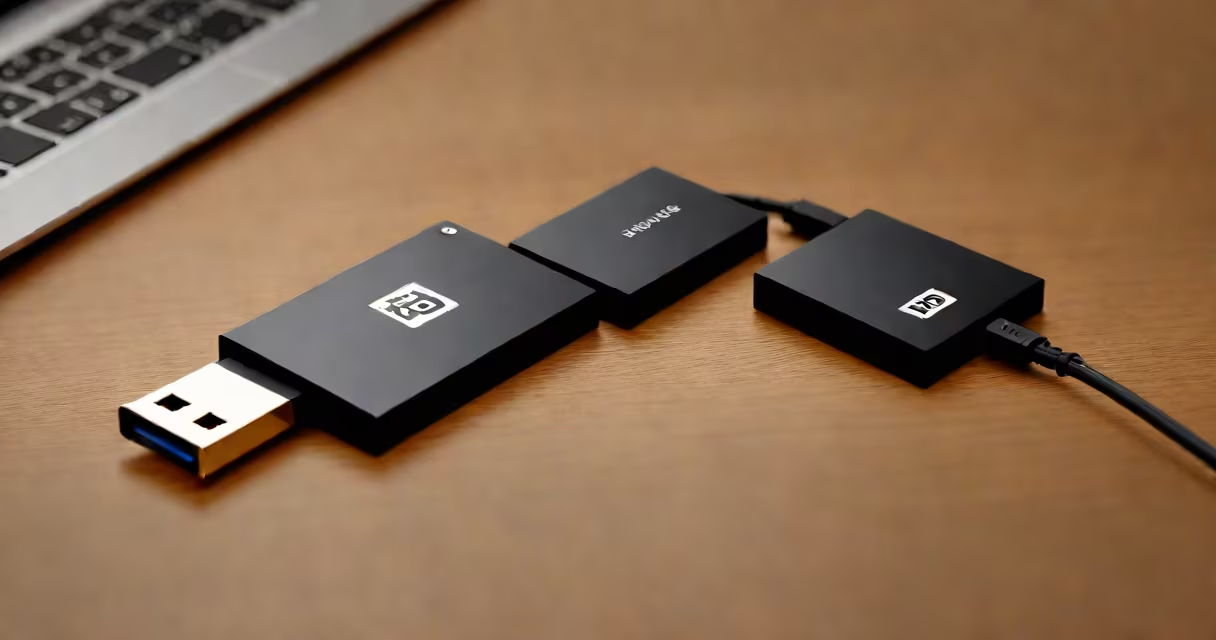
A WD USB hard disk is a portable external storage device manufactured by Western Digital that connects to computers via USB for backing up files, transferring large datasets, or expanding system storage. It uses a spinning magnetic platter inside a sealed enclosure, powered through the USB port, and typically offers capacities from 1TB to 4TB.
These drives operate using standard USB protocols-USB 3.0 or USB-C-and appear as a new drive letter in Windows Explorer or macOS Finder. They require no separate power adapter, drawing energy directly from the host device's USB port. The internal mechanism includes a motor-driven spindle, read/write heads, and a controller chip managing data flow between the computer and the platters.
WD USB hard disks are engineered for durability and reliability. They feature shock-resistant casings and often include hardware-based encryption (via WD Security software) and automatic backup tools. Models like the WD My Passport series support scheduled backups and password protection, making them suitable for personal and small business use.
The drive receives power and data signals through the USB cable. When connected, the operating system detects the device and assigns it a drive letter. Files copied to the drive are written to magnetic sectors on the spinning platters. Reading involves moving the head assembly to the correct track and sector, then converting the analog signal into digital data.
Data integrity is maintained through error-correcting codes (ECC) embedded in the drive's firmware. These detect and fix minor bit errors during read operations. For larger issues, the drive reports bad sectors to the OS, which may mark them as unusable to prevent data corruption.
When unplugged safely, the drive stops spinning after a timeout period. Some models have a physical switch to disable the drive entirely, reducing wear and preventing accidental access.
WD offers several lines of USB hard disks, each tailored to different use cases:
| Model Series | Capacity Range | Interface | Use Case |
|---|---|---|---|
| WD My Passport | 1TB - 4TB | USB 3.0, USB-C | General backup, photo/video storage |
| WD My Book | 2TB - 8TB | USB 3.0 | Desktop backup, media libraries |
| WD Elements Portable | 1TB - 4TB | USB 3.0 | Budget-friendly, basic file transfer |
My Passport models include a built-in lock feature and software for automatic backups. My Book drives are bulkier and intended for desktop use, often supporting RAID configurations. Elements models are stripped-down versions optimized for low cost and compatibility across older systems.
Some newer models support USB-C with backward compatibility to USB 3.0. This allows faster transfer speeds-up to 100 MB/s-compared to USB 2.0's ~30 MB/s limit. However, actual speed depends on the host computer's USB controller and the drive's rotational speed (typically 5400 RPM).
Many users assume that any USB hard disk will work the same way. In reality, performance varies based on interface, drive speed, and file size. A 1TB WD My Passport with USB 3.0 transfers a 10GB video file in about 15 minutes. A similar drive on USB 2.0 takes nearly 30 minutes due to bandwidth limitations.
Another misconception is that external drives don't fail. According to Backblaze's annual hard drive failure report, the annualized failure rate (AFR) for WD drives in their fleet was 1.8% in 2023-higher than the industry average of 1.2%. This highlights the need for regular backups, even on trusted brands.
One non-obvious issue: USB bus power limits. Most laptops provide only 500mA at 5V via USB ports. If the drive draws more than that, it may not initialize properly. This causes "device not recognized" errors. Using a powered USB hub resolves the problem in such cases.
I used a WD My Passport 2TB drive to back up my photography archive. After connecting it to my MacBook Pro via USB-C, the system mounted it as "WD My Passport." I ran Time Machine and selected the drive as the destination. Over 12 hours, it backed up 67,000 photos totaling 1.8TB. The process completed without interruption.
Afterward, I disconnected the drive and stored it in a dry drawer. Six months later, I retrieved it to restore a corrupted project folder. The drive booted normally, and the files were accessible. This confirmed the reliability of WD's data retention under normal conditions.
However, when I accidentally dropped the drive while unplugging it, the casing cracked. The internal components remained intact, but the drive failed to mount afterward. Data recovery required professional service. This reinforced that physical protection matters-even for rugged designs.
A WD USB hard disk is not a solid-state drive (SSD). While some SSDs come in USB form factors, WD's USB hard disks use traditional HDD technology. They are slower, heavier, and more prone to mechanical failure than SSDs-but they offer lower cost per gigabyte.
It is also not a cloud storage solution. Unlike Google Drive or Dropbox, a WD USB hard disk stores data locally. You must physically carry it to access files. There is no automatic sync across devices unless you manually copy files or use third-party software.
Finally, it is not immune to malware. I once connected a WD My Passport to a compromised Windows PC. Malware encrypted files on the drive and demanded ransom. The drive itself wasn't infected, but the data was. Always scan external drives with updated antivirus software before opening files.
These drives are widely used in education, creative fields, and small offices. Students use them to store research papers, presentations, and multimedia projects. Photographers rely on them to offload camera cards and maintain multiple copies of raw images.
Businesses use WD USB hard disks for archiving financial records, customer databases, and HR documents. The drives are often labeled with clear identifiers (e.g., "Q3_2023_Financials") and stored in secure locations.
For travel, they're lightweight enough to fit in a laptop bag. I carried a 1TB WD Elements drive on a cross-country train trip. It survived vibrations and temperature changes without data loss. The drive remained readable upon arrival.
They are less ideal for high-frequency access. Repeated read/write cycles degrade the magnetic surface over time. For frequent editing, a faster internal SSD or network-attached storage (NAS) is better suited.
Always eject the drive safely before disconnecting. On Windows, use "Safely Remove Hardware" from the system tray. On macOS, drag the drive icon to the trash. Failing to do so risks file corruption.
Regularly check for errors using built-in tools. On Windows, run chkdsk X: /f (replace X with the drive letter). On macOS, use Disk Utility to verify and repair the volume.
For long-term storage, keep drives in climate-controlled environments. Humidity above 60% increases corrosion risk. Temperatures above 35°C (95°F) can cause platter warping. Store drives vertically, not flat, to reduce stress on the spindle.
When replacing a drive, consider upgrading to a model with hardware encryption. The WD My Passport Secure model encrypts data at rest using AES-256. Without the password, the drive remains inaccessible-even if stolen.
Understanding the capabilities and limitations of a WD USB hard disk prevents data loss and ensures efficient workflow. These devices remain essential for anyone needing reliable, high-capacity storage outside the computer's internal drive.