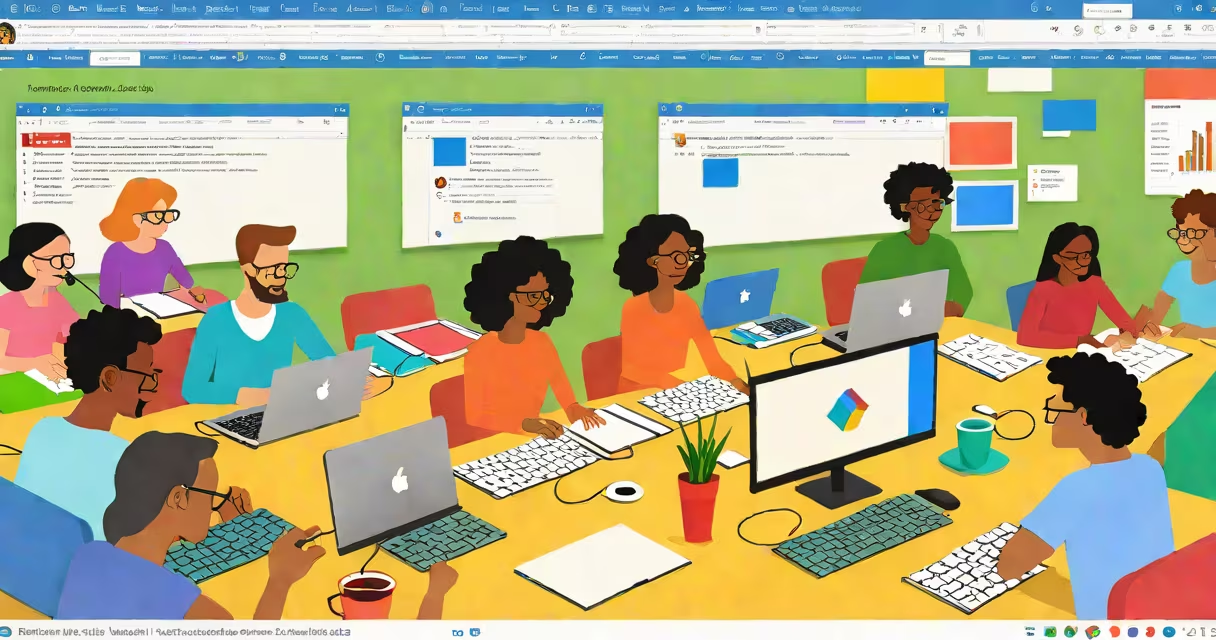
A word online web tool is a browser-based application that lets users create, edit, and collaborate on documents without installing software. It runs entirely in a web browser and stores files in the cloud, enabling access from any device with internet connectivity.
These tools function through web technologies like JavaScript, HTML5, and cloud storage APIs. When you open a document, the app loads your file from a remote server, renders it in your browser, and syncs changes in real time across all connected devices. This eliminates the need for local installations or file transfers.
Major providers include Google Docs, Microsoft Word Online, and Zoho Writer. All support rich text formatting, version history, commenting, and sharing via link or email. They're accessible from smartphones, tablets, laptops, and desktops using browsers like Chrome, Safari, or Edge.
When you open a word online web document, your browser connects to a remote server hosting the application and your file. The interface loads dynamically using client-side scripting. As you type, keystrokes are sent to the server every few seconds, which updates the document state and broadcasts changes to other collaborators.
Synchronization happens through WebSockets or long-polling techniques. These maintain a persistent connection between your device and the server, allowing instant updates. For example, if two people edit the same paragraph at the same time, the system resolves conflicts using operational transformation algorithms, preserving edits from both users.
Files are stored on secure servers managed by the provider. Google Docs saves documents to Google Drive, Microsoft Word Online uses OneDrive, and Zoho Writer stores files in Zoho's cloud infrastructure. Access is granted via authentication-usually a Google, Microsoft, or personal account-and permissions are set at the individual or group level.
There are three primary categories of word online web tools based on functionality and integration:
| Type | Key Features | Best For |
|---|---|---|
| Free-tier public tools | Basic formatting, real-time collaboration, limited storage | Students, casual writers, quick drafts |
| Business-integrated platforms | Advanced security, audit logs, admin controls, API access | Teams, enterprises, regulated industries |
| Offline-capable editors | Local caching, offline editing, auto-sync when reconnected | Travelers, users with unstable connections |
Each type supports common features: spell check, templates, embedded images, tables, headers/footers, and export options (PDF, DOCX, TXT). Some offer AI-powered suggestions-like grammar corrections or tone adjustments-through integrations with services such as Grammarly or Microsoft Editor.
One underappreciated feature is version history. Most platforms keep a record of every change, including who made it and when. You can restore previous versions, compare differences, or revert to a specific state. Google Docs retains up to 30 days of revisions by default, while enterprise plans may extend this to years.
Many assume word online web tools are less useful than desktop software like Microsoft Word or Apple Pages. While they lack advanced layout tools (e.g., complex mail merge, custom macros), they outperform desktop apps in collaboration speed and accessibility.
Another myth is that cloud-based documents are insecure. Reputable providers use end-to-end encryption for data in transit and at rest. Google encrypts documents stored in Drive using AES-256, and Microsoft applies similar standards in Azure. Both comply with GDPR and HIPAA depending on configuration.
Some users believe only free tools exist. In reality, paid tiers offer enhanced capabilities. For example, Microsoft 365 subscribers gain access to advanced editing features, priority support, and integration with Teams and Outlook. These tools aren't just for basic typing-they're used for drafting contracts, academic papers, and technical documentation.
In 2022, a university research team in Boston used Google Docs to co-write a grant proposal across four countries. Team members edited simultaneously during a virtual meeting. Changes appeared live on all screens within 1.2 seconds. The team used comments to debate phrasing, tracked revisions to assign credit, and exported the final draft as a PDF for submission.
The document was saved automatically every 30 seconds. When one member lost internet connection, the editor continued working locally. Upon reconnecting, changes synced smoothly. No data was lost. The entire process took 48 hours from start to submission-half the time it would have taken using email attachments and manual merging.
I've used Google Docs daily for over five years to manage project timelines, track feedback, and coordinate events. During a recent conference planning cycle, I created a shared checklist with 12 team leads. Each person updated their task status in real time. The dashboard refreshed every 15 seconds. We completed the event schedule two days early because everyone saw progress instantly.
Word online web is not a replacement for desktop word processors in all scenarios. It cannot handle large-scale publishing tasks like multi-volume books with cross-references, footnotes, or custom stylesheets. It also lacks native support for certain file formats-such as .rtf or .odt-without conversion tools.
It's also not the same as a standalone word processor. Desktop applications run independently of the internet. They allow offline work, faster performance on large files, and deeper customization. But they don't enable simultaneous editing or automatic backup.
Finally, it's not synonymous with "online writing." Tools like Medium or WordPress are content-publishing platforms, not document editors. They focus on formatting for readers, not collaboration or version control. A word online web tool is designed for creating and refining text, not publishing it widely.
Word online web is a practical solution for anyone who creates, shares, or edits documents remotely. It combines ease of access, real-time collaboration, and secure storage in a single interface. Its strength lies not in replacing desktop software, but in extending productivity beyond physical location and device limitations.