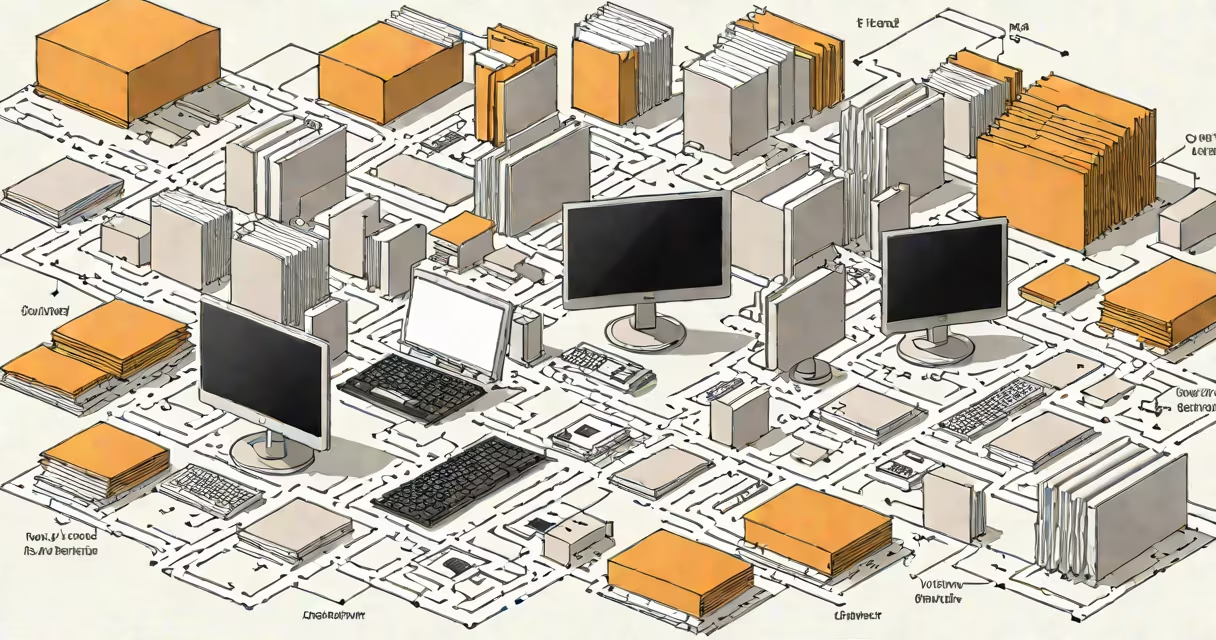
A file system in operating system is the method used to organize, store, retrieve, and manage data on a storage device such as a hard drive or SSD. It defines how files are named, grouped into directories, and accessed by users and applications.
Every time you save a document, install software, or open a photo, the operating system uses a file system to track where that data lives and how to get it back. Without it, your device would store data as raw bits with no way to find specific files later.
The file system handles metadata like creation date, permissions, size, and ownership. It also enforces rules about which users or programs can read, write, or delete files. This structure prevents data corruption and supports security.
When you create a file, the operating system records its name, location, and attributes in a catalog-usually called a directory or folder. The file system then allocates space on the physical storage medium and writes the actual data in blocks.
Each storage device has a partition table and a boot sector that points to the file system's root directory. When you log in, the OS reads this structure to build a map of available files. You interact with this map through icons, file browsers, or command-line tools.
For example, when you type ls /home/user/Documents in a terminal, the OS checks the file system's internal index to list all files under that path. It doesn't scan every block of the disk-it uses a lookup table to jump directly to the correct location.
Different operating systems use different file systems based on performance, reliability, and compatibility needs. Here are common ones:
| File System | Primary OS | Use Case | Key Feature |
|---|---|---|---|
| NTFS | Windows | Internal drives, high reliability | Supports large files, encryption, journaling |
| APFS | macOS, iOS | SSDs, mobile devices | Copy-on-write metadata, space sharing between volumes |
| ext4 | Linux | General-purpose servers and desktops | Journaling, extents for faster access, 16TB max volume |
| Btrfs | Linux | Advanced storage features | Snapshot support, built-in RAID, checksums for data integrity |
NTFS, used by Windows since Windows NT, supports file permissions, encryption, and journaling-meaning it logs changes before committing them to prevent corruption after a crash. APFS, introduced in 2017, optimizes for flash-based storage and automatically compresses small files to save space.
ext4, the default on most Linux distributions, improved on ext3 by using extents instead of individual block pointers. This reduces fragmentation and speeds up large file access. Btrfs adds advanced features like snapshots and self-healing via checksums, though it's still less stable in production environments than ext4.
Many people think the file system is just a folder icon or the "My Documents" shortcut. But those are visual representations. The real file system runs beneath the surface, managing low-level operations invisible to users.
Another mistake is assuming all file systems behave the same. For example, FAT32 limits single files to 4GB and doesn't support Unix-style permissions. This makes it unsuitable for modern OS installations or large media files.
Also, people often confuse the file system with the operating system itself. The OS includes the kernel, drivers, and user interface. The file system is a component within the OS responsible specifically for data layout and access control.
Imagine you take a photo with your smartphone and save it to the device's internal memory. The operating system uses the file system to assign a unique identifier, record the timestamp, and store the image data in a designated area of the flash chip.
On Android, this happens through F2FS (Flash-Friendly File System), designed for wear leveling and fast writes on NAND flash. On iPhone, the file system is APFS, which stores the photo in a hidden directory under /private/var/mobile/Media/DCIM/. The Photos app indexes these files and displays them in the user interface.
If you move the photo to a cloud service like iCloud, the file system sends the data to a remote server using a network protocol. The local file system marks the file as "synced" and may delete the local copy if storage is low-this behavior is governed by the file system's rules and user settings.
I once recovered a corrupted Linux system by mounting the ext4 partition manually and running e2fsck -f /dev/sda2. The tool scanned the file system's journal and repaired inconsistencies in the inode table. Without the file system's journaling feature, the recovery would have taken hours and likely failed. That moment showed me how deeply the file system protects data integrity.
Without a file system, every program would need to manage raw disk sectors. Developers would write custom code to locate a file, handle errors, and ensure data wasn't overwritten. The file system abstracts all this complexity into predictable APIs.
It also enables multitasking. Multiple users or apps can access different files simultaneously without conflict. The OS uses locks and access controls enforced by the file system to prevent race conditions.
According to the Linux Kernel documentation, file systems are critical to system stability. A poorly designed or buggy file system can cause crashes, data loss, or security breaches-even if the rest of the OS functions correctly.
For comparison, Microsoft's official guide on file systems notes that NTFS was developed to replace FAT32 due to limitations in scalability and security. Today, NTFS remains the standard for Windows PCs because it supports features like disk quotas, encryption, and sparse files.
Understanding the file system in operating system helps you troubleshoot issues like "disk full" messages even when free space appears available. Hidden system files, swap partitions, or deleted files still occupying space can mislead users. Tools like du -sh or Windows' Disk Usage Analyzer reveal the real picture.
When choosing a storage format for external drives, consider compatibility. exFAT works across Windows, macOS, and Linux. NTFS works well on Windows but requires third-party drivers on macOS. APFS is exclusive to Apple devices.
For developers, knowing how the file system handles paths, permissions, and symbolic links prevents bugs. A script that assumes a file exists may fail if the file system denies access due to restrictive permissions set by the OS.
The file system in operating system is not a visible part of the user experience-but it's the foundation of every action involving data. It helps when you click a file, the OS finds it quickly, securely, and accurately.