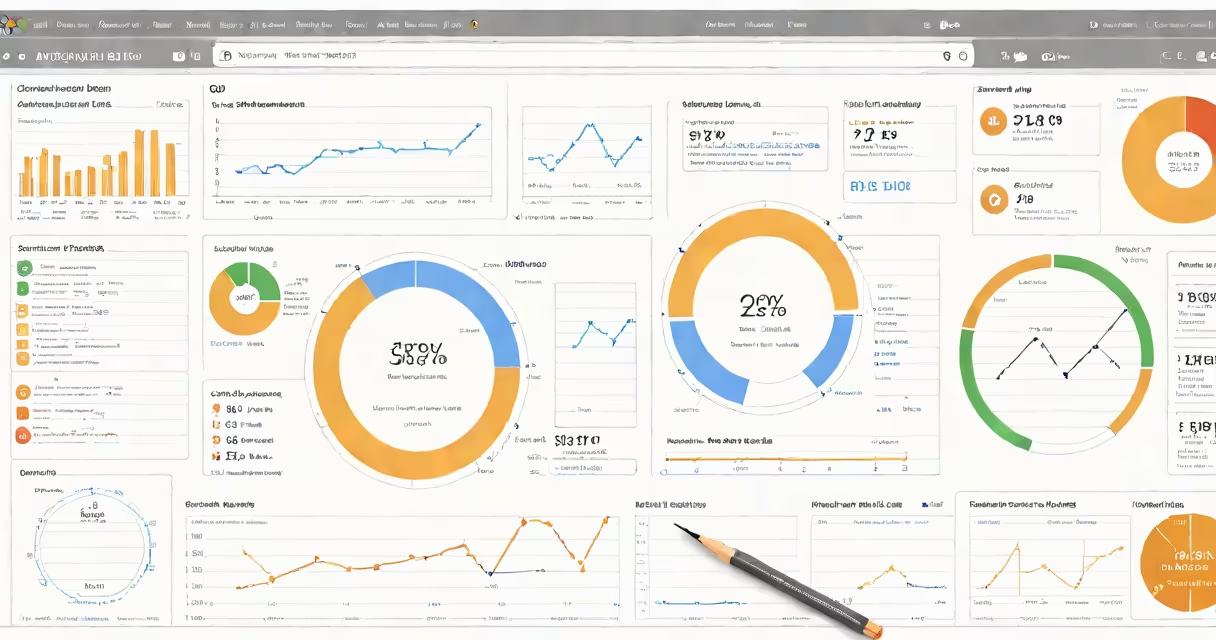
Google Analytics for ecommerce is a free web analytics service that tracks and reports on website traffic, user behavior, and transaction data for online stores. It measures how visitors interact with products, which pages drive sales, and where revenue comes from across devices and channels.
It's part of Google's GA4 platform, designed to replace Universal Analytics. Unlike older versions, GA4 uses event-based tracking and machine learning to model user journeys across websites and mobile apps. This allows merchants to see not just page views, but actions like adding items to carts, initiating checkouts, and completing purchases.
For example, a Shopify store using Google Analytics for ecommerce can track the path from product view to purchase. If 42% of users abandon their carts at step two, the data shows exactly where drop-offs happen. That insight lets a business test changes-like simplifying checkout forms-to improve conversion rates.
Google Analytics for ecommerce collects data through JavaScript tags embedded in a website. When a user visits a product page, clicks "Add to Cart," or completes a purchase, the system logs those events as structured data points. These events are then grouped into user sessions and analyzed over time.
Each transaction is recorded with metadata: order ID, total amount, currency, shipping method, and product SKUs. The system automatically calculates key metrics like average order value, conversion rate, and customer lifetime value. These numbers appear in dashboards, reports, and custom visualizations.
GA4 uses machine learning to fill gaps in data. For instance, if a user clears cookies or disables tracking, GA4 can still estimate their behavior based on similar users. This improves accuracy even when tracking is incomplete.
The following events are critical for ecommerce tracking:
| Event Type | Description | Use Case |
|---|---|---|
view_item |
User views a product detail page | Identify high-interest products |
add_to_cart |
User adds item to shopping cart | Measure interest before purchase |
begin_checkout |
User starts checkout process | Track funnel efficiency |
purchase |
Transaction completed | Calculate revenue and ROI |
These events are sent via the Google Analytics Measurement Protocol. Developers configure them using Google Tag Manager or direct code injection. Without proper setup, data may be missing or inaccurate.
A common mistake is assuming that "purchase" events are automatic. They aren't. A merchant must explicitly send the event with the correct parameters-order ID, value, currency, and product list. If the code fails, no sale appears in reports.
Online retailers use Google Analytics for ecommerce to measure campaign performance, improve product pages, and understand customer segments. An e-commerce brand selling outdoor gear might compare traffic from Facebook ads versus organic search to see which brings higher-value customers.
For example, a company noticed that users who viewed a specific hiking backpack had a 28% higher purchase rate than others. By analyzing their behavior, they discovered these users spent 4 minutes on the product page and clicked "View Size Chart" 73% of the time. The team added size charts to all product pages, increasing conversions by 11% over six weeks.
It's also used to detect fraud. If multiple purchases come from the same IP address with identical shipping details, GA4 flags them as suspicious. This helps prevent chargebacks and protects profit margins.
Many assume Google Analytics for ecommerce is a standalone tool. It isn't. It requires integration with a website's backend, payment processor, and tracking infrastructure. Without proper configuration, data is unreliable.
Another misconception is that GA4 replaces all previous analytics tools. It doesn't. While GA4 offers better cross-device tracking, Universal Analytics still supports legacy features like custom segments and advanced filters. Migrating fully takes time and planning.
A lesser-known fact: GA4 doesn't count unique purchases by default. Instead, it counts all transactions-even duplicates. To get accurate totals, you must set up a "deduplication" rule in the reporting interface. Otherwise, a single user buying the same item twice appears as two separate purchases.
I once audited a client's site where duplicate purchase events inflated revenue by 37%. After fixing the event configuration, the actual conversion rate dropped from 4.2% to 2.9%, revealing a flawed checkout flow. The fix saved $18,000 in wasted ad spend over three months.
Google Analytics for ecommerce exists in three tiers:
Most small businesses start with the free version. As traffic grows, they upgrade to GA4 360 for deeper segmentation and compliance with GDPR and CCPA.
To enable Google Analytics for ecommerce, follow these steps:
Without testing, errors go undetected. One store launched without verifying the purchase event and lost $22,000 in reported revenue because the event wasn't firing correctly.
Google Analytics for ecommerce is not just a reporting tool-it's a decision engine. It turns raw data into actionable insights about user intent, product performance, and marketing effectiveness. When set up properly, it identifies growth opportunities and prevents revenue leakage.
Understanding how it works, what it tracks, and where it's commonly misused separates effective marketers from those guessing at results. Use it to measure what matters: conversions, retention, and return on ad spend.