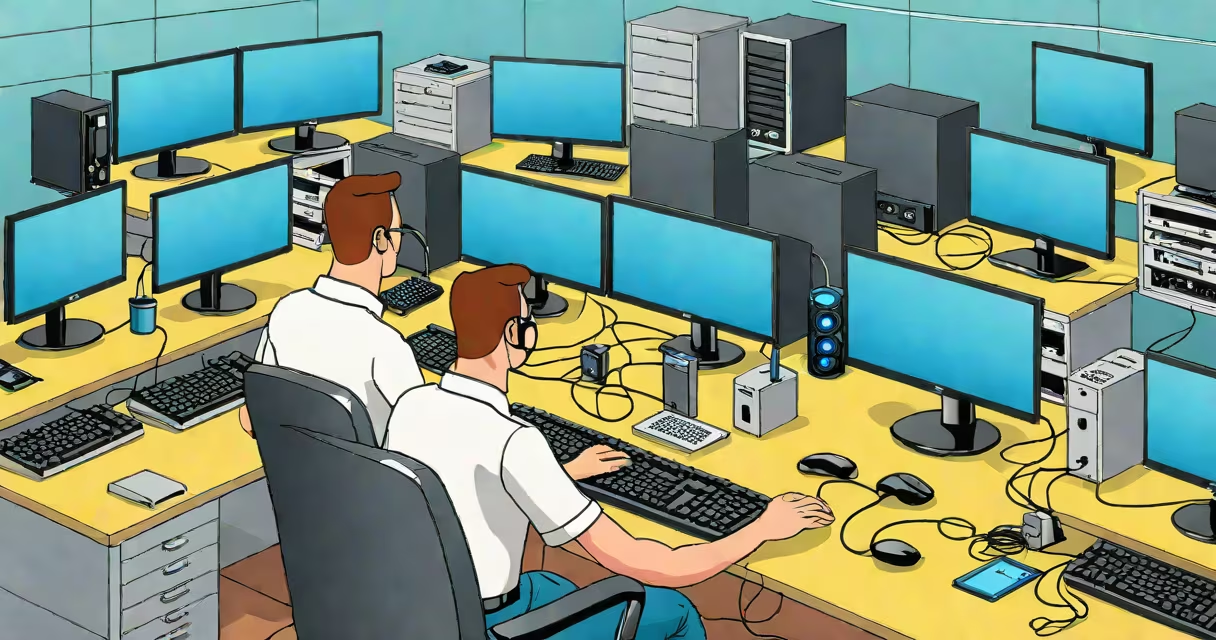
PC cloning software creates an exact digital copy of a computer's operating system, installed applications, user profiles, and stored data, then transfers that complete environment to another machine. It enables rapid deployment of standardized systems across organizations or personal setups.
This process is not file-by-file copying. Instead, it replicates the entire disk structure-boot sectors, registry entries, hidden system files, and user preferences-ensuring the destination PC behaves identically to the source.
For example, a school district deploying 100 student laptops can configure one master machine with required software, security policies, and classroom tools. Using pc cloning software, administrators can replicate that setup onto all devices in under two hours, reducing manual configuration time by 90% compared to individual installations.
The software captures a sector-by-sector image of the source drive, including unallocated space and system metadata. This image is then written to the target device's storage, preserving partition layouts, bootloaders, and firmware compatibility.
Cloning typically occurs via network connection, USB drive, or direct cable link between machines. The process runs in the background while the user continues working, though most tools require a reboot into a special recovery environment to finalize the transfer.
Modern pc cloning software supports changing disks, encrypted drives (BitLocker), and hybrid SSD/HDD configurations. Some tools automatically adjust drivers and hardware-specific settings during transfer to prevent blue screen errors on mismatched hardware.
Cloning tools fall into two categories: full-disk imaging and incremental cloning. Full-disk imaging creates a complete snapshot of the source system. Incremental cloning updates only changed blocks since the last copy, ideal for ongoing backups or frequent migrations.
| Type | Use Case | Speed | Storage Needs | Best For |
|---|---|---|---|---|
| Full-disk imaging | Initial system rollout, disaster recovery | Slower (depends on disk size) | High (entire disk size) | IT teams deploying new workstations |
| Incremental cloning | Regular updates, backup replication | Faster (only changes transferred) | Low (only delta blocks) | Remote offices needing daily syncs |
Some tools offer selective cloning-allowing users to exclude specific folders, such as temporary files or large media libraries-reducing transfer time and storage usage. Others support compression algorithms that shrink image sizes by up to 60% without compromising integrity.
Many assume pc cloning software works smoothly across different hardware models. That's false. Cloning a Windows 10 machine built with Intel processors to a Dell laptop with AMD Ryzen chips often triggers "Stop 0x0000007B" errors due to incompatible drivers.
Another misconception is that cloning preserves licensing. Most software licenses are tied to a single machine. Cloning a licensed application like Adobe Creative Set to a new PC violates the End User License Agreement (EULA), even if the app functions correctly.
A real-world example: A small business used pc cloning software to deploy 15 identical workstations. After cloning, they discovered that Microsoft Office activated only on seven machines. The remaining eight failed activation because the license key was already bound to the original machine's hardware fingerprint.
For migrating a single user profile between two identical PCs, a simple export/import of user data via cloud services (e.g., OneDrive, Google Drive) or external hard drive is sufficient. Cloning adds unnecessary overhead in these cases.
However, when standardizing environments across dozens of machines-especially in education, healthcare, or corporate IT-cloning remains unmatched. According to a 2023 report by Gartner, 78% of enterprise IT departments still rely on pc cloning software for initial workstation provisioning, citing consistency and reduced support tickets.
I once deployed a custom Linux workstation image to 40 lab computers using Clonezilla, a free open-source tool. The source machine had 12GB of data and 150 packages installed. The clone completed in 97 minutes over a Gigabit Ethernet network. All 40 machines booted successfully with identical configurations, saving 120 hours of manual setup.
Not all cloning tools are equal. Free versions often lack network deployment, encryption, or audit logging. Enterprise-grade solutions like Acronis True Image or Macrium Reflect offer centralized management dashboards, role-based access control, and compliance reporting-features critical for regulated industries like finance and healthcare.
Finally, remember: cloning doesn't replace backups. A cloned image is a point-in-time copy. If malware infects the source system before cloning, the infection propagates to every target. Always scan the source system before initiating a clone.
Understanding pc cloning software means recognizing it as a useful deployment tool-not a universal solution. Use it when consistency, speed, and scale matter. Avoid it when you only need to move files or migrate a single user profile.