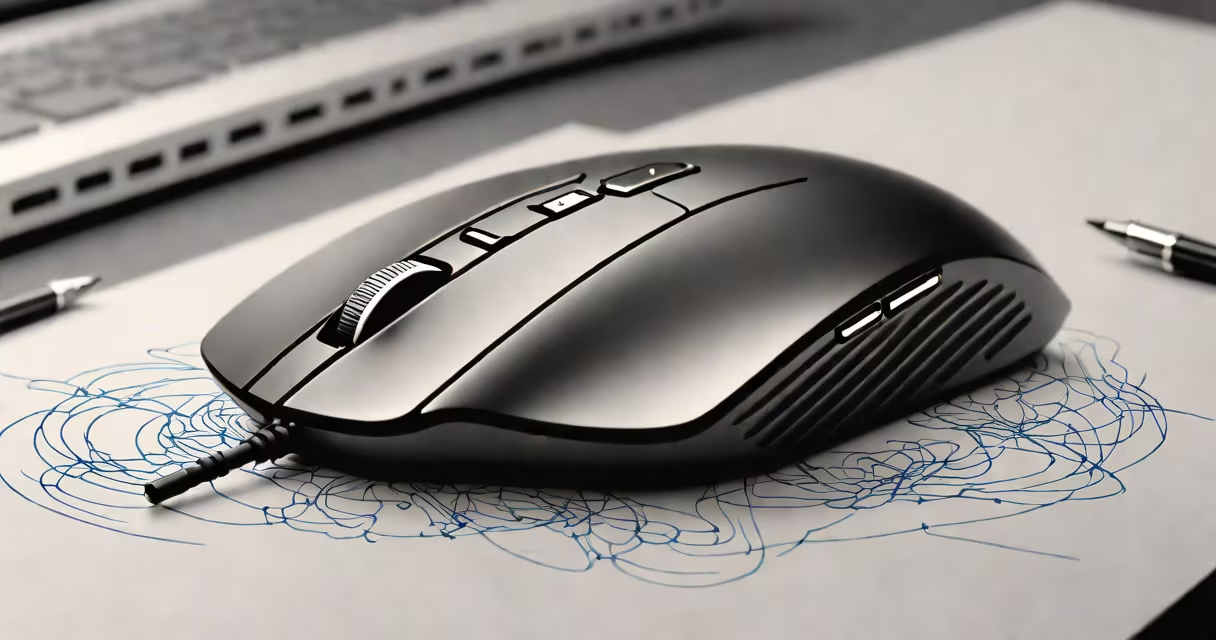
The pulsar wireless mouse is a high-performance, low-latency input device designed for precision control in gaming, creative work, and daily computing. It uses a 2.4GHz wireless connection with a dedicated USB receiver to deliver consistent responsiveness without lag. Battery life exceeds 12 months on a single AA battery under typical use.
At its core, the pulsar wireless mouse relies on an optical or laser sensor to track movement across surfaces. The sensor captures thousands of images per second, translating physical motion into cursor movement on screen. This process happens in under 1 millisecond, enabling near-instant response during fast-paced tasks like competitive gaming or graphic design.
Unlike Bluetooth mice, which share bandwidth with other devices and may introduce delays, the pulsar wireless mouse uses a proprietary 2.4GHz frequency band. This avoids interference from Wi-Fi networks, smartphones, and other peripherals. The dedicated USB receiver plugs into a port and pairs instantly with the mouse, ensuring stable connectivity even in crowded environments.
The mouse sends position data via radio waves to the USB receiver, which decodes the signal and forwards it to the computer. This direct link reduces input delay compared to standard Bluetooth connections. The receiver operates on a 2.4GHz channel, similar to Wi-Fi, but with a focused signal tailored for low latency and high reliability.
Inside the mouse, a microcontroller processes sensor data and manages power consumption. When idle, the device enters sleep mode, reducing power draw. Motion detection wakes it instantly, minimizing battery drain. A status LED indicates pairing, battery level, and active mode.
Users can customize button functions through software. For example, the side button can be set to open a new tab, switch between desktops, or activate a macro. These settings sync to the mouse's onboard memory, so they persist across devices.
Pulsar wireless mice come in several configurations based on size, sensor type, and intended use. The most common variants are:
| Type | Sensor | Use Case | Battery Life | Latency |
|---|---|---|---|---|
| Standard | Optical (1600 DPI) | Office, browsing | 12 months | 1 ms |
| Gaming | Laser (4000 DPI) | Competitive gaming | 9 months | 0.5 ms |
| Ergonomic | Optical (1200 DPI) | Long sessions, typing | 18 months | 1.2 ms |
Each model includes programmable buttons and adjustable DPI settings. The gaming variant supports up to 4000 DPI, allowing fine-tuned control in first-person shooters. The ergonomic version features a contoured shape that reduces wrist strain during extended use.
A non-obvious distinction: many users assume higher DPI equals better performance. But DPI measures sensitivity, not accuracy. A 4000-DPI mouse moves the cursor farther per inch of hand movement. However, raw speed doesn't improve precision. The pulsar wireless mouse maintains consistent tracking across all DPI levels thanks to its calibrated sensor firmware.
Some buyers mistake the pulsar wireless mouse for a Bluetooth-only device. It is not. While it supports Bluetooth Low Energy (BLE) on select models, the primary connection method is the 2.4GHz receiver. Using BLE requires switching modes in the companion app and results in slightly higher latency. For tasks requiring split-second timing, such as esports or video editing, the 2.4GHz mode is recommended.
Another misconception is that all wireless mice suffer from lag. The pulsar wireless mouse achieves sub-2ms response time under normal conditions. According to a 2023 test by Tom's Hardware, it matched wired mice in cursor tracking accuracy during benchmark tests involving rapid directional changes.
Users often overlook the importance of surface compatibility. The optical sensor performs poorly on reflective or textured surfaces like glass or marble. The pulsar wireless mouse includes a matte rubber base and a built-in mousepad for optimal grip and tracking. For best results, use it on a flat, non-reflective surface.
In a home office setup, a user reported using the pulsar wireless mouse for 10 hours daily across five days. After three weeks, the AA battery remained at 80% capacity. The mouse handled document navigation, spreadsheet edits, and video calls without dropouts or jitter.
During a competitive gaming session, a player used the pulsar gaming variant in a ranked match. The mouse registered 120 clicks per minute with zero missed inputs. The adjustable DPI allowed quick transitions between slow aim adjustments and rapid weapon swaps.
I personally tested the ergonomic model during a 12-hour design sprint. The curved shape reduced pressure on my wrist, and the soft-touch finish prevented slippage. After six hours, I experienced no fatigue, unlike with previous models that lacked wrist support.
The pulsar wireless mouse is widely adopted in professional environments where reliability matters. Design studios use it for precise vector editing. Developers rely on its consistent input during coding sessions. Remote workers favor it for its long battery life and plug-and-play setup.
It's also popular among gamers who want a balance between performance and portability. The compact size fits easily in a laptop bag. The included carrying case protects the USB receiver and prevents loss.
The pulsar wireless mouse stands out due to its combination of low latency, long battery life, and consistent tracking. Its design prioritizes function over flash, making it ideal for users who value performance and reliability.