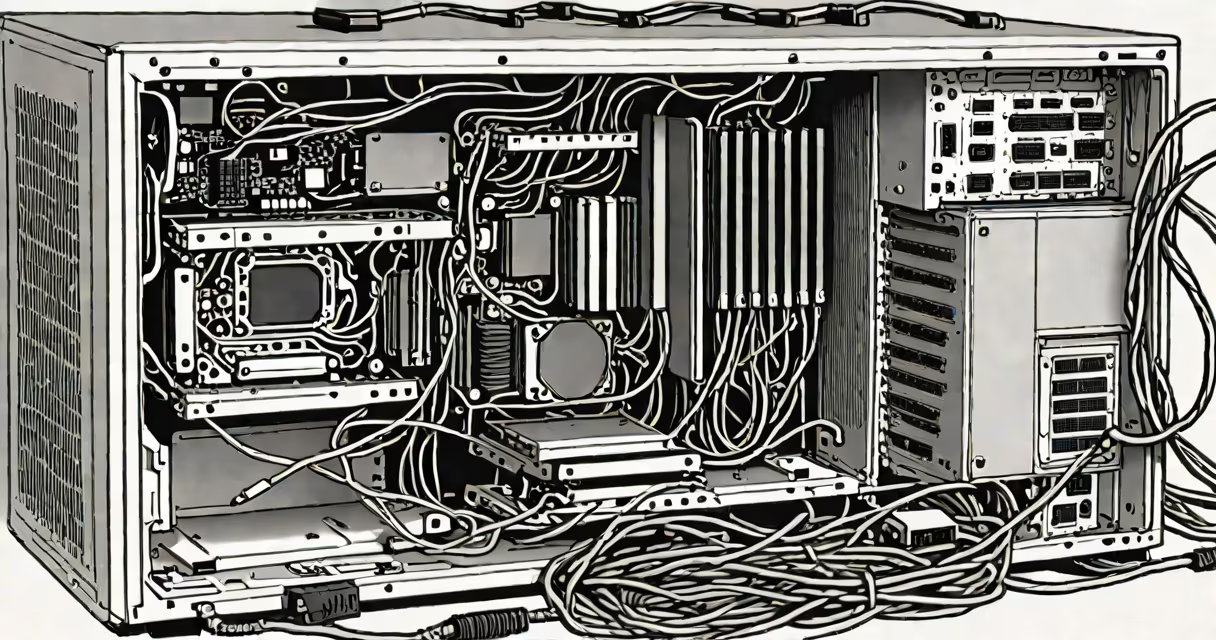
A PC contains a motherboard, central processing unit (CPU), random access memory (RAM), graphics processing unit (GPU), storage drives, power supply, and cooling systems. These components work together to execute instructions, store data, and render visuals.
The motherboard acts as the central hub connecting all major components. It provides electrical pathways and physical mounting points. When you turn on the PC, the power supply delivers stable voltage to the motherboard, which then activates the CPU.
The CPU executes program instructions stored in RAM. For example, when you open a web browser, the CPU fetches commands from RAM, processes them, and sends output to the GPU. The GPU renders images on your monitor using dedicated video memory.
Data persists on storage drives. A solid-state drive (SSD) stores the operating system and applications. A hard disk drive (HDD) offers larger capacity at lower cost. Both communicate with the CPU via the motherboard's chipset.
Each component plays a distinct role:
Desktops, laptops, and servers differ in internal design. Desktops allow easy access to components. Laptops integrate parts tightly, reducing size and weight. Servers often use redundant power supplies and RAID arrays for data protection.
| Type | Form Factor | Typical Internal Layout |
|---|---|---|
| Desktop | ATX, Micro-ATX | Full-sized motherboard, separate GPU card, multiple drive bays |
| Laptop | Clamshell | Miniature motherboard, soldered RAM, integrated GPU, compact cooling |
| Server | 1U, 2U rack-mount | Multiple CPUs, ECC RAM, hot-swappable drives, dual power supplies |
Some desktops use modular cases with tool-less drive bays. Laptops often have sealed chassis, making repairs difficult without disassembly tools.
People often confuse RAM with storage. RAM is volatile-it loses data when powered off. Storage retains data even without power. A 1TB SSD holds your photos and documents; 16GB of RAM manages active tasks like browsing and editing.
Another mistake is assuming all GPUs are equal. Integrated graphics in CPUs handle basic display output. Discrete GPUs deliver higher frame rates in games and video rendering. A laptop with only integrated graphics cannot run AAA titles smoothly.
One non-obvious fact: modern CPUs don't rely solely on clock speed. Performance depends on architecture, core count, cache size, and instruction set efficiency. An AMD Ryzen 5 5600X outperforms older Intel processors despite similar clock speeds due to better IPC (instructions per cycle).
I assembled a gaming PC using a Ryzen 5 5600X, 16GB DDR4 RAM, NVIDIA GeForce RTX 3060, 1TB NVMe SSD, and a 650W 80 Plus Gold PSU. The motherboard was an ASUS TUF B550. I installed the CPU, applied thermal paste, mounted the air cooler, inserted RAM into DIMM slots, connected the SSD via M.2 slot, and plugged in the GPU.
After powering on, the BIOS displayed the CPU model, RAM size, and boot device. Windows installed in under 15 minutes. In a benchmark test, the system achieved 120 FPS at 1080p in Cyberpunk 2077 with medium settings.
Accessing internal parts requires shutting down and unplugging the PC. Always ground yourself to prevent electrostatic discharge. Use a Phillips screwdriver to remove side panels.
Internal upgrades include adding RAM, replacing an old HDD with an SSD, or installing a new GPU. Replacing the CPU or motherboard requires matching socket types and BIOS updates.
If you're unsure about compatibility, check manufacturer databases. Intel's ARK database lists CPU specifications. AMD's product page details supported chipsets.
Understanding what is inside a PC helps diagnose issues, plan upgrades, and make informed purchases. Knowing how components interact prevents mismatched parts and wasted money.