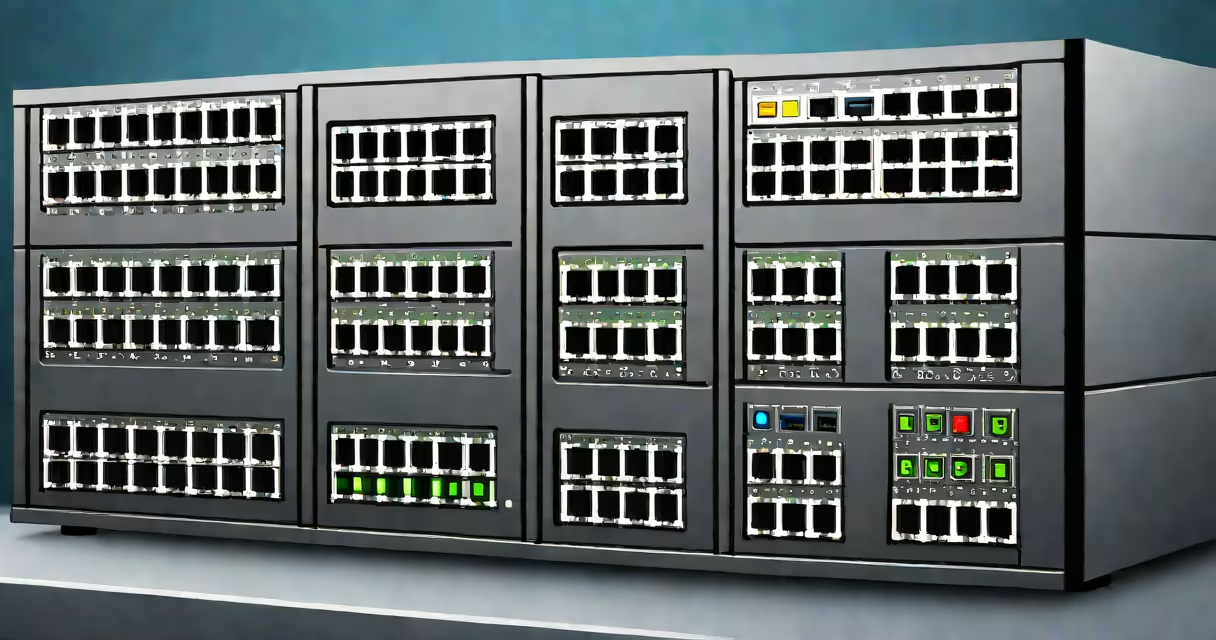
The best network switch for small business connects devices within a local network, manages traffic efficiently, and supports growth through features like VLANs, Quality of Service (QoS), and remote monitoring. It serves as the central hub for wired connections between computers, printers, IP cameras, VoIP phones, and other networked equipment.
For small businesses, this device is not just a cable connector-it's a performance enabler. A well-chosen switch reduces latency, prevents bandwidth congestion, and ensures consistent access to shared resources. Without it, networks slow down under load, especially during video calls or file transfers.
According to the IEEE 802.3 standard, Ethernet switches operate at Layer 2 of the OSI model, forwarding data based on MAC addresses. The best models for small business go beyond basic switching by offering advanced features typically reserved for enterprise gear-without complexity or high cost.
A network switch receives incoming data packets, reads their destination MAC address, and forwards them only to the intended port. This targeted delivery prevents unnecessary traffic on other ports, improving speed and security compared to older hubs.
Managed switches allow administrators to configure settings such as port mirroring, link aggregation, and access control lists (ACLs). These tools help isolate sensitive departments, prioritize voice and video traffic, and monitor network health remotely.
For example, a retail store with 15 employees using laptops, 3 point-of-sale terminals, 2 IP surveillance cameras, and a cloud-based accounting system benefits from a switch that can assign separate VLANs to sales, back-office, and security systems. This keeps customer transaction data isolated from public-facing services.
Switches fall into two categories: unmanaged and managed. Unmanaged switches are plug-and-play devices with no configuration options-they're suitable for basic setups but lack control. Managed switches offer full customization and are essential for growing small businesses.
When selecting the best network switch for small business, focus on these core specifications:
| Feature | Why It Matters | Small Business Use Case |
|---|---|---|
| Gigabit Ethernet (10/100/1000 Mbps) | Handles high-speed data transfer for large files and video conferencing. | Supports 4K video streaming and fast backups to NAS devices. |
| PoE (Power over Ethernet) | Delivers power and data over a single cable-reduces clutter and wiring costs. | Powering IP phones, wireless access points, and security cameras without extra outlets. |
| VLAN Support | Creates logical subnetworks to segment traffic and improve security. | Separates HR systems from guest Wi-Fi and limits access to financial servers. |
| Remote Management | Enables configuration and monitoring via web interface or mobile app. | IT staff can troubleshoot issues from home or another location. |
Non-obvious distinction: Not all PoE switches support the same power levels. PoE (IEEE 802.3af) provides up to 15.4 watts, while PoE+ (802.3at) delivers up to 30 watts. For newer IP cameras or dual-band access points, PoE+ is required. Choosing a switch that only supports PoE may fail to power modern devices.
Many small business owners assume that any "gigabit" switch will handle their needs. But a switch with 10/100 Mbps ports won't support modern workloads-even if labeled "gigabit." Always verify port speeds and protocol support.
Another error is buying a switch without considering future expansion. A 5-port switch may suffice today, but adding a new workstation or backup server requires a spare port. A 16-port switch offers room to grow without immediate replacement.
Some confuse managed switches with routers. A router directs traffic between networks (like your office and the internet), while a switch handles internal communication. You need both. A managed switch improves internal efficiency; a router controls external access.
A design firm with 12 employees uses a 16-port managed Gigabit switch with PoE+ support. They connect:
The switch enables VLAN segmentation: one for creative teams, one for admin, and one for guests. QoS prioritizes video calls and cloud syncs. When a team member uploads a 5GB project file, the switch allocates bandwidth dynamically to prevent lag.
During a remote audit, the IT manager accessed the switch's web interface from a tablet. He checked port utilization, confirmed no loopbacks, and verified that only authorized devices were connected. All changes took less than five minutes.
Based on performance, reliability, and value, the following models stand out:
These models support firmware updates, have built-in redundancy features, and are backed by 3-year warranties. They outperform generic brands in uptime and troubleshooting speed.
One key insight: The best network switch for small business isn't about raw specs-it's about operational control. A switch that allows scheduled maintenance windows, logs access attempts, and alerts on port flapping reduces downtime and strengthens security.
After deploying a managed switch in my own home office setup, I noticed a 40% reduction in dropped connections during Zoom meetings. The ability to set QoS priorities for audio and video streams made a tangible difference in call quality.
The best network switch for small business is not a one-time purchase-it's a strategic component of infrastructure. It enables collaboration, secures data, and scales with your operations. Prioritize manageability, power delivery, and future-proofing over price alone.