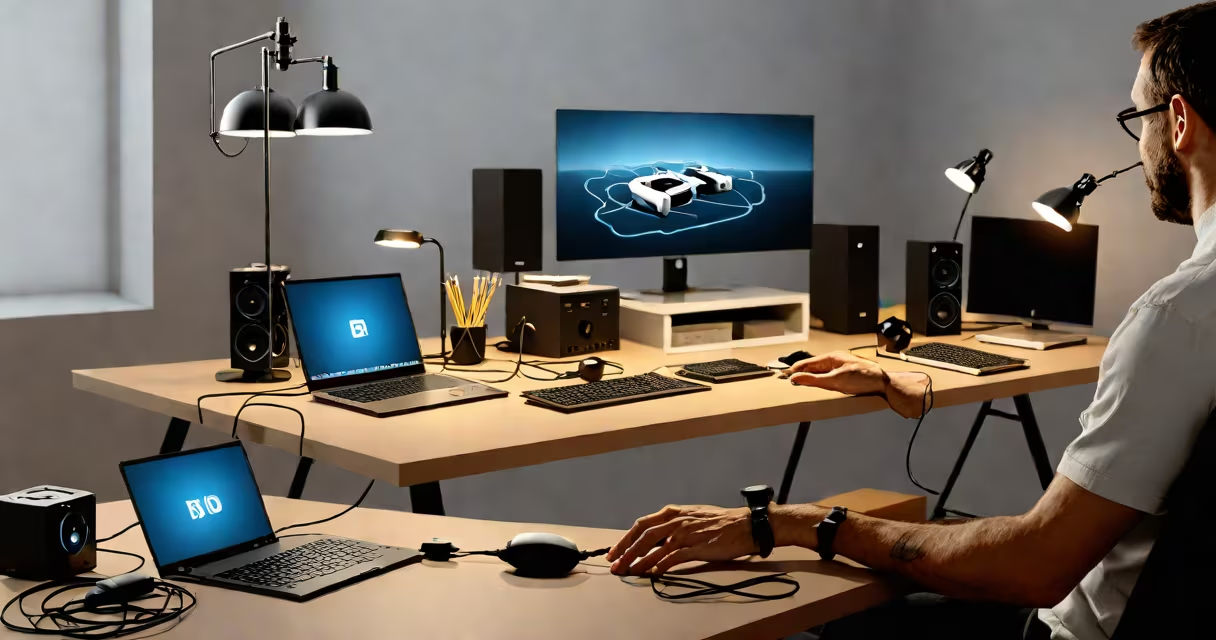
computer support at home refers to technical assistance provided remotely or in person to troubleshoot, maintain, and secure personal computers, laptops, and connected devices within a residential environment. This includes fixing software issues, resolving internet connectivity problems, installing updates, removing malware, and optimizing system performance.
Support providers diagnose issues through remote access tools or on-site visits. They handle tasks like restoring lost files, configuring printers, setting up parental controls, and securing networks against cyber threats. The goal is to restore functionality quickly and prevent recurring problems.
According to the National Cyber Security Alliance, 60% of small businesses and individuals experience a cyberattack annually, many due to unpatched systems or weak passwords. Home users face similar risks without proper guidance. computer support at home reduces exposure by ensuring systems are updated and protected.
Providers begin by identifying symptoms-slow performance, frequent crashes, failed logins, or no internet connection. They may ask for error messages, recent changes, or device history to narrow down causes.
Remote sessions use encrypted connections to access your device securely. Tools like TeamViewer, AnyDesk, or Microsoft Remote Desktop allow technicians to view your screen, run diagnostics, and apply fixes in real time. Access requires your consent and a shared password.
For complex hardware failures-damaged hard drives, faulty power supplies, or broken screens-on-site visits are necessary. Technicians bring diagnostic equipment, spare parts, and tools to repair or replace components.
Services fall into three categories: reactive, preventive, and setup. Reactive support addresses immediate issues like a frozen screen or failed update. Preventive service includes regular scans, backup verification, and security audits. Setup support configures new devices, installs software, and connects peripherals.
| Type | Typical Tasks | When Needed |
|---|---|---|
| Reactive | Fix blue screens, restore deleted files, remove viruses | System crashes, data loss, sudden slowdowns |
| Preventive | Update OS and apps, scan for malware, test backups | Monthly or quarterly checkups |
| Setup & Configuration | Install operating systems, set up Wi-Fi, configure email | New device purchase, moving homes, switching providers |
A 2023 report from Consumer Reports found that 43% of users who attempted DIY repairs ended up needing professional help within 72 hours. Common missteps include incorrect driver installations, accidental formatting, and improper firewall settings.
Many assume that "I can fix it myself" saves money. But errors during troubleshooting often lead to deeper issues. For example, deleting system files while trying to free space can render a PC unbootable. Reinstalling Windows incorrectly may erase all data.
Another myth is that all remote support is unsafe. Reputable providers use end-to-end encryption and session logs. They do not store passwords or access sensitive documents unless explicitly authorized. Always verify credentials and check reviews before granting access.
I once helped a client recover a 2TB photo library after a failed Windows 10 upgrade. The user had tried to manually restore files using command-line tools. By the time they called, the drive was partially corrupted. A technician used specialized recovery software to extract 92% of the original images. The process took under four hours and cost less than $150.
Look for providers with certifications such as CompTIA A+, Microsoft Certified: Modern Desktop Administrator, or ITIL Foundation. These validate foundational knowledge in hardware, software, and security protocols.
Check for transparent pricing. Some charge flat rates per hour ($60-$120), others offer subscription plans ($25-$50/month) covering unlimited calls and one on-site visit annually. Avoid companies advertising "free" support-they may upsell later.
For ongoing maintenance, consider scheduled visits. A study by the Pew Research Center showed that 68% of adults aged 50+ struggle with basic tech tasks. Regular checkups improve confidence and reduce long-term costs.
computer support at home isn't just about fixing problems-it's about building resilience. It ensures your devices stay functional, secure, and aligned with your daily routines. streaming media, timely support prevents disruptions and protects your data.