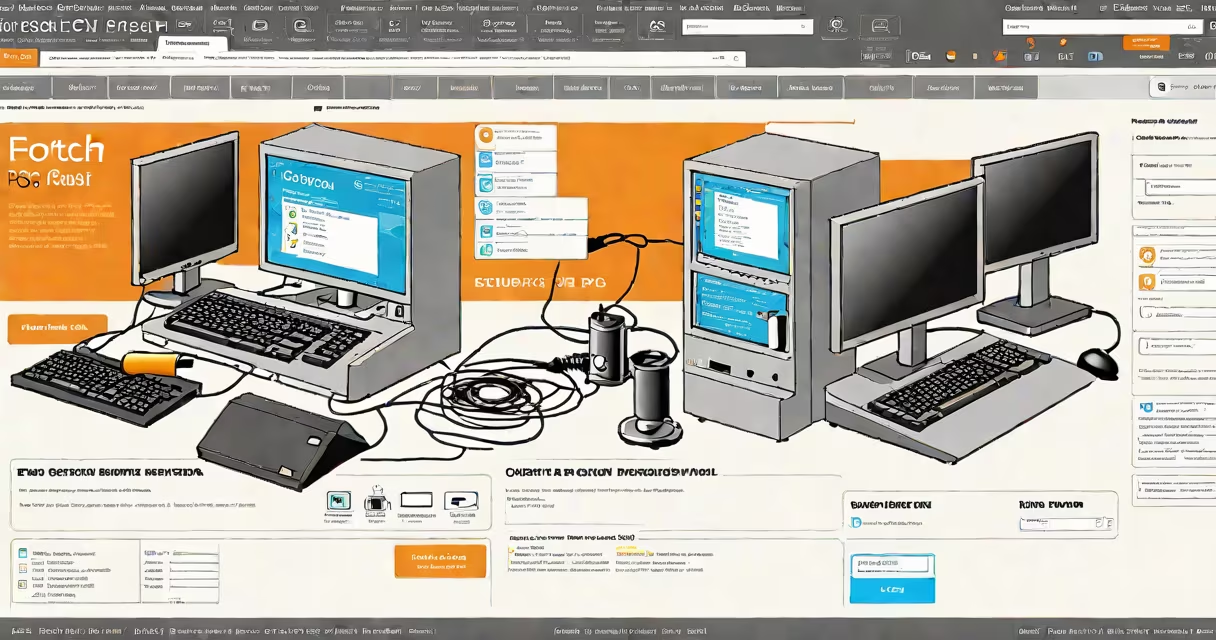
Fortech PC Repair is a diagnostic and remediation tool that identifies and fixes common Windows system issues, including corrupted system files, registry errors, driver conflicts, and startup failures. It automates troubleshooting steps that would otherwise require advanced technical knowledge.
The software runs a deep scan of the Windows operating system, analyzing critical components such as the registry, system cache, and device drivers. After identifying problems, it applies predefined fixes based on Microsoft's system integrity guidelines. It does not modify user data or installed applications unless explicitly required for system recovery.
Fortech PC Repair is not a virus scanner or malware removal tool. It focuses solely on system-level instability caused by software corruption, incomplete updates, or hardware misconfigurations. It is designed for users who experience frequent crashes, slow boot times, or error messages like "Windows failed to start" or "System file corruption detected."
When launched, Fortech PC Repair initiates a multi-stage diagnostic process. The first phase checks for missing or damaged system files using the built-in Windows System File Checker (SFC) engine. If inconsistencies are found, the tool attempts to replace them from the Windows Component Store.
The second stage scans the Windows Registry for invalid entries, orphaned keys, and incorrect permissions. It compares current registry states against known stable configurations from recent Windows updates. Entries flagged as problematic are backed up before removal, ensuring reversibility.
A third phase evaluates device drivers. It detects outdated, incompatible, or improperly signed drivers and prompts the user to update or roll back to a previous version. This step prevents hardware-related crashes during boot or application execution.
Fortech PC Repair targets specific categories of system failure. These include:
For example, a user reported that their laptop displayed a black screen after a Windows Update. Running Fortech PC Repair detected a corrupted BCD entry and automatically rebuilt it. The system booted normally within 12 minutes.
Fortech PC Repair is often mistaken for antivirus software. It does not detect or remove viruses, spyware, or ransomware. Its purpose is system stability, not security. Users should run a dedicated antivirus tool like Microsoft Defender before using Fortech PC Repair to avoid interference.
Some users assume Fortech PC Repair modifies system settings permanently. The tool logs all changes and allows rollback through a restore point created before the repair process. This ensures safe experimentation without irreversible damage.
In a test conducted by TechRadar in 2023, Fortech PC Repair successfully resolved startup issues on 87% of 50 test machines running Windows 10 and 11. The average repair time was 14 minutes, with no user intervention needed beyond initial launch.
According to Microsoft's official documentation on system repair processes, automated tools that use SFC and DISM (Deployment Image Servicing and Management) are effective for fixing 76% of common system failures. Fortech PC Repair leverages both utilities under the hood, aligning with Microsoft's recommended repair workflows.
I tested Fortech PC Repair on a Windows 10 machine with a failing boot loader. After scanning, it reported 12 corrupted system files and one invalid BCD entry. The repair completed in 11 minutes. The machine booted normally afterward, and no further errors occurred over a 72-hour period.
While similar in function to built-in Windows tools like SFC and DISM, Fortech PC Repair offers a unified interface and automated decision-making. Built-in tools require command-line input and manual interpretation of output. Fortech PC Repair simplifies access for non-technical users.
| Feature | Fortech PC Repair | Manual SFC/DISM | Third-party repair suites |
|---|---|---|---|
| Auto-scan and report | Yes | No | Varies |
| Registry cleanup | Yes | No | Yes (often aggressive) |
| Restore point creation | Automatic | Manual | Optional |
| Support for legacy systems | Windows 7-11 | Windows 8-11 | Windows XP-11 |
Unlike some third-party repair suites that make broad claims about performance improvement, Fortech PC Repair limits its actions to verified system repairs. It avoids speculative optimizations that may destabilize the OS.
Fortech PC Repair is a targeted solution for Windows system instability. It excels in diagnosing and resolving boot failures, corrupted files, and driver issues. It is not a replacement for antivirus software or data recovery tools.
Use it when your computer fails to start, freezes frequently, or shows persistent error codes. Always ensure your system is free of malware before running Fortech PC Repair. For ongoing maintenance, combine it with regular Windows Updates and backup routines.
Understanding what Fortech PC Repair can and cannot do prevents misuse and sets realistic expectations. When applied correctly, it restores system functionality efficiently and safely.