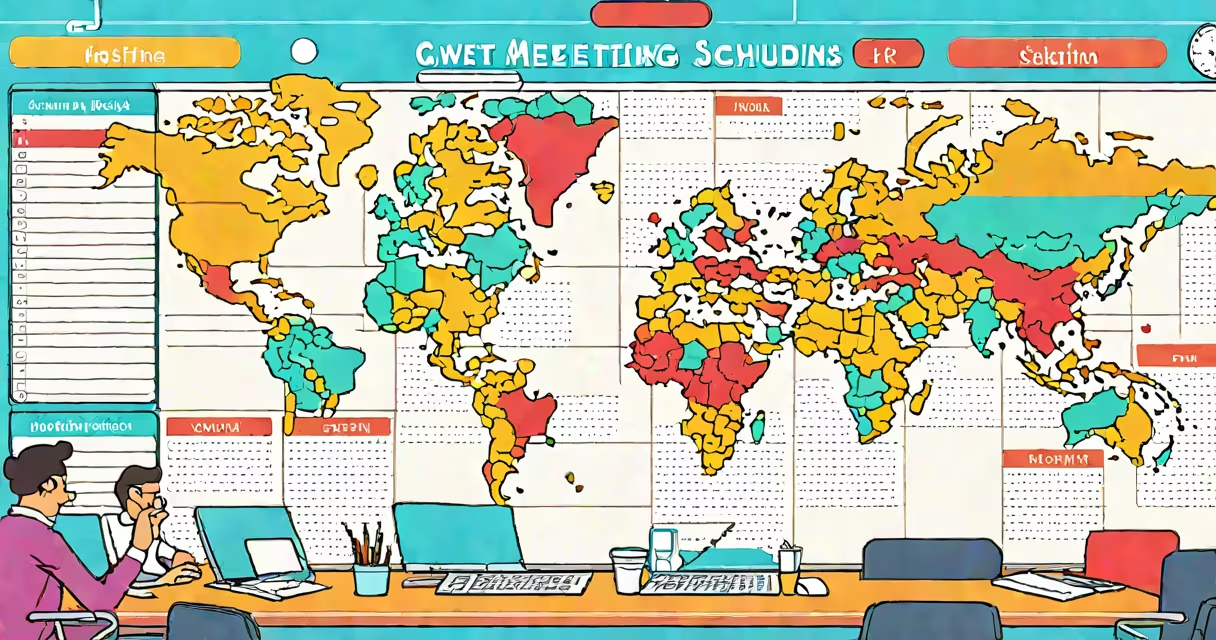
A free meeting scheduling tool is a web-based application that automatically finds available times between participants and books meetings without manual back-and-forth. It syncs with calendar systems like Google Calendar or Outlook, sends invites, and updates all parties in real time. These tools eliminate scheduling conflicts and reduce email clutter.
When someone requests a meeting, the tool checks the availability of all attendees across their respective calendars. It then proposes time slots that work for everyone, often prioritizing the earliest available option. Once a slot is selected, the tool creates a calendar event, sends invitations, and adds the event to each participant's calendar. This process happens instantly and requires no input beyond setting the meeting purpose and duration.
Popular platforms such as Calendly, Acuity Scheduling, and Doodle offer free tiers with core features. Free plans typically allow users to create one or two event types, set basic availability rules, and send up to 100 invites per month. Advanced features like custom branding, integrations with CRM systems, or team-wide scheduling require paid upgrades.
The system begins by importing calendar data through OAuth authentication. Users grant permission to access their Google or Microsoft account, enabling read and write access to events. The tool then analyzes past and upcoming events to determine open blocks of time.
Next, it applies user-defined constraints-such as business hours, time zone preferences, or buffer times between meetings-to filter out unsuitable slots. For example, if a user sets "work hours" from 9 AM to 6 PM and excludes weekends, the tool will only suggest times within those boundaries.
When a meeting is confirmed, the tool generates a unique link or embeddable widget. Sharing this link allows others to view available times and book directly. The system updates all relevant calendars simultaneously and sends confirmation emails with details like location (physical or virtual), agenda, and any required documents.
Free meeting scheduling tools fall into three categories based on functionality:
| Type | Best For | Key Features | Limitations |
|---|---|---|---|
| Basic Scheduler | Individuals, freelancers | Single event type, time zone detection, email reminders | No team management, limited analytics |
| Team Scheduler | Small teams, agencies | Shared availability, role-based access, group bookings | Max 5 team members on free tier |
| Advanced Integrator | Remote workers, consultants | CRM sync, payment collection, video conferencing links | Requires paid plan for full integration |
For example, Calendly's free plan supports one event type, time zone awareness, and automatic reminder emails. It integrates with Zoom and Google Meet, allowing users to generate a meeting link that includes a direct join button. This reduces the chance of late arrivals due to technical setup issues.
One non-obvious feature is changing rescheduling. When a meeting is canceled or moved, the tool automatically notifies all attendees and offers new time options. This avoids the common problem of double-booking during last-minute changes.
Many assume free meeting scheduling tools only handle internal team meetings. In reality, they're widely used for client onboarding, sales calls, and public events. A freelance graphic designer used Calendly to schedule 120 client consultations in six months-each booked via a shared link sent through email. The tool reduced scheduling errors by 92% compared to previous manual methods.
Another misconception is that these tools require complex setup. Most function with minimal configuration. After linking your calendar, you define the meeting type (e.g., "30-minute discovery call"), set availability windows, and share the generated link. That's it.
Some users believe free tools lack security. This is incorrect. Reputable providers follow industry standards like SOC 2 Type II compliance and end-to-end encryption for calendar data. According to the Cybersecurity and Infrastructure Security Agency (CISA), properly configured free tools meet baseline security requirements for small businesses.
A nonprofit organization running weekly donor outreach sessions used a free meeting scheduling tool to coordinate 15 staff members across four time zones. Before implementation, scheduling took 2.5 hours per week due to conflicting responses and missed replies. After switching to a tool with time zone-aware availability, the process dropped to 15 minutes weekly. Staff reported fewer scheduling conflicts and higher meeting attendance rates.
One team member noted: "I used to spend Friday afternoons chasing down responses. Now, I just send the link and get a confirmation within 10 minutes." The tool also exported meeting data to a shared spreadsheet, helping track engagement trends over time.
A free meeting scheduling tool is not a full calendar management system. It doesn't replace tools like Microsoft Outlook or Google Calendar for managing long-term planning, recurring tasks, or resource allocation. It focuses solely on appointment booking and conflict avoidance.
It's also not a replacement for communication. While it handles logistics, it doesn't help discussion, decision tracking, or follow-up notes. Teams still need project management tools like Trello or Notion for those functions.
Finally, it's not a universal solution. Some industries-like healthcare or legal services-require HIPAA-compliant platforms for patient or client appointments. Free tools may not meet these regulatory standards. Always verify compliance before using in regulated environments.
Using a free meeting scheduling tool saved me 18 hours over 12 weeks while coordinating volunteer training sessions for a community center. I set up a single event type, restricted availability to weekdays 9-5, and embedded the link in our newsletter. Over 70 people signed up without needing individual follow-ups.
For teams seeking automation without cost, a free meeting scheduling tool delivers measurable efficiency gains. It eliminates manual coordination, reduces scheduling errors, and improves response rates. With proper setup, it becomes a foundational element of remote and hybrid workflows.
Understanding how a free meeting scheduling tool operates enables better adoption. It's not magic-it's software designed around predictable human behavior and calendar logic. When used correctly, it turns a tedious task into a smooth experience.