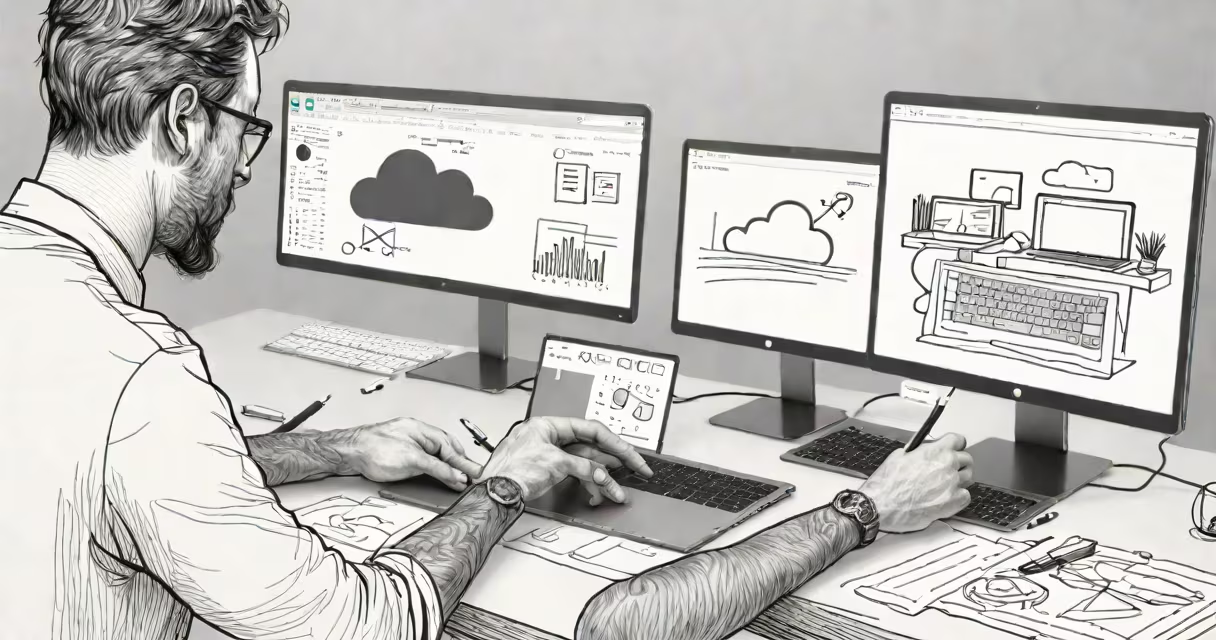
Desktop as a Service (DaaS) is a cloud computing model that delivers virtual desktop environments hosted on remote servers, accessible via internet connection. Users connect to their personalized desktops from any device-laptop, tablet, or thin client-running Windows, macOS, or Linux. The service provider manages infrastructure, security, updates, and scaling.
DaaS operates on a subscription basis. Instead of deploying physical desktops and managing local hardware, organizations rent virtual machines configured with operating systems, applications, and user profiles. These run in data centers managed by providers like Amazon WorkSpaces, Microsoft Azure Virtual Desktop, or Google Cloud's Chrome Enterprise. Access happens through remote desktop protocols such as RDP, PCoIP, or Blast Extreme.
For example, a marketing agency with 50 employees spread across three states uses DaaS to ensure all staff access Adobe Creative Set, internal project tools, and encrypted file shares from home, coffee shops, or client sites. Each employee logs in with a password and biometric verification, launching a desktop that mirrors their usual setup-complete with saved preferences and synced documents-within seconds.
DaaS begins with provisioning a virtual machine (VM) in a cloud provider's data center. The VM runs a full OS instance-typically Windows 10 or 11, or a Linux variant-configured with required software. The user accesses this environment through a client application or web browser, using a secure tunnel over HTTPS.
Each session is isolated. Data never resides on the endpoint device unless explicitly cached. All processing occurs on the server side. This means a low-spec laptop can run complex design software because the GPU rendering and CPU-intensive tasks happen remotely. The user sees only the output-graphics, audio, input responses-over a compressed video stream.
When a user signs out, the session ends. The VM may persist for quick reconnection or shut down based on policy. Changes made during the session are either stored in persistent storage volumes or discarded, depending on organizational settings. This isolation prevents data leakage and simplifies recovery after crashes or malware infections.
Three primary models exist, differing in control, cost, and customization:
| Type | Provider Control | Best For | Example Providers |
|---|---|---|---|
| Full DaaS | High (entire stack managed) | Enterprises needing compliance, scalability, and minimal IT burden | Microsoft Azure Virtual Desktop, Amazon WorkSpaces |
| Hybrid DaaS | Mixed (some on-prem, some cloud) | Organizations with legacy apps or strict data residency laws | VMware Horizon Cloud, Citrix Virtual Apps and Desktops |
| Self-Managed DaaS | Low (user configures VMs) | Developers, small teams testing environments | Proxmox VE, VMware ESXi with custom orchestration |
Full DaaS offers the most turnkey experience. Microsoft Azure Virtual Desktop, for instance, integrates with Active Directory, supports multi-factor authentication, and allows administrators to assign desktops based on role or department. Pricing scales per user per month, often including bandwidth and storage.
Hybrid DaaS blends private and public cloud resources. A hospital might host patient records on an on-premises cluster while running administrative desktops in AWS. This balances regulatory requirements with flexibility. According to Gartner, hybrid deployments increased 40% between 2022 and 2023 due to data sovereignty concerns.
Self-managed DaaS gives users full control but requires technical expertise. I once set up a test DaaS environment using Proxmox on a spare server. After installing Ubuntu and configuring QEMU/KVM, I created ten VMs with different configurations-some with GPU passthrough for AI training. It ran smoothly but required daily maintenance checks and manual backups.
Security is the top driver. With DaaS, sensitive data stays within the provider's secure network. Even if a device is lost or stolen, the desktop session ends immediately upon logout. No local caching means no risk of unauthorized access to files.
Cost predictability matters too. Instead of buying new hardware every three years, companies pay a flat monthly fee per user. A 2023 report by Forrester Research found that businesses using DaaS reduced total cost of ownership (TCO) by 32% over five years compared to traditional desktop management.
Scalability enables rapid deployment. Onboarding a new employee takes minutes. An IT admin creates a profile, assigns a license, and sends login credentials. The user connects from any device. Offboarding follows the same path-deactivate the account, revoke access, and delete the VM.
DaaS is not the same as remote desktop connection services. While both allow remote access, DaaS provides a full virtual desktop environment with persistent state and dedicated resources. Remote desktop connections typically offer temporary access to a single physical machine, often used for troubleshooting.
Some confuse DaaS with desktop virtualization. Desktop virtualization is a broader category. DaaS is a delivery model under that umbrella. Not all virtualized desktops are hosted in the cloud. Some run on-premises using technologies like Hyper-V or XenServer. DaaS specifically implies cloud-hosted, managed, and billed on usage.
A common error is assuming DaaS eliminates all IT responsibilities. It shifts them-not removes them. Administrators still manage user access, enforce policies, audit logs, and handle support tickets. They also configure backup schedules and patch management workflows.
Another misconception: DaaS always performs better than local desktops. That's false. Performance depends on network quality. A user in rural Nebraska with 10 Mbps upload speed will experience lag when streaming high-resolution graphics. Latency below 50ms is ideal for interactive tasks. Tools like Microsoft's Network Assessment Tool help identify connectivity issues before rollout.
A university IT department deployed DaaS for 1,200 students and faculty. Prior to this, they maintained 1,500 physical desktops across labs and offices. Maintenance costs were rising-average repair time was 4.2 days, and software licensing was inconsistent.
They chose Microsoft Azure Virtual Desktop. Each user received a 2-core, 4GB RAM VM with Windows 10 Enterprise. Applications included MATLAB, SPSS, and AutoCAD. Profiles were synchronized using Azure AD and OneDrive integration.
After six months, the IT team reported a 68% drop in helpdesk tickets related to desktop failures. Software deployment time dropped from 3 hours per app to under 15 minutes. Student satisfaction scores rose from 3.2 to 4.6 on a 5-point scale.
Start by auditing your current desktop environment. Identify which applications require high performance, which users need offline access, and whether data must remain within national borders. Then compare providers based on SLAs, compliance certifications (SOC 2, ISO 27001), and support options.
Test with a pilot group of 10-20 users. Monitor latency, application responsiveness, and user feedback. Adjust resource allocation-more vCPUs for engineering teams, higher bandwidth for creative departments.
Finally, train users on secure practices: never share credentials, avoid connecting from untrusted networks, and report suspicious activity. Regular audits of access logs help detect anomalies early.
What is desktop as a service? It's a modern alternative to physical desktops that centralizes management, enhances security, and supports flexible work. When implemented correctly, it reduces downtime, cuts costs, and improves user experience across distributed teams.