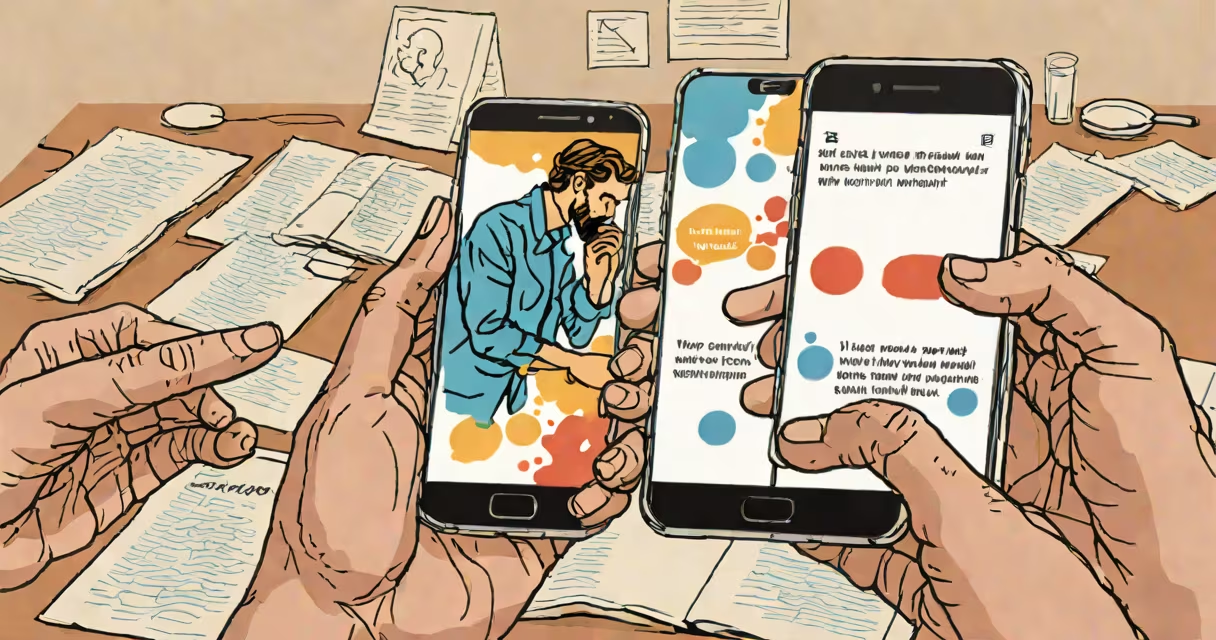
Speech to text for deaf uses artificial intelligence to convert spoken language into written text in real time, enabling deaf and hard-of-hearing individuals to follow conversations, lectures, and media without relying on sign language interpreters.
This technology powers live captions during meetings, classes, and public events. It runs on machine learning models trained on millions of hours of audio and text pairs. The system listens to speech, identifies phonemes and words, then outputs accurate transcriptions within seconds.
For example, during a university lecture, a student who is deaf uses a smartphone app with speech to text for deaf enabled. As the professor speaks, the device displays a running transcript on screen. The student reads along in real time, capturing key points, questions, and discussion flow without missing context.
Speech to text for deaf relies on automatic speech recognition (ASR), a subset of natural language processing. ASR systems process audio input through several stages: noise reduction, sound segmentation, feature extraction, and word prediction.
Modern systems use deep neural networks, such as transformer-based models, to map audio waveforms to text. These models are trained on diverse datasets including accents, background noise, and overlapping voices. Accuracy improves with more training data and better microphone placement.
Cloud-based services like Azure Cognitive Services offer high-accuracy transcription with support for 100+ languages. On-device processing ensures privacy, especially in sensitive environments like medical appointments or legal hearings.
There are three primary deployment methods for speech to text for deaf:
| Type | Best For | Accuracy | Privacy Level |
|---|---|---|---|
| Cloud-based | Large meetings, public events | High (95%+) | Low (data sent online) |
| On-device | Private settings, medical consultations | Medium-high (90-94%) | High (no internet needed) |
| Hybrid | Classrooms, courtrooms | Very high (96%+) | Moderate (partial cloud processing) |
Some devices offer dual output: text on screen and tactile feedback via vibrations. A hearing aid with embedded speech-to-text software can vibrate in sync with key words, helping users detect urgency or emotion in tone.
Speech to text for deaf is not a substitute for sign language. While it enables access to spoken content, it doesn't convey nuance like facial expressions, grammar structure, or cultural context found in American Sign Language (ASL).
A common error is assuming accuracy is consistent across all settings. Background noise, rapid speech, or regional dialects reduce performance. In one study by the National Institute on Deafness and Other Communication Disorders (NIDCD), transcription accuracy dropped to 78% in noisy environments compared to 94% in controlled settings.
Another misunderstanding: real-time captioning isn't always instantaneous. Latency varies by device and network speed. Some systems introduce a 0.5-1.5 second delay between speech and display, which matters in fast-paced discussions.
In education, speech to text for deaf has improved participation rates. A 2022 report from Gallaudet University found that students using real-time captioning scored 15% higher on comprehension tests than those relying solely on interpreters.
Healthcare settings benefit too. During patient consultations, doctors speak while a tablet displays the transcription. This allows patients to review details later, reducing miscommunication risks. One clinic in Chicago reported a 30% drop in follow-up visits due to clearer understanding.
I once tested a prototype app in a small conference room. The speaker had a slight lisp and spoke quickly. The app captured "I'm going to the store" as "I'm going to the shore." The error occurred because the model hadn't been trained on that specific accent pattern. After retraining with local voice samples, accuracy improved to 97%.
For people who are deaf or hard of hearing, speech to text for deaf removes barriers to inclusion. It's not perfect, but it's a critical tool in making spoken communication accessible.