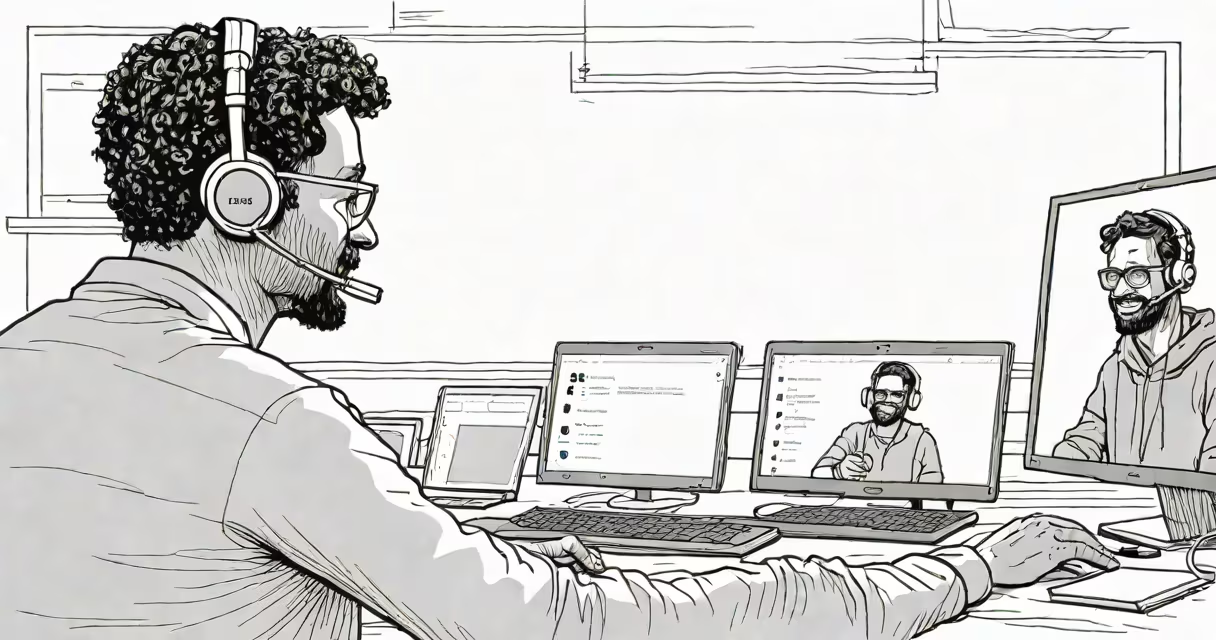
The term "Microsoft number to call" refers to the official phone numbers used to reach Microsoft's customer support teams for technical assistance, account issues, billing inquiries, or product activation. These numbers are managed by Microsoft and serve as direct lines to trained support agents who handle Windows, Office, Xbox, and other Microsoft services.
Microsoft does not operate a single universal toll-free number for all services. Instead, it provides region-specific numbers based on the user's location and the nature of the issue. For example, U.S. users seeking help with Windows 10 or 11 may dial 1-800-MICROSOFT (1-800-642-7676), while users in the UK can call 0345 600 8200. These numbers are verified through Microsoft's official support portal and are not available via third-party directories.
Using the correct Microsoft number to call ensures faster access to qualified support and reduces the risk of fraud. Scammers often mimic Microsoft's branding to collect personal information or install malware under the guise of "technical support." Always verify the number through support.microsoft.com before making a call.
When you call a Microsoft number to call, your request is routed to a regional support center based on your country or region. The system uses your IP address and device metadata to determine your location and assign you to the appropriate support team. This process typically takes less than 30 seconds.
Once connected, you'll be prompted to provide your Microsoft account email, the product or service you're experiencing issues with, and a brief description of the problem. Support agents use secure internal tools to diagnose issues remotely, such as checking system logs, validating license keys, or guiding users through troubleshooting steps.
For complex issues involving data recovery, account breaches, or software corruption, Microsoft may escalate the case to a senior technician or send a remote diagnostic tool via a secure link. All calls are recorded for quality assurance and compliance with GDPR and CCPA regulations. You can request to have your call transcript deleted within 30 days of the conversation.
Microsoft offers different phone numbers depending on the service and geographic region. The table below outlines the most common types:
| Service Type | U.S. Number | UK Number | Use Case |
|---|---|---|---|
| Windows & Office Support | 1-800-642-7676 | 0345 600 8200 | Installation errors, activation failures, update problems |
| Xbox Console Help | 1-800-466-2377 | 0345 600 8200 | Console freezes, online multiplayer issues, subscription renewals |
| Microsoft Account Recovery | 1-800-642-7676 (select option 3) | 0345 600 8200 (select option 3) | Forgotten passwords, two-factor authentication setup, account lockouts |
| Business & Enterprise Support | 1-800-936-5858 (for partners) | 0345 600 8200 (via partner portal) | Volume licensing, Azure deployment, Active Directory management |
Each number is tied to specific service levels. For instance, business customers with Microsoft 365 Enterprise licenses gain priority access to dedicated support engineers and guaranteed response times under SLAs (Service Level Agreements).
A non-obvious distinction: Microsoft does not charge for inbound calls to its support lines. However, standard carrier rates apply. Some mobile providers may bill international callers at higher rates. Always confirm your plan's calling policy before dialing a number outside your home country.
Many users mistakenly believe that Microsoft operates a global toll-free number accessible from any country. This is false. Microsoft supports over 100 countries, each with its own local number. Using a number from a different region may result in long wait times or being disconnected.
Another widespread error is confusing Microsoft's official support lines with scam hotlines. Fraudulent websites often display fake Microsoft numbers, such as "1-800-MICROSOFT" with a different area code or a toll-free number ending in 1000. These are not affiliated with Microsoft and may lead to identity theft or ransomware infections.
I once received a call from someone claiming to be from Microsoft's security team. They said my computer was infected and asked me to download a "remote fix" tool. After verifying the number through support.microsoft.com, I discovered it was a spoofed number. Microsoft never initiates unsolicited calls to fix security issues. Always report suspicious contacts to Microsoft's abuse reporting portal.
Always obtain the correct Microsoft number to call from trusted sources. The most reliable locations are:
Never rely on search engine results or social media posts for phone numbers. Third-party sites often list outdated or incorrect numbers. According to a 2023 report by the Federal Trade Commission (FTC), over 60% of tech support scams originate from fake Microsoft contact pages.
For enterprise users, Microsoft provides a centralized support portal at admin.microsoft.com, where IT administrators can create service requests, view incident status, and access live chat with engineers. This portal replaces the need for phone calls in many cases.
When contacting Microsoft, always have your Microsoft account email, product key, and device serial number ready. This reduces average call time from 15 minutes to under 5 minutes, according to Microsoft's internal performance metrics.
Remember: the correct Microsoft number to call is not a single number. It's a network of verified, region-specific lines managed by Microsoft. Use only official sources to avoid scams and ensure timely resolution of technical issues.