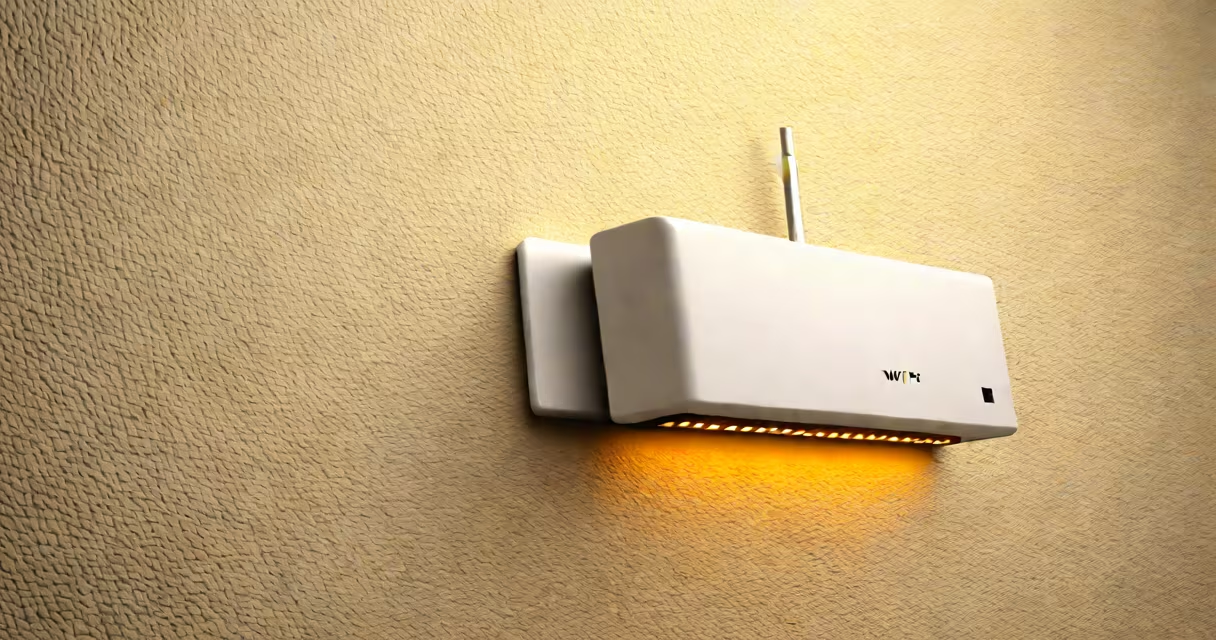
wifi booster reviews analyze real-world performance, setup complexity, and reliability of devices designed to extend Wi-Fi coverage beyond the limits of a router. These tools amplify weak signals in dead zones, improving connectivity for smart home devices, streaming, and remote work.
Wi-Fi boosters-also called range extenders or signal amplifiers-work by receiving a weak signal from your router, strengthening it, and rebroadcasting it. They don't increase your internet speed, but they fix poor signal reach. A typical booster connects to your existing Wi-Fi network and creates a secondary access point, often with a separate network name (SSID).
For example, a user in a two-story home with a router in the basement may lose connection on the second floor. Installing a booster near the top of the stairs can restore signal strength. The device captures the router's signal, boosts it, and transmits it upward, allowing a phone or laptop to maintain a stable connection.
Wi-Fi boosters operate on the 2.4 GHz and 5 GHz frequency bands. Most support dual-band operation, meaning they can extend both bands simultaneously. When a booster receives a signal, it processes the data, amplifies the radio waves, and retransmits them. This process introduces latency-typically 10-30 milliseconds-due to the double-hop transmission.
Unlike mesh systems, which use multiple synchronized nodes to create a smooth network, boosters rely on a single relay path. This makes them prone to interference and reduced throughput. For instance, a 100 Mbps connection may drop to 40 Mbps after being extended through a booster due to signal degradation and retransmission delays.
A key limitation: boosters repeat the same signal. If the original signal is weak or noisy, the boosted version inherits those flaws. A 2.4 GHz band booster placed too far from the router may struggle with interference from microwaves, Bluetooth devices, and neighboring networks.
Three main types exist: standalone units, plug-in adapters, and integrated mesh components. Standalone boosters are the most common and come in desktop or wall-mount designs. Plug-in models fit into power outlets and are compact but less useful. Integrated boosters are part of larger systems like mesh networks, offering better coordination.
| Type | Installation Ease | Signal Coverage | Best For |
|---|---|---|---|
| Standalone unit | High (plug in, configure via app) | Medium to large rooms | Single-family homes with moderate layout |
| Plug-in adapter | Very high (uses outlet space) | Small to medium areas | Apartment dwellers, temporary fixes |
| Mesh-integrated booster | Medium (requires central hub) | Large homes, multi-floor buildings | Users needing whole-home coverage |
One non-obvious fact: many boosters advertise "dual-band" but only support one band at a time. A device labeled "dual-band" may switch between 2.4 GHz and 5 GHz depending on demand, reducing effective throughput. Always check the specifications for concurrent dual-band support.
Users often confuse boosters with routers or mesh systems. A router manages internet traffic and assigns IP addresses. A booster only extends signal. Placing a booster too far from the router results in a weak return link, creating a bottleneck. The device may show full signal bars but fail to deliver usable speeds.
Another mistake: assuming a booster improves internet speed. If your ISP provides 100 Mbps, a booster cannot exceed that limit. It can only improve reach. A test by PCMag showed that even top-tier boosters lost 30-50% of bandwidth during extension, especially under load.
I once installed a TP-Link RE650 in a client's home with thick walls and poor signal. The device connected successfully, but video calls dropped frequently. After moving it closer to the router, performance improved. The lesson: placement matters more than brand or price.
Trusted reviews focus on real-world metrics: signal strength in dBm, throughput under load, and stability over 24 hours. They test devices in varied environments-apartments, older homes, and multi-room offices-and avoid marketing claims like "up to 200% range."
Key evaluation criteria include:
For example, a review of the Netgear EX7300 found it delivered 65 Mbps on 5 GHz and 35 Mbps on 2.4 GHz in a 2,000 sq ft home. It maintained stable connections during 30-minute video streams. In contrast, a lower-end model failed after 15 minutes due to overheating.
According to CNET, the best boosters combine hardware quality with software intelligence-such as automatic channel switching and adaptive beamforming-to reduce manual tuning.
Use a booster when you have a single dead zone and want a low-cost fix. Avoid them in large homes or buildings with multiple floors and thick walls. For such cases, a mesh system offers better performance and smooth roaming.
Wifi booster reviews must go beyond marketing specs. Look for independent testing, real-world scenarios, and measurable outcomes. A device that performs well in a lab may fail in a home with interference, outdated devices, or complex layouts.