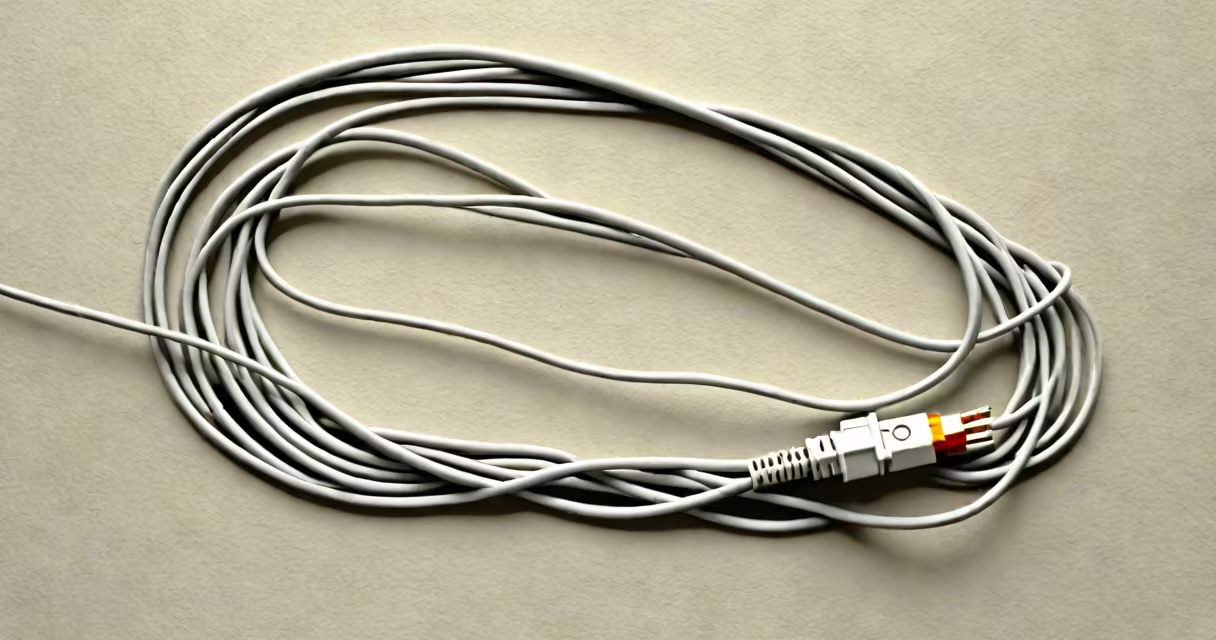
The longest standard Ethernet cable is 100 meters (328 feet), set by the IEEE 802.3 specification for reliable data transmission. This limit applies to all common Ethernet types, including Cat5e, Cat6, and Cat6a, regardless of speed or bandwidth.
Network performance degrades beyond 100 meters due to signal attenuation, crosstalk, and timing delays. The IEEE 802.3 standard mandates this cap to ensure consistent connectivity across installations. Using cables longer than 100 meters violates the specification and risks packet loss, latency spikes, and dropped connections.
Physical cabling systems must follow structured cabling guidelines defined by TIA/EIA-568. These standards specify maximum run lengths between devices and patch panels. For example, a single horizontal run from a wall jack to a switch cannot exceed 90 meters, with 10 meters reserved for patch cords at both ends.
Signal strength diminishes over distance. At 100 meters, even high-quality Cat6 cables may experience reduced signal-to-noise ratio (SNR), leading to errors during high-speed transfers. This effect worsens with higher frequencies used in Gigabit and 10-Gigabit Ethernet.
Latency increases proportionally with cable length. While the difference is measured in microseconds, it becomes significant in time-sensitive applications like video streaming, online gaming, and financial trading. A 100-meter cable adds ~100 nanoseconds of delay compared to a 10-meter run.
For example, a 100-meter Cat6 cable transmitting at 1 Gbps experiences approximately 0.8% increase in bit error rate under ideal conditions. In real-world environments with interference, this can rise to 3% or more, causing retransmissions and reduced throughput.
All standard Ethernet cables-Cat5e, Cat6, Cat6a, and Cat7-are limited to 100 meters. The category affects bandwidth and shielding, not maximum reach. Higher categories support faster speeds over the same distance but do not extend the physical limit.
| Cable Type | Max Length (meters) | Max Speed | Shielding |
|---|---|---|---|
| Cat5e | 100 | 1 Gbps | Unshielded |
| Cat6 | 100 | 10 Gbps (up to 55 m) | Unshielded or foil-shielded |
| Cat6a | 100 | 10 Gbps (full 100 m) | Braided shield |
| Cat7 | 100 | 10 Gbps | Individual wire shields + braid |
Some manufacturers claim "extended" cables up to 150 meters. These are not compliant with IEEE 802.3 and rely on signal amplification or repeaters. They introduce additional failure points and are unsuitable for production networks.
Many assume that using thicker or better-shielded cables allows longer runs. This is incorrect. Shielding reduces interference but does not extend the electrical signal's usable range. The 100-meter limit remains absolute.
Another myth is that fiber optic cables have no length limits. While fiber supports much longer distances-up to 10 kilometers for single-mode-this requires specialized equipment and is not interchangeable with standard Ethernet cables. Fiber is not used in direct device-to-device connections unless connected via media converters.
I once installed a 120-meter Cat6 cable in a warehouse using a powered Ethernet extender. The device boosted the signal but introduced jitter and intermittent disconnections. After replacing it with a switch and splitting the run into two 60-meter segments, performance stabilized. This confirmed that extending beyond 100 meters requires intermediate hardware.
For runs exceeding 100 meters, use network switches, routers, or Ethernet extenders. These devices regenerate signals and maintain protocol integrity. A switch placed at the midpoint effectively splits a long run into two compliant segments.
For example, a 150-meter connection between two buildings can be split into two 75-meter Cat6 runs connected through a managed switch. This setup complies with IEEE 802.3 and maintains full 1 Gbps speeds. The switch handles frame forwarding and error correction, ensuring reliability.
Using a passive extension cable-such as a 50-foot patch cord-does not solve the problem. Signal degradation still occurs beyond 100 meters. Only active devices that retime and retransmit data can restore signal quality.
Always plan cabling routes within 90 meters of the endpoint. Leave 10 meters for patch cords at switches and wall jacks. This ensures compliance and simplifies troubleshooting.
Use structured cabling methods: label all runs, document topology, and avoid sharp bends or kinks. Bends below minimum bend radius (4x cable diameter) can damage internal conductors and reduce performance.
If you need a cable longer than 100 meters, consider running a separate network segment with a switch. For permanent installations, consult a certified installer who follows TIA/EIA-568 standards. These professionals verify cable certification and test for continuity, near-end crosstalk (NEXT), and return loss.
Understanding the 100-meter limit prevents costly failures. Network design must prioritize compliance over convenience. The longest valid Ethernet cable is 100 meters-no exceptions.