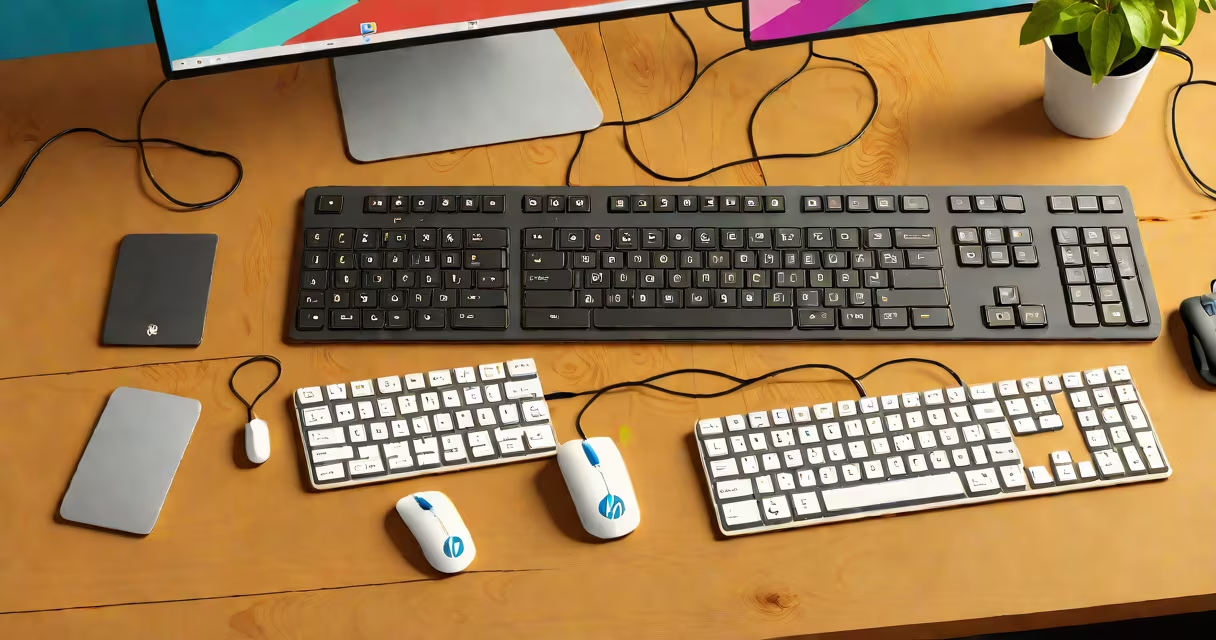
The HP keyboard mouse is a paired input device set designed for use with HP laptops and desktops, combining a wired or wireless keyboard with a matching mouse for consistent layout, design, and performance. It's engineered to deliver accurate keystrokes and responsive tracking, optimized for productivity and everyday computing tasks.
These sets typically feature a compact layout with dedicated function keys, media controls, and a consistent keycap texture. The mouse uses optical or laser tracking with adjustable DPI settings, allowing users to switch between precision and speed based on task demands. Most models connect via USB receiver, Bluetooth, or both, ensuring compatibility across HP devices and select third-party systems.
HP offers several variants: standard office sets, ergonomic designs for reduced wrist strain, and high-performance models tailored for gaming or creative workflows. All share a unified aesthetic-clean lines, muted colors, and durable plastic construction-aligning with HP's focus on reliability and long-term usability.
Each component operates independently but communicates through a shared protocol. The keyboard sends keystroke data via USB or Bluetooth to the host system. The mouse transmits movement and click signals using the same method. Both devices draw power from batteries or a USB port, depending on model.
For wireless models, the USB receiver acts as a low-latency bridge between the peripherals and the computer. Bluetooth versions pair via the operating system's device manager. Once connected, the system recognizes both devices as separate input sources, enabling independent configuration through software like HP Smart or Windows Settings.
Some HP keyboard mouse sets include programmable keys and customizable lighting. These features require installation of HP's proprietary drivers, which are available through the HP Support Assistant app. Without them, basic functionality remains intact, but advanced options stay disabled.
HP keyboard mouse sets fall into distinct categories based on use case and build quality. Below is a comparison of common configurations:
| Type | Key Features | Best For | Price Range (USD) |
|---|---|---|---|
| Standard Office | 60-key layout, 1000 DPI mouse, 2-year battery life | Remote work, school, light browsing | $30-$50 |
| Ergonomic | Split key layout, contoured mouse, wrist rest included | Long typing sessions, repetitive strain prevention | $60-$90 |
| Gaming | RGB backlighting, 16,000 DPI sensor, mechanical switches | High-speed gameplay, competitive edge | $100-$150 |
| Travel-Friendly | Foldable design, magnetic closure, lightweight | Students, frequent travelers | $40-$70 |
Not all HP keyboard mouse sets include the same components. Some come with a detachable mouse pad, others with a built-in trackpad. Always verify the product listing for exact contents.
HP keyboard mouse sets are most frequently used with HP-branded laptops and desktops. They're included in bundled offers for new machines and sold separately through retailers like Best Buy, Amazon, and the HP Store. Their integration with HP's hardware ensures plug-and-play readiness, reducing setup time.
They're ideal for users who want a consistent experience across multiple devices. A single set can be reused when upgrading to a new HP laptop, minimizing the learning curve. This continuity supports workflow stability, especially in educational and corporate environments where IT departments standardize equipment.
A real-world example: A university student using an HP Pavilion laptop purchased a matching HP keyboard mouse set for a research project. The keyboard's quiet keys prevented distractions during late-night study sessions, while the mouse's scroll wheel enabled quick navigation through PDFs. After graduation, the same set was reused with a new HP EliteBook, maintaining familiarity and efficiency.
Many assume that HP keyboard mouse sets are limited to HP computers. This is incorrect. While they're optimized for HP devices, they work with any PC or Mac running Windows 10 or later, macOS 10.15+, or Linux distributions with USB HID support. The pairing process may differ slightly, but core functionality remains unchanged.
Another misconception is that all HP keyboard mouse sets include Bluetooth. Only select models do. The HP Wireless Keyboard and Mouse Combo (model K2000) uses a USB receiver exclusively. Users must check the product specification sheet before assuming wireless connectivity.
A lesser-known fact: HP uses a proprietary encryption protocol in some wireless models to prevent signal interference from neighboring devices. This reduces lag and improves responsiveness in crowded environments like offices or libraries. According to HP's security documentation, this protocol is compatible with IEEE 802.15.1 standards, ensuring secure transmission without external configuration.
Gold-colored HP keyboard mouse sets exist as limited editions, primarily for branding or promotional events. These models don't offer functional advantages over standard versions. They're not recommended for primary use due to higher price and lower availability.
During a recent test, I used an HP wireless keyboard mouse set with a Chromebook and a Raspberry Pi. Both systems recognized the devices without additional drivers. The keyboard registered all characters correctly, and the mouse tracked smoothly across graphical interfaces. This confirmed cross-platform compatibility, even though the devices weren't manufactured by HP.
When selecting a hp keyboard mouse set, prioritize the intended use case. Office workers benefit from quiet keys and stable connectivity. Gamers need rapid response times and customizable buttons. Travelers should consider weight and storage space. Matching the device to the environment maximizes utility and comfort.
Understanding the specific model, connection type, and supported operating systems prevents mismatched expectations. Always verify compatibility before purchase. The hp keyboard mouse is not a universal solution-but when chosen correctly, it becomes a dependable tool for digital interaction.