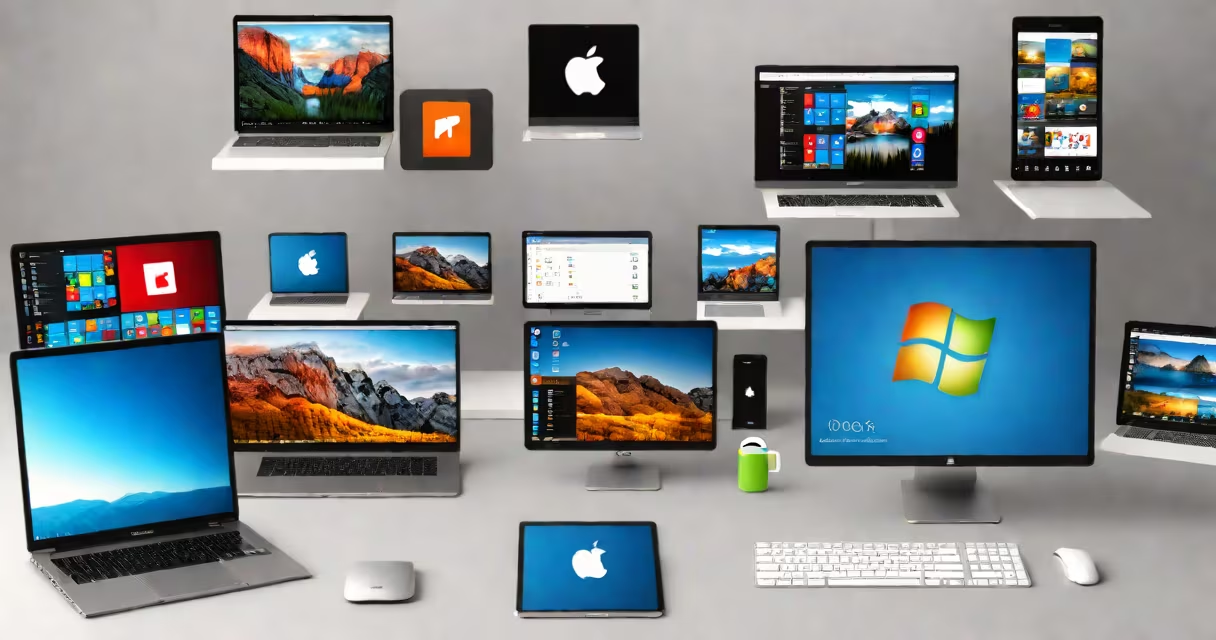
Modern operating systems are software platforms that manage computer hardware, allocate resources, and provide a consistent interface for running applications. They serve as the foundation for all digital interaction, from smartphones to servers.
At their core, modern operating systems handle input/output operations, memory management, process scheduling, and security enforcement. Without them, users would need to communicate directly with hardware using machine code-a task impractical for most people. These systems abstract complexity, allowing developers and end users to focus on tasks rather than low-level details.
Examples include Microsoft Windows, Apple's macOS and iOS, Google's Android, and various Linux distributions. Each supports specific hardware architectures and application ecosystems while maintaining core functionality across devices.
When you turn on a device, the operating system loads from storage into RAM. This initial phase, called booting, involves firmware (like UEFI or BIOS) handing control to the OS kernel-the central component responsible for managing system resources.
The kernel oversees processes, allocates CPU time, controls access to files and peripherals, and enforces security policies. For instance, when you open a web browser, the OS creates a new process, assigns memory space, and grants permission to access the network through a driver interface.
Graphical user interfaces (GUIs) extend this layer by providing visual elements such as windows, icons, and menus. The display server (like X Window System on Linux or WindowServer on macOS) renders graphics and handles mouse/keyboard input. On mobile devices, touch event handling is managed through a gesture recognition layer integrated into the OS structure.
Modern operating systems fall into categories based on usage context and architecture:
| Type | Primary Use | Examples | Key Features |
|---|---|---|---|
| Desktop OS | Personal computers and workstations | Windows 11, macOS Sonoma, Ubuntu | Multi-user support, GUI, extensive app ecosystems |
| Mobile OS | Smartphones and tablets | Android 14, iOS 17 | Touch-first design, app sandboxing, battery optimization |
| Embedded OS | Dedicated devices (routers, smartwatches) | FreeRTOS, Android Things | Minimal footprint, real-time responsiveness |
| Server OS | Data centers and cloud infrastructure | Red Hat Enterprise Linux, Windows Server 2022 | High availability, remote administration, scalability |
Each type shares foundational components: a kernel, system libraries, device drivers, and a user interface layer. However, trade-offs exist between performance, security, and usability depending on the environment.
A lesser-known distinction is the difference between monolithic and microkernel designs. Monolithic kernels (used in Linux and Windows) integrate core services like file systems and networking into the kernel space. Microkernels (like those in QNX or early versions of macOS) isolate these functions into separate processes, improving stability and security-but often at the cost of speed due to inter-process communication overhead.
Many assume that "modern" means "newest." But the term refers to architectural principles-not release dates. For example, Windows 10, released in 2015, remains a modern operating system because it uses preemptive multitasking, virtual memory, and secure boot-all hallmarks of contemporary design.
Another misconception is that all modern operating systems are free. While Linux distributions like Debian and Fedora are open-source and available at no cost, proprietary systems such as Windows and macOS require licensing fees. Even open-source projects may charge for enterprise support, updates, or specialized tools.
Security models also differ. Android uses a permission-based model where apps request access to features like the camera or contacts. iOS enforces stricter sandboxing, limiting app access to isolated directories. Windows employs User Account Control (UAC) to prompt elevation before system changes. These differences affect both privacy and system reliability.
Consider opening a photo in the Photos app on an iPhone running iOS 17. Here's what happens behind the scenes:
This entire sequence completes in under 200 milliseconds. The OS coordinates dozens of subsystems-networking, storage, graphics, power management-without user awareness.
I once observed a bug in Android 12 where a misconfigured service caused the system to freeze during a screen rotation. Debugging required tracing logs from the init process, analyzing binder transactions between services, and inspecting the SurfaceFlinger compositor. The issue stemmed from improper thread synchronization in a system daemon-an error that wouldn't have occurred in a properly designed OS with proper inter-process communication protocols.
They power nearly every digital device today. Desktops and laptops rely on Windows, macOS, or Linux for productivity, creative work, and development. Mobile phones use iOS and Android to deliver apps, messaging, and media. Smart home devices run lightweight embedded OSes like FreeRTOS or Zephyr.
Cloud environments depend on server-grade operating systems. Amazon Web Services (AWS) uses customized Linux kernels optimized for virtualization and container orchestration. Google Cloud Platform runs on a modified version of the Linux kernel with enhanced security modules and custom scheduling algorithms.
Even gaming consoles use modern operating systems. The PlayStation 5 runs a custom OS built on a modified FreeBSD kernel, supporting real-time audio processing, changing loading of game assets, and secure digital rights management.
They are not standalone applications. You cannot install a modern operating system as a program like Word or Chrome. Instead, they must be installed on bare metal or within a virtual machine before any other software can run.
They are also not interchangeable across hardware. A Windows installation won't boot on an ARM-based Mac, even though both machines are modern. Hardware-specific drivers and instruction set compatibility prevent cross-platform deployment without emulation or translation layers.
Finally, modern operating systems do not guarantee security by themselves. A well-designed OS provides tools for protection-such as mandatory access controls, encryption, and sandboxing-but vulnerabilities arise from poor configuration, outdated software, or user behavior. According to the National Institute of Standards and Technology (NIST), 70% of system breaches involve compromised credentials or unpatched software, not flaws in the OS itself.