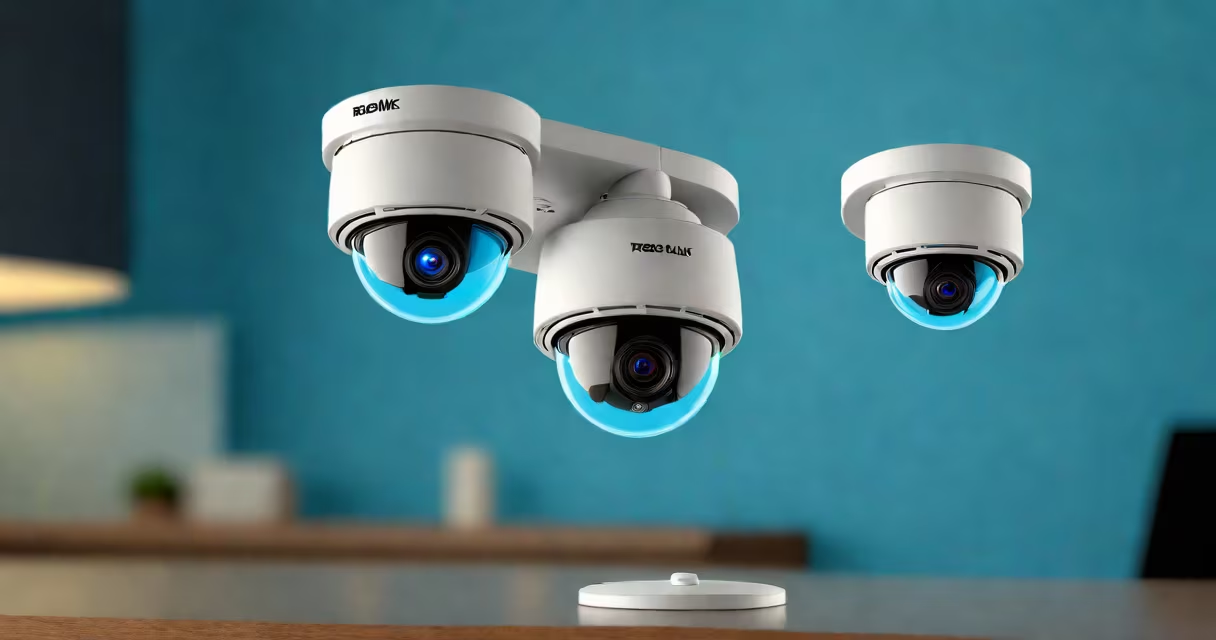
Reolink cloud plans are subscription services that provide secure, off-site video storage and remote access for Reolink security cameras. These plans enable users to store recordings in the cloud, view live feeds from anywhere, and receive motion alerts via mobile app. The core function is to extend the capabilities of Reolink cameras beyond local storage.
Reolink cloud plans operate through a centralized server infrastructure managed by Reolink. When a camera detects motion or is accessed remotely, footage is uploaded to Reolink's cloud servers. Users can then retrieve clips via the Reolink app or web portal using their account credentials. This eliminates the need for a local NAS or SD card, though many users still combine cloud plans with local storage for redundancy.
Each plan includes a set amount of storage capacity and video retention duration. Free plans offer limited features, while paid tiers scale storage and add advanced tools like AI detection, extended playback history, and multi-camera support. Access is available across iOS, Android, and desktop browsers, with end-to-end encryption protecting data during transit and at rest.
When a Reolink camera records video-either triggered by motion or set to continuous recording-it sends the data to Reolink's cloud servers. This upload happens automatically based on the user's selected plan settings. The process uses encrypted HTTPS connections to prevent unauthorized interception.
Users log in to the Reolink app or web interface to view recorded clips, stream live video, or adjust recording schedules. Notifications appear on the user's device when motion is detected, provided the plan supports alert delivery. All stored video is retained for a defined period-typically 7 to 30 days-depending on the tier subscribed to.
For example, a user with a Reolink Cloud Plan Basic (7-day retention) receives a push notification when motion is detected at their front door. They open the app, select the event timestamp, and watch a 30-second clip stored in the cloud. The clip remains accessible for seven days unless manually saved or downloaded.
Reolink offers multiple tiers tailored to different usage levels. The following table outlines key differences between plans:
| Plan Type | Storage Capacity | Retention Period | AI Detection | Multi-Camera Support | Price (Monthly) |
|---|---|---|---|---|---|
| Free | 1 GB/month | 7 days | No | 1 camera only | $0 |
| Basic | 10 GB/month | 14 days | Yes (basic) | Up to 3 cameras | $4.99 |
| Premium | 30 GB/month | 30 days | Yes (advanced) | Up to 6 cameras | $9.99 |
The Free plan allows basic access but restricts users to one camera and disables AI-based person or vehicle detection. It also limits download speed and may throttle uploads during peak times. Paid plans remove these restrictions and provide higher bandwidth allocation.
Advanced features such as intelligent motion zones, customizable alert sensitivity, and facial recognition require Premium-tier subscriptions. These tools reduce false alarms by filtering out irrelevant movements like trees swaying or passing cars.
Many users assume that Reolink cloud plans are mandatory for using Reolink cameras. This is incorrect. Cameras can record locally to microSD cards or network-attached storage (NAS) without any cloud subscription. Local storage offers lower latency and avoids ongoing fees, but lacks remote accessibility and long-term durability against theft or damage.
Another common error is confusing Reolink cloud plans with third-party cloud services like Google Drive or Dropbox. Reolink cloud is proprietary and integrated directly into the Reolink system. It does not allow users to export videos to external platforms unless manually downloaded and shared.
A lesser-known fact: Reolink cloud plans do not store video continuously unless configured to do so. By default, recording activates only when motion is detected. Continuous recording requires enabling the "Always Record" feature, which consumes more storage and increases monthly data usage. Users must monitor their plan limits to avoid unexpected overages.
I installed a Reolink Argus 3 Pro camera at my garage entrance to monitor deliveries. After setting up the camera, I chose the Basic plan ($4.99/month) because I wanted motion-triggered clips and basic AI detection to distinguish between people and animals.
Over two weeks, the camera captured 12 motion events. On Day 10, a delivery driver left a package at the door. The camera detected movement, sent a notification to my phone, and uploaded a 30-second clip to the cloud. I opened the Reolink app, reviewed the clip, and confirmed the package was safe. The video remained accessible for 14 days under the plan's retention policy.
Had I used the Free plan, the clip would have been deleted after 7 days, and I wouldn't have received AI-enhanced alerts. The Basic plan gave me extra time and smarter detection-critical for verifying incidents without constant monitoring.
Compared to other brands like Ring or Arlo, Reolink cloud plans offer longer retention periods at competitive prices. Ring's basic cloud plan provides only 7 days of storage and costs $3.99/month for one camera. Arlo's Essential plan costs $4.99/month but includes only 10 days of retention and no AI features.
Reolink's Premium plan stands out with 30 days of retention and advanced AI filters. According to Reolink's official FAQ, the company uses AES-256 encryption for all cloud-stored data and performs regular audits to ensure compliance with GDPR and CCPA standards.
For users who prioritize privacy, Reolink allows data export and deletion upon request. Unlike some competitors that retain metadata indefinitely, Reolink deletes user data after account cancellation, per their privacy policy.
Reolink cloud plans deliver a balance of affordability, functionality, and security for home and small business users. While not required, they improve reliability and convenience, especially when monitoring locations remotely. The choice between free and paid tiers depends on how much storage, retention, and automation users need.