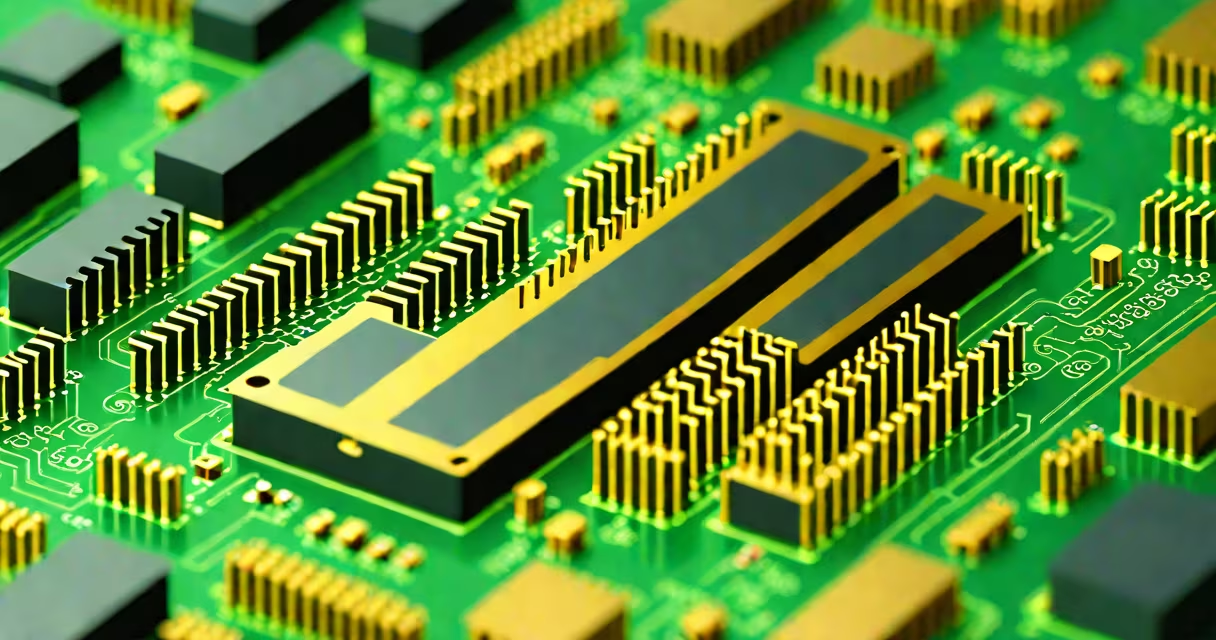
A SIMM memory module, or Single In-line Memory Module, is a type of computer memory used primarily in desktop systems from the mid-1980s to the late 1990s. It contains a single row of electrical contacts on one side of a printed circuit board, with mirrored connections on the other side. The module plugs into a socket on the motherboard and provides volatile storage for running programs.
SIMMs were standard in computers before DIMMs became dominant. They came in two main pin counts: 30-pin and 72-pin. The 30-pin version supported 8-bit data paths and was used in early IBM PC/AT clones and Apple Macintosh models. The 72-pin version, introduced in the early 1990s, supported 32-bit data paths and was common in Intel Pentium-era machines. Both types required installation in pairs to function properly in most systems due to their 8-bit or 32-bit bus architecture.
Each SIMM holds a specific amount of memory-typically 1 MB, 4 MB, or 8 MB in consumer systems. Higher-capacity modules were available for servers and workstations. The memory chip layout on a SIMM is designed so that the same data lines connect across both sides of the board. This means the pins on one side mirror those on the other, allowing the system to read and write data through a single continuous path.
When a computer boots, the CPU sends requests for data through the memory controller on the motherboard. The SIMM module responds by delivering stored data via its set of address and data lines. A 30-pin SIMM uses 24 address lines and 8 data lines, enabling access to 16 MB of memory space. A 72-pin SIMM uses 32 data lines and 24 address lines, supporting up to 1 GB of addressable memory in theory, though practical limits were lower due to chipset constraints.
Because SIMMs have mirrored contacts, they are not reversible. Installing them backward prevents connection and may damage the motherboard. Most motherboards have a notch or keying feature to prevent incorrect insertion. The module's edge connector aligns with a slot on the motherboard, and spring-loaded clips secure it in place.
System performance depends on the SIMM's speed rating, measured in nanoseconds (ns). Common values were 60 ns, 70 ns, and 80 ns. Faster modules reduce wait times between CPU instructions and data retrieval. For example, a 60 ns SIMM allows the processor to access memory in 60 billionths of a second, improving responsiveness in applications like word processing and spreadsheet calculations.
There are two primary physical types of SIMM memory modules:
| Pin Count | Data Width | Common Capacity | Used In | Speed Range |
|---|---|---|---|---|
| 30-pin | 8 bits | 1 MB - 4 MB | IBM PC/AT, early Macs | 60 ns - 80 ns |
| 72-pin | 32 bits | 4 MB - 64 MB | Pentium PCs, early Windows 95 systems | 60 ns - 100 ns |
Despite the naming convention, SIMMs are not interchangeable between pin counts. A 30-pin SIMM cannot fit into a 72-pin slot, and vice versa. Motherboard manufacturers labeled sockets to avoid confusion. Some systems required matching SIMMs-same size, speed, and manufacturer-for stable operation.
An often-overlooked detail: SIMMs were not designed for hot-swapping. Removing or inserting a module while the system is powered on risks damaging the memory controller or corrupting data in transit. Always power down the machine before handling SIMMs.
SIMMs were widely used in personal computers during the rise of graphical operating systems. The introduction of Microsoft Windows 3.1 and later Windows 95 increased demand for more RAM. Systems with 4 MB of RAM ran basic tasks smoothly. Upgrading to 8 MB or 16 MB improved multitasking and application performance.
For example, a 1994 Dell Dimension 4400 with a 100 MHz Pentium processor typically shipped with 4 MB of 72-pin SIMM memory. Users upgraded to 16 MB by adding two 8 MB SIMMs, doubling the system's capacity. This upgrade reduced lag when switching between programs and improved startup time for large software packages.
By the late 1990s, SIMMs were replaced by DIMMs (Dual In-line Memory Modules), which offered higher speeds, greater capacities, and better error detection. DIMMs use separate data lines on each side, eliminating the mirrored design and enabling faster data transfer rates. The shift marked a move toward more efficient memory architectures.
People often mistake SIMMs for older EPROM chips or ISA expansion cards. EPROMs are non-volatile memory used for firmware storage and come in similar rectangular shapes with metal leads. ISA cards plug into expansion slots and provide functions like sound or network support. Neither shares the modular form factor or direct interface with the CPU that SIMMs do.
Another frequent mix-up is confusing SIMMs with modern DDR SDRAM modules. While both are used for system memory, DDR modules differ in several ways: they use 240-pin or 288-pin configurations, operate at lower voltages (1.2V vs. 5V), and support double data rate transfers. A 72-pin SIMM cannot fit into a DDR4 socket, and vice versa.
A lesser-known fact: some early SIMMs had parity bits for error checking. These modules included an extra bit per byte to detect single-bit errors. If a parity check failed, the system would halt or display an error message. This feature helped improve reliability in mission-critical environments like medical equipment and industrial control systems.
I once restored a 1993 Compaq Presario 400 series laptop. It had no boot screen and displayed a blinking cursor. After testing the 30-pin SIMM, I found it was faulty. Replacing it with a known-working 4 MB module resolved the issue. The original module showed corrosion on the gold contacts, likely caused by moisture exposure over years of storage. Cleaning the contacts didn't help-the chip itself had degraded.
This experience confirmed that SIMM failure wasn't always visible. Internal defects in memory chips could cause silent crashes or corrupted data. Even with proper installation, a failing SIMM could render a system unusable.
SIMM memory modules were foundational in early computing. They enabled the growth of personal computing by providing affordable, expandable memory. Their design limitations-such as requiring paired installation and low maximum capacities-led to the adoption of DIMMs and later DDR technologies.
Today, SIMMs are obsolete in mainstream computing. However, they remain relevant in retro computing circles. Enthusiasts restore old machines using original or compatible SIMMs. When upgrading an older system, ensure the motherboard supports the SIMM type and speed. For modern systems, check your memory configuration using tools like Windows Task Manager or Linux's dmidecode command.
Understanding SIMM memory modules offers insight into how computer architecture evolved. The shift from SIMM to DIMM reflects broader progress in speed, efficiency, and scalability. These changes continue to influence how we design and use memory in devices today.