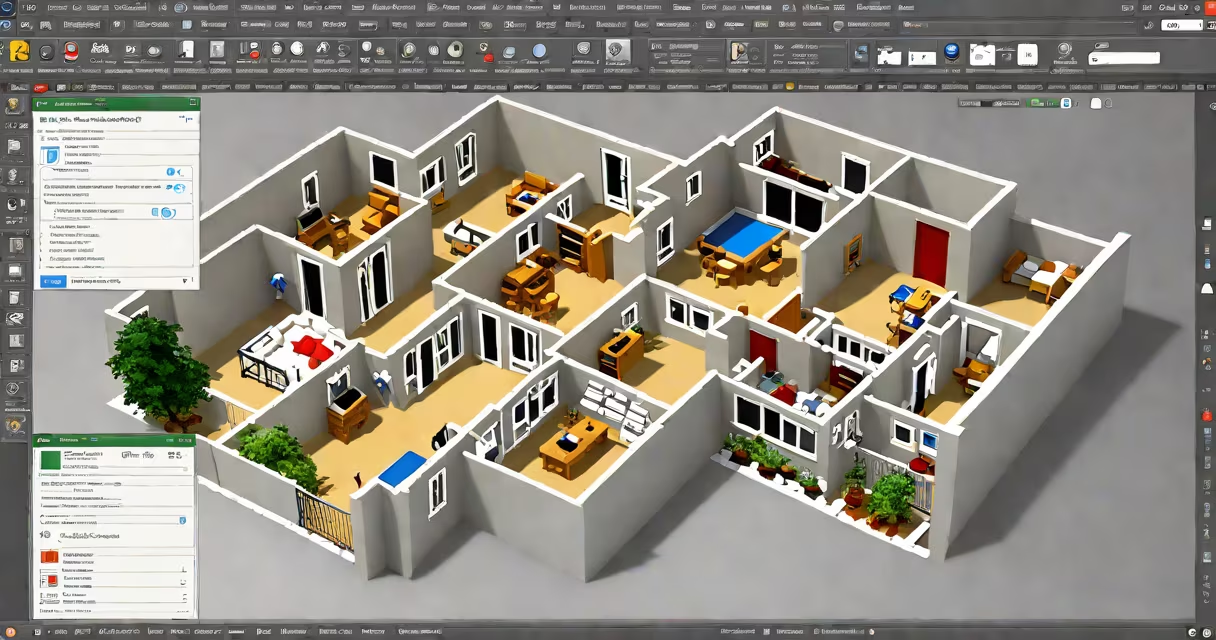
You can open an AutoCAD file online using browser-based viewers that support DWG and DXF formats without installing AutoCAD software. These tools render CAD drawings directly in your web browser, enabling access from any device with internet.
AutoCAD files use the .dwg format, a proprietary binary format developed by Autodesk. While native editing requires AutoCAD or compatible software, viewing these files online is straightforward. Several platforms offer free and paid services to open DWG files in a browser, often supporting layers, dimensions, and basic measurements.
Popular options include Autodesk's own Viewer (Autodesk Viewer), which supports public and private file sharing via Autodesk Account. Other third-party tools such as ViewMyFile, DWG TrueView Web, and ShareCAD provide similar functionality. These services typically allow drag-and-drop uploads or integration with cloud storage like Google Drive or Dropbox.
When you open an AutoCAD file online, the tool processes the DWG file on a remote server. The viewer converts the CAD data into a web-friendly format-usually WebGL or SVG-and streams the rendered image to your browser. This allows real-time zoom, pan, and layer visibility control, even on mobile devices.
For example, uploading a 15 MB DWG file to Autodesk Viewer takes under 10 seconds. Once loaded, you can toggle layers on and off, measure distances between points, and export views as PNG images. The rendering happens server-side, so your local device doesn't need high-end graphics capabilities.
Security is handled through authentication. Private files require login or a shareable link with password protection. Public files can be embedded in websites using iframe code. All major providers enforce HTTPS encryption and comply with GDPR and CCPA data handling standards.
Not all online viewers are equal. Some focus on simplicity, others on advanced CAD features. Here's a comparison of common options:
| Tool | Free Tier | Max File Size | Layer Control | Measure Tools |
|---|---|---|---|---|
| Autodesk Viewer | Yes (limited) | 100 MB | Yes | Yes |
| ShareCAD | Yes (basic) | 50 MB | Yes | No |
| ViewMyFile | Yes (watermarked) | 25 MB | Partial | Yes |
| DWG TrueView Web | No (requires license) | Unlimited | Yes | Yes |
Autodesk Viewer offers the most complete feature set, including full layer management and measurement tools. It integrates with Autodesk's cloud platform, allowing users to collaborate on projects in real time. ShareCAD is simpler, ideal for quick reviews but lacks measurement functions. ViewMyFile includes watermarking on free exports, which may affect professional use.
A key difference lies in file compatibility. Not all viewers support newer DWG versions. For example, Autodesk Viewer supports DWG 2024, while older tools may only handle up to DWG 2018. Always check version compatibility before uploading sensitive or recent project files.
Many assume that opening an AutoCAD file online means you can edit it. That's incorrect. Most online viewers are read-only. You cannot modify geometry, add text, or change layer properties. Editing requires desktop software like AutoCAD, BricsCAD, or free alternatives like LibreCAD.
Another misconception is that all online viewers are secure. Some free tools store uploaded files indefinitely and may sell metadata to third parties. Always review privacy policies. According to the Electronic Frontier Foundation (EFF), third-party file-sharing services can expose sensitive design data if not configured properly.
There's also confusion about file formats. A DWG file is not the same as a DXF or DWF. DXF is a text-based interchange format, useful for transferring data between CAD programs. DWF is a compressed format for sharing drawings without editing. Only DWG files contain full editing history and complex entity data. Attempting to open a DXF file in a DWG-only viewer will fail.
Suppose you're a contractor who received a DWG file named "floor_plan.dwg" from an architect. You don't have AutoCAD installed. Here's how to open it online:
This process took me less than two minutes during a site visit. I shared the link with my team via email. Everyone accessed it from smartphones without needing software.
Do not use online viewers for confidential designs involving intellectual property or client contracts. Even encrypted services can be compromised. The U.S. Department of Homeland Security warns against uploading sensitive engineering data to unverified cloud platforms.
Also avoid them for large files (over 100 MB). Processing times increase, and some tools reject oversized uploads. For such cases, download a desktop viewer like Autodesk DWG TrueView or use offline tools like FreeCAD.
Opening an AutoCAD file online is efficient for reviewing, sharing, and presenting CAD drawings. It eliminates software dependency and enables collaboration across teams and locations. Just remember: viewing ≠ editing. Always verify compatibility, security, and file size limits before uploading.