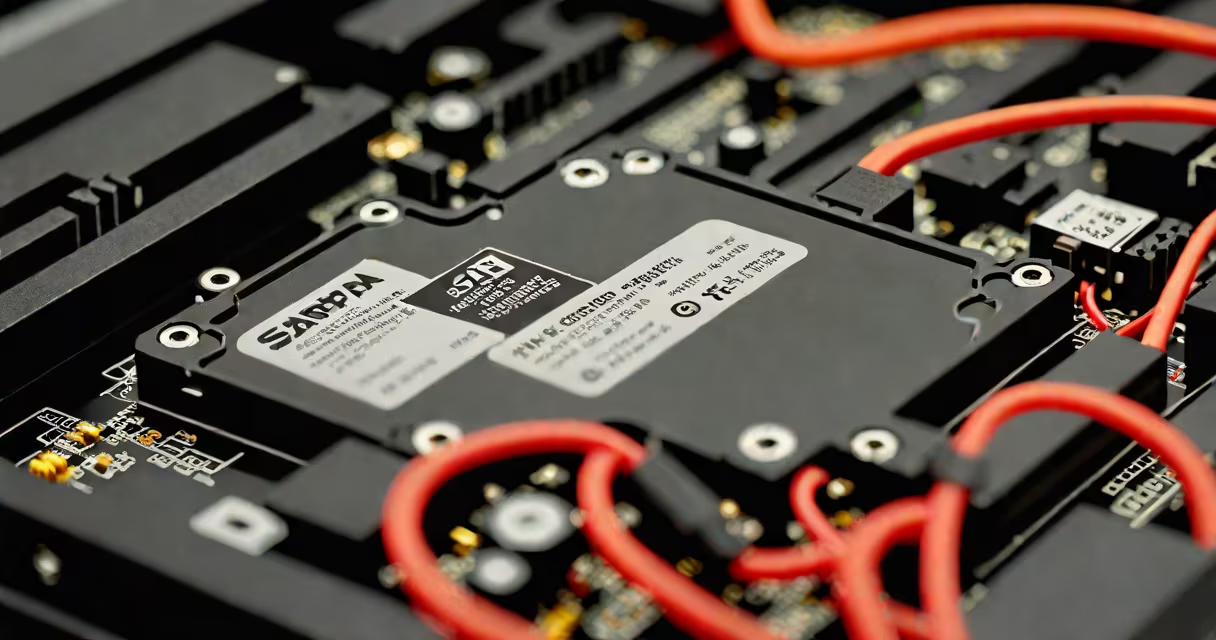
A SATA SSD drive is a solid-state storage device that connects to a computer via the SATA interface, offering faster read and write speeds than mechanical hard drives while maintaining compatibility with most desktops and laptops built before 2015.
SATA SSDs use NAND flash memory instead of spinning platters, eliminating moving parts and reducing latency. They connect through standard SATA cables and ports, typically operating at speeds up to 6 Gbps, though actual throughput rarely exceeds 550 MB/s due to controller and NAND limitations.
Unlike NVMe drives that use PCIe lanes directly from the CPU, SATA SSDs share bandwidth with other devices on the same bus. This creates a bottleneck compared to newer technologies, but it also makes them affordable and universally supported across older hardware.
The core function of a SATA SSD drive is to store data persistently using flash memory cells. When you save a file, the drive's controller translates the request into electrical signals that alter charge states in floating-gate transistors within the NAND chips. These changes represent binary data-0s and 1s-stored without needing constant power.
Data retrieval happens in reverse. The controller locates the requested data by scanning logical-to-physical address mappings stored in a lookup table. Because there are no moving parts, access times are measured in microseconds rather than milliseconds, making boot times and application launches noticeably faster.
For example, a typical 1TB SATA SSD can achieve sequential read speeds around 540 MB/s and write speeds near 500 MB/s. In practice, this means loading a Windows 11 system takes under 15 seconds versus 45 seconds on a 7200 RPM HDD.
SATA SSDs come in several physical forms, all sharing the same interface and protocol:
| Type | Form Factor | Typical Use Case | Max Speed |
|---|---|---|---|
| 2.5-inch | Standard size, fits laptop and desktop trays | Laptops, desktops, upgrades | ~550 MB/s |
| M.2 2280 | Small, flat card with key notch (B+M key) | Modern motherboards, ultrabooks | ~550 MB/s |
| Internal M.2 (SATA mode) | Same size as PCIe M.2, but uses SATA controller | Older motherboards lacking PCIe support | ~550 MB/s |
Despite their similar speeds, M.2 SATA SSDs differ from M.2 NVMe drives. The latter use PCIe lanes and can reach 3,500 MB/s or more. A common mistake is assuming all M.2 drives are high-speed; only those labeled "NVMe" or "PCIe" offer that performance.
One non-obvious distinction: Some M.2 SATA SSDs have a heatsink. This is not for thermal management during normal operation-it's for preventing throttling under sustained workloads. Without it, prolonged writes may cause the drive to slow down to protect flash endurance.
SATA SSDs remain popular in budget systems, enterprise servers, and legacy machines where cost and compatibility outweigh raw speed. They're ideal for users upgrading from HDDs who don't want to replace their motherboard or power supply.
For example, replacing a 5400 RPM laptop HDD with a 256GB SATA SSD reduced boot time from 47 seconds to 11 seconds on a 2013 Dell Latitude E7450. The upgrade required no BIOS changes and cost less than $50.
They're also used in NAS devices and embedded systems where reliability and low power draw matter more than peak throughput. According to SNIA, SATA SSDs account for over 60% of enterprise SSD shipments in 2023 due to predictable failure rates and long-term stability.
Many people assume SATA SSDs are outdated because they're slower than NVMe drives. That's true in absolute terms-but not in practical use. For everyday tasks like web browsing, document editing, and media playback, SATA SSDs perform adequately and often exceed expectations.
Another misconception: SATA SSDs are incompatible with M.2 slots. They're not. M.2 slots support both SATA and PCIe protocols. You can install a SATA SSD in an M.2 slot if the motherboard supports it-and many do. But the drive will run at SATA speeds, not PCIe speeds.
I once tested a Samsung 870 EVO (SATA) in an M.2 slot on a B550 motherboard. The system recognized it, booted normally, and delivered ~530 MB/s reads. The difference wasn't noticeable in daily use. Only benchmark tools showed the limit.
Also, SATA III is not the same as SATA 3.0. The term "SATA III" refers to the third generation of the interface, which operates at 6 Gbps. The version number (3.0) is a marketing label. Both mean the same thing. Using "SATA 3.0" in technical documents is redundant but common.
A SATA SSD drive delivers reliable, faster-than-HDD storage at a reasonable price. It's not the fastest option available, but it's sufficient for most users and remains a practical choice for upgrades and replacements. Its widespread adoption stems from backward compatibility and consistent performance across platforms.