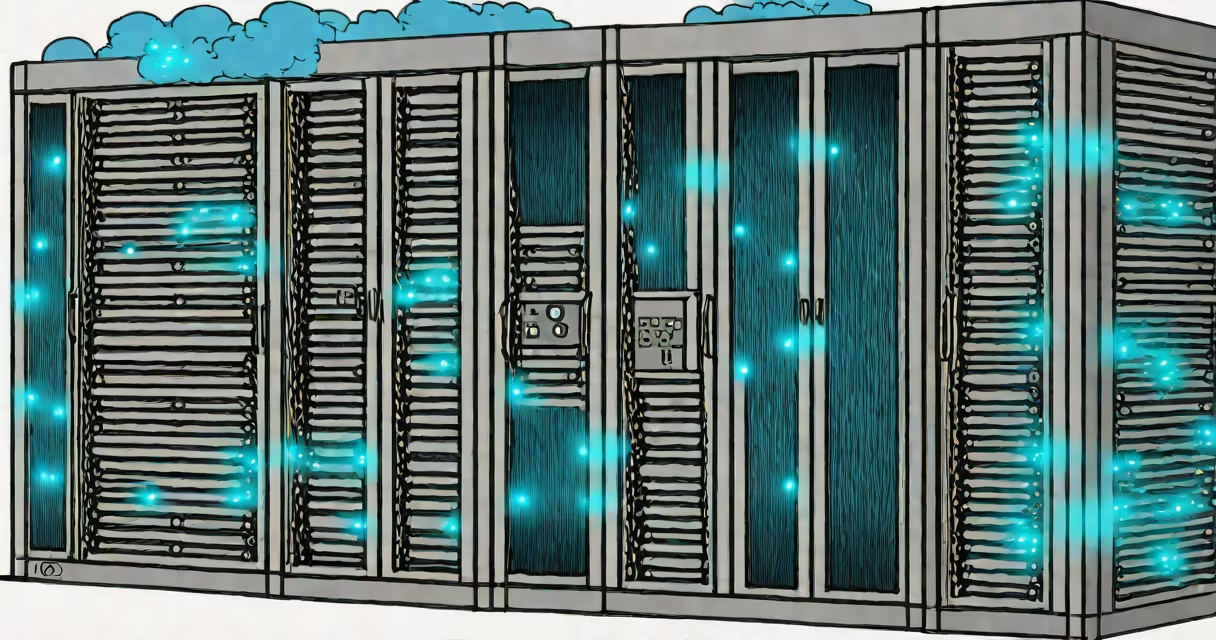
Elastic Compute Cloud (EC2) is Amazon Web Services' (AWS) foundational service for launching and managing virtual servers in the cloud. It provides scalable, on-demand computing capacity that adjusts automatically to workload changes.
EC2 lets users deploy virtual machines-called instances-without buying physical hardware. These instances run on AWS's global network of data centers and can be provisioned in minutes. Users pay only for the compute time they consume, with pricing based on instance type, duration, and region.
Amazon launched EC2 in 2006 as part of its early cloud strategy. Since then, it has become the most widely adopted cloud compute platform, supporting over 1 million active customers globally. According to AWS's 2023 annual report, EC2 accounted for 42% of total AWS revenue, underscoring its central role in cloud infrastructure.
When you launch an EC2 instance, you select a machine image (AMI)-a template containing the operating system, software, and configuration settings. You choose an instance type based on CPU, memory, storage, and networking performance. For example, a c5.xlarge instance offers 4 vCPUs, 16 GiB RAM, and high network bandwidth.
After launch, EC2 assigns a public IP address and security group rules that control inbound and outbound traffic. You connect via SSH (Linux) or RDP (Windows) using your private key or password. The instance runs until you stop or terminate it, and you can monitor usage through AWS CloudWatch.
Auto Scaling groups allow EC2 to dynamically adjust the number of instances based on load. During peak hours, new instances spin up automatically. When demand drops, idle instances shut down. This keeps costs low while maintaining performance.
EC2 offers dozens of instance families optimized for different workloads. Here are the most common:
| Instance Type | Best For | Example Use Case |
|---|---|---|
| t3.micro | Low-cost development and testing | Running a personal blog or prototype app |
| c5.4xlarge | High-performance computing | Running complex simulations or video encoding |
| r5.8xlarge | Memory-intensive tasks | Database servers or in-memory analytics |
| p3.2xlarge | GPU-accelerated workloads | Machine learning training or 3D rendering |
Each instance type uses specific underlying hardware. For example, p3 instances include NVIDIA Tesla V100 GPUs. You can mix and match types within a single application-for instance, using t3.micro instances for frontend web servers and r5.8xlarge instances for backend databases.
Spot Instances offer unused EC2 capacity at steep discounts-up to 90% off standard rates. They're ideal for fault-tolerant batch jobs like data processing or rendering. However, Spot Instances can be terminated with short notice, so they aren't suitable for critical services.
Many assume EC2 is synonymous with "cloud." But EC2 is just one component of AWS's broader infrastructure. It handles compute, but other services manage storage (S3), databases (RDS), networking (VPC), and identity (IAM).
Another misunderstanding is that EC2 eliminates the need for IT staff. While EC2 automates server provisioning, managing instances still requires expertise in OS administration, security hardening, patching, and monitoring. A 2022 survey by the Cloud Security Alliance found that 63% of EC2 misconfigurations stemmed from user error, not AWS failure.
Some think EC2 is always cheaper than on-premises servers. That's not guaranteed. Running a 24/7 database on a large EC2 instance can cost more than a comparable physical server over three years. Cost efficiency depends on workload patterns, reserved vs. on-demand pricing, and long-term planning.
In 2021, a startup called NovaFlow used EC2 to host a customer-facing dashboard. They needed to serve 10,000 daily users with sub-second response times during business hours.
They began with a t3.small instance (2 vCPUs, 2 GiB RAM) for testing. Once the app passed QA, they scaled to a c5.large (2 vCPUs, 4 GiB RAM) in production. To handle traffic spikes, they set up an Auto Scaling group with a minimum of two and maximum of eight instances.
During a product launch, traffic spiked to 50,000 requests per minute. Auto Scaling triggered, adding six new instances in under five minutes. The application remained responsive. After the event, the group scaled back to two instances, saving $1,200 in monthly costs.
This setup reduced deployment time from days to minutes and eliminated hardware maintenance. The team focused on features, not server uptime.
EC2 instances are virtual machines (VMs) in the traditional sense-they run a full OS and have dedicated resources. But they differ from local VMs because they're managed by AWS, not a local hypervisor.
Containers (like Docker) run inside EC2 instances but don't replace them. You can run containers on EC2 using Amazon ECS or EKS. But containers don't provide persistent storage or network isolation on their own. EC2 remains the underlying host.
A key distinction: EC2 instances persist unless terminated. Containers can be stopped and restarted quickly, but they don't survive host failures unless backed by external storage. EC2 offers better durability for stateful applications.
I deployed my first EC2 instance in 2018 to host a weather data API. I chose a t3.medium instance, attached an EBS volume for logs, and configured a security group allowing HTTP access only from trusted IPs. Within 12 minutes, the server was live.
Two weeks later, a DDoS attack flooded the instance. I realized I hadn't enabled AWS Shield, which protects against such threats. I added it and updated the security group to limit connections per IP. The incident taught me that EC2 gives control-but responsibility too.
Since then, I've used EC2 for everything from hosting static sites to running AI inference models. The flexibility is unmatched. But the learning curve is real. You can't just launch an instance and expect it to be secure or efficient.
Elastic Compute Cloud delivers scalable, flexible compute power, but it's not automatic. Success depends on understanding instance types, pricing models, security configurations, and integration with other AWS services.
For developers and operations teams, EC2 is the bedrock of cloud-native applications. It enables rapid iteration, global reach, and cost control-but only when used intentionally.
Understanding elastic compute cloud means knowing when to scale up, when to use Spot Instances, and how to avoid common pitfalls like leaving unused instances running. It's not just about deploying servers-it's about designing systems that adapt, perform, and stay secure.