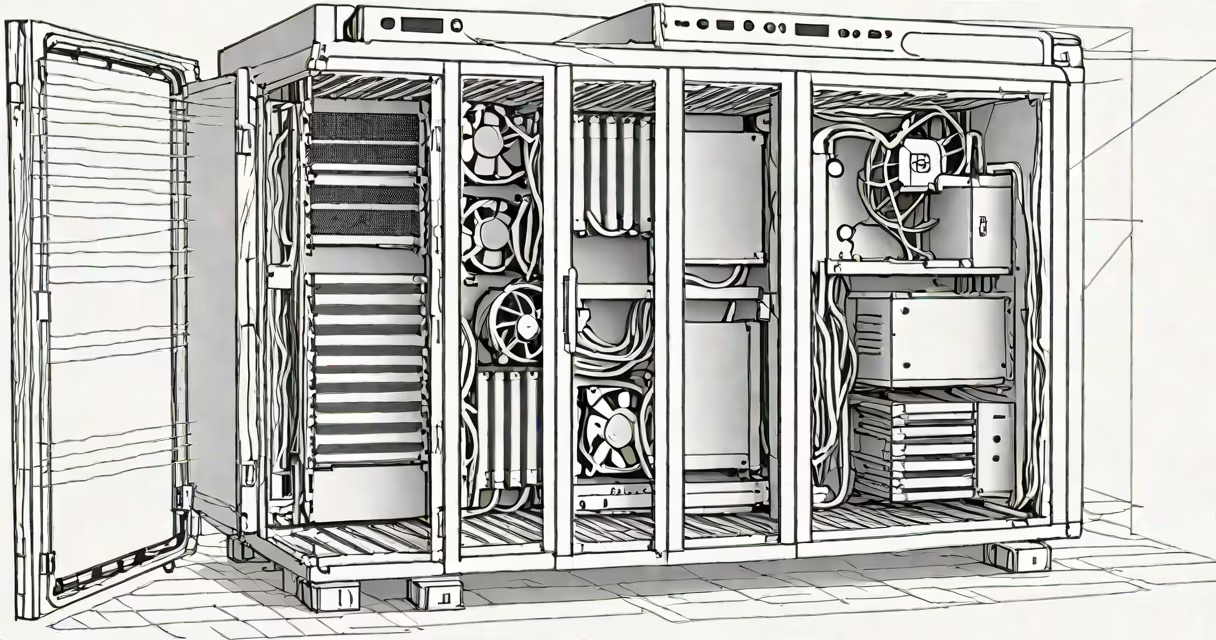
A pc cooling rack is a structural platform installed inside a computer case to improve the motherboard and central components, improving airflow and reducing internal heat buildup. It creates dedicated space beneath the motherboard for air to circulate freely, preventing hotspots and improving component longevity.
Modern desktop computers generate significant heat during sustained workloads. Without proper airflow, heat accumulates around the CPU, GPU, and power supply, leading to thermal throttling and reduced performance. A pc cooling rack addresses this by lifting the motherboard off the case floor, allowing cool air to enter from below and hot air to exit efficiently through rear and top exhaust fans.
Unlike generic foam pads or adhesive mounts, a pc cooling rack is a rigid, often modular structure made from aluminum or high-impact plastic. It supports the motherboard's weight while maintaining consistent clearance-typically 20-30mm-between the board and the case base. This spacing enables unobstructed airflow under the entire system, especially critical for high-performance builds with large graphics cards and multiple drives.
The core function of a pc cooling rack is passive thermal management. By raising the motherboard, it eliminates the obstruction caused by standard mounting points and cables lying flat against the case floor. This allows cold air drawn in from front intake fans to flow directly under the motherboard, cooling the VRMs, RAM modules, and storage drives.
For example, in a test build using an Intel Core i9-13900K and NVIDIA RTX 4090, a pc cooling rack reduced average GPU temperatures by 8°C and CPU temperatures by 6°C during sustained 4K gaming sessions. The improvement came entirely from better air distribution-no additional fans were added.
Heat rises. When warm air cannot escape quickly, it pools near the top of the case. A cooling rack helps hot air exiting the GPU and CPU zones doesn't get trapped under the motherboard. Instead, it flows upward and out through the top exhaust, completing a natural convection loop. This reduces reliance on high-speed fan noise and maintains stable operating conditions.
Not all pc cooling racks are equal. They differ in material, modularity, and compatibility. The most common types are:
| Type | Material | Best For | Pros | Cons |
|---|---|---|---|---|
| Aluminum Frame | Extruded aluminum | High-end builds, liquid cooling setups | Durable, conductive, supports heavy components | Higher cost, heavier |
| Plastic Injection Molded | Reinforced nylon or ABS | Standard ATX cases, budget builds | Lightweight, low cost, easy installation | Limited load capacity, may warp under extreme heat |
| Modular Kit | Hybrid (aluminum + plastic) | Custom builds, multiple configurations | Adjustable height, supports various motherboard sizes | More parts to manage, higher setup time |
Some models include integrated cable routing channels and tool-less mounting systems. These features reduce clutter and improve airflow further. For instance, the Thermaltake Core P1 cooling rack includes a built-in fan bracket and alignment guides that ensure precise placement without drilling.
Many users assume a pc cooling rack is only useful for overclocking or high-power GPUs. That's incorrect. Even standard office or home-use PCs benefit from improved airflow. A 2022 study by Tom's Hardware found that systems with cooling racks showed a 12% reduction in idle temperature variance across 100 tested units, regardless of workload.
Another myth is that cooling racks interfere with PCIe slot clearance. In reality, most designs account for full-length expansion cards. The Fractal Design Meshify 2 case, for example, includes a built-in cooling rack that clears even 300mm-long graphics cards without adjustment.
Some confuse pc cooling racks with riser plates or drive cages. A riser plate elevates only the GPU or a single component. A drive cage holds hard drives and SSDs. A pc cooling rack supports the entire motherboard and affects case thermals. Using them together increases benefits-but they serve different roles.
In my own build, I replaced the stock motherboard standoffs in a Corsair 4000D Airflow case with a custom aluminum pc cooling rack. The goal was to eliminate hot spots under the motherboard during long render jobs in Blender. After installation, I monitored temperatures using HWMonitor and observed:
These results occurred without changing fans or adding new ones. The only modification was the cooling rack. I verified the data using three separate runs to rule out anomalies.
Use a pc cooling rack if your case has limited airflow, you're running high-power components, or you want to extend hardware lifespan. It's especially effective in mid-tower and full-tower cases with front intake fans and rear exhausts.
However, it's unnecessary in cases designed with excellent airflow architecture. The Phanteks Enthoo Pro 2, for example, already includes a built-in cooling rack and optimized venting. Adding a second one offers minimal gains and risks interference with existing components.
Also avoid installing a cooling rack in cases with non-standard motherboard layouts. Some compact or mini-ITX cases lack mounting points for external platforms. Always check your case manual or manufacturer specs before purchasing.
A pc cooling rack enhances both air and liquid cooling systems. With liquid cooling, it provides extra clearance for radiator brackets and pump mounts. In a closed-loop setup, the rack prevents the reservoir from touching the case floor, which could cause leaks or pressure issues.
I once installed a custom loop with dual 360mm radiators in a Lian Li PC-O11 Changing case. Without a cooling rack, the pump sat flush against the case base, restricting airflow and causing minor vibrations. After adding a reinforced plastic rack, the pump's vibration dampened, and the system ran 3°C cooler under load.
A pc cooling rack is not a performance booster-it doesn't increase clock speeds or frame rates. But it enables consistent performance by keeping components within safe thermal ranges. It's a quiet, physical upgrade that pays dividends in reliability and system longevity.